What's new

3 Shots: First time using RAW

Willl

TPF Noob!
Joined
Dec 26, 2009
Messages
49
Reaction score
0
Location
CT
Can others edit my Photos
Photos OK to edit
I went to a little place to take some pictures for my high school photography class yesterday, and I brought along my DSLR as well. The class is all black and white film, which I am really enjoying, but it took a lot out of me taking all 24 of my pictures, so I lost most of my motivation before I took out my own camera. I now realize that I should have taken a lot of the shots that I got on film on my digital, but that is beside the point.

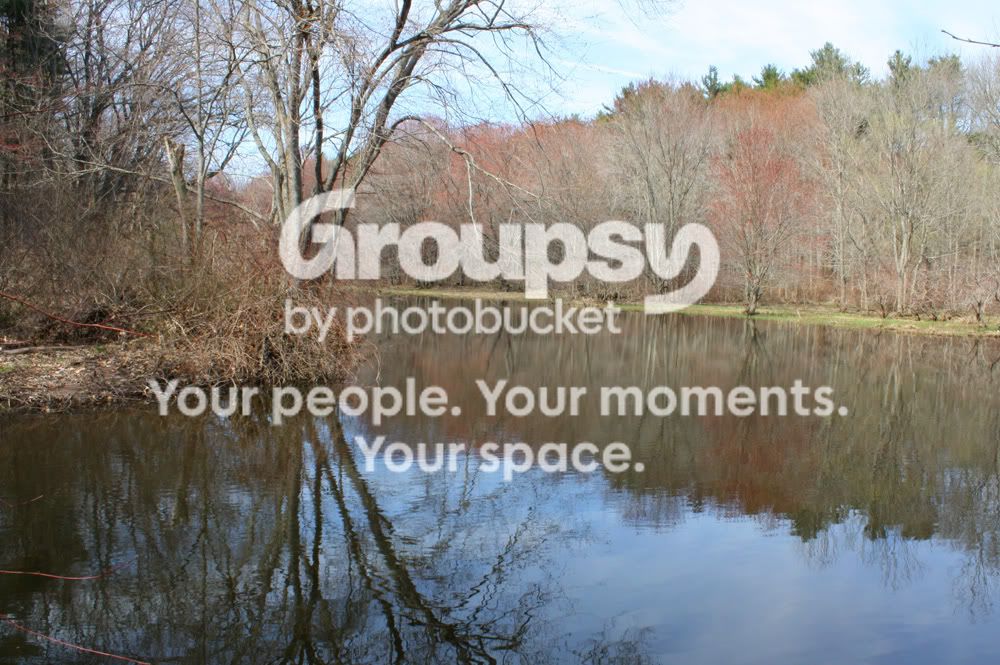
I also decided that I would shoot in RAW, and it turned out to be a lot simpler than I thought. Here are 3 photos that I liked, and I would appreciate some criticism if you would care to give me some.

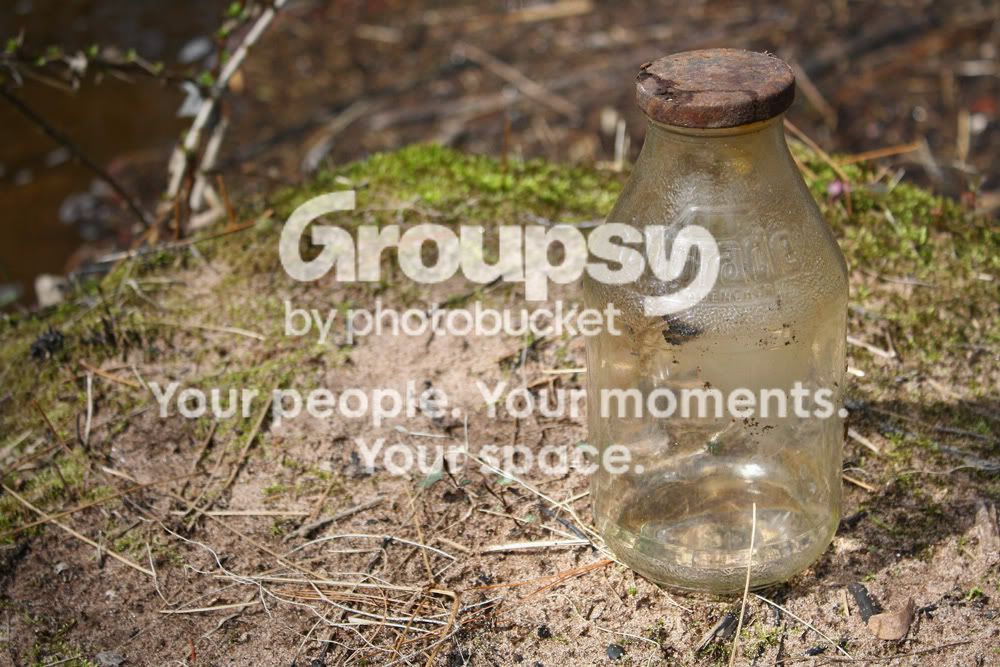
I found an old glass Gatorade bottle lying around, and I thought it was pretty cool.
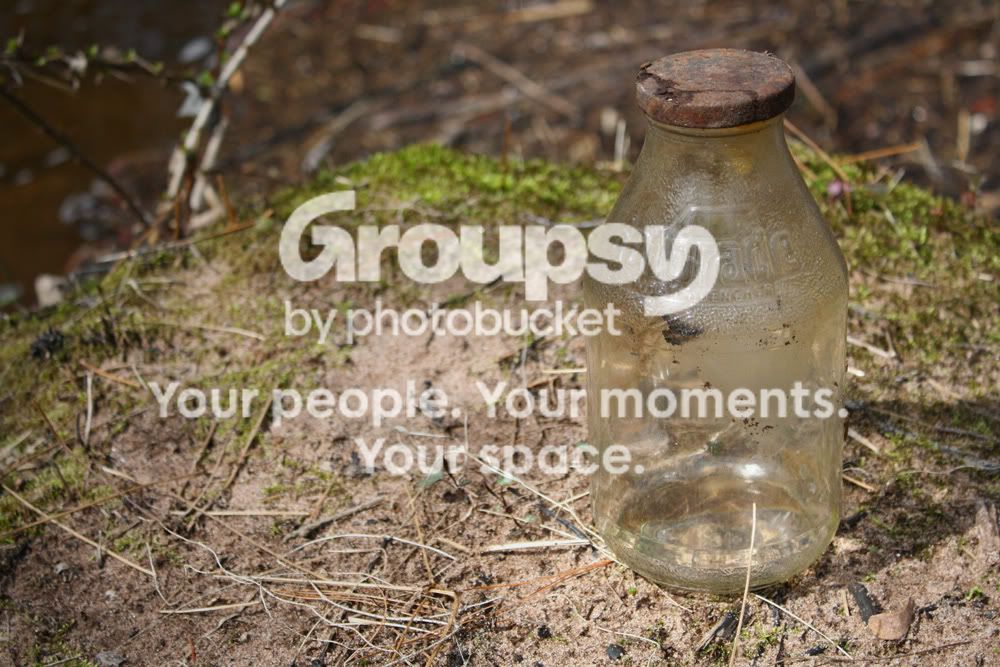
c0000r.jpg


c0001r.jpg


I was trying to do some long exposures of the water, but none of them really came out how I wanted them to. This was the best one though.
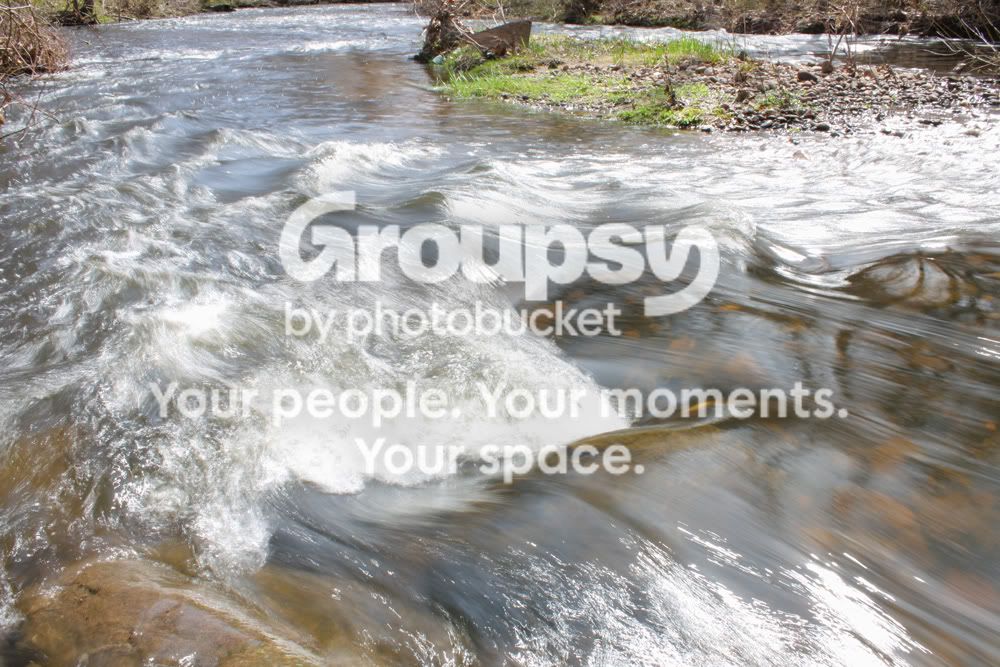
c0002r.jpg


Thanks in advance.
 
#1 does nothing for me
#2 I think the sky is a little too bright. Maybe a CPL would help?
#3 I like. A CPL may also have helped here to cut down on glare + you'de be able to slow your shutter spd down even more.

Now that you're shooting in RAW make sure you are sharpening the photos. I believe the .JPG process does it automatically, but RAW does not.
 
#1 does nothing for me
#2 I think the sky is a little too bright. Maybe a CPL would help?
#3 I like. A CPL may also have helped here to cut down on glare + you'de be able to slow your shutter spd down even more.

Now that you're shooting in RAW make sure you are sharpening the photos. I believe the .JPG process does it automatically, but RAW does not.

Thank you for the tips, I just did some editing of some different RAW shots that I just took, and I figured out the sharpening.

Here is the first one sharpened:
c0007r.jpg
 
RAW is definitely the way to go, particularly because you can adjust color balance and exposure without loosing quality. With many digital camera's you'll get slightly unsharp pictures, in Photoshop the Unsharp Mask will help that.

As to the pictures, well, there's room for improvement. Actually I'd say the first one is the most interesting. The other two lack a a subject. However I'd go even closer to the bottle. The river bend in nr 2 lacks color/contrast to be interesting I think. Autumn colors would help this one a lot. When it comes to the last one, there's a lot of reflection on the water, a Polarizer filter would give depth. That might also help pic 2. However, the last picture lacks some rocks or a small waterfall to make the slow shutter speed effect work nicely.
 
RAW is definitely the way to go, particularly because you can adjust color balance and exposure without loosing quality. With many digital camera's you'll get slightly unsharp pictures, in Photoshop the Unsharp Mask will help that.

As to the pictures, well, there's room for improvement. Actually I'd say the first one is the most interesting. The other two lack a a subject. However I'd go even closer to the bottle. The river bend in nr 2 lacks color/contrast to be interesting I think. Autumn colors would help this one a lot. When it comes to the last one, there's a lot of reflection on the water, a Polarizer filter would give depth. That might also help pic 2. However, the last picture lacks some rocks or a small waterfall to make the slow shutter speed effect work nicely.

Thanks for the criticism. I was actually going for the reflection in the second one, and I do have a polarizing filter.
 

Create an account or login to comment

You must be a member in order to leave a comment

Create account

Create an account on our community. It's easy!

Log in

Already have an account? Log in here.

New Topics

Back
Top Bottom