What's new

A few portraits I have done

JayG1372

TPF Noob!
Joined
May 8, 2017
Messages
56
Reaction score
24
Can others edit my Photos
Photos OK to edit
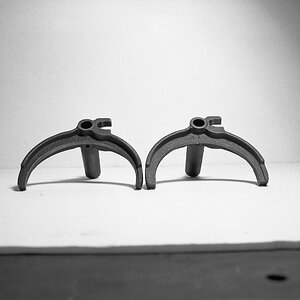
chunkbw_27148117583_o.webp
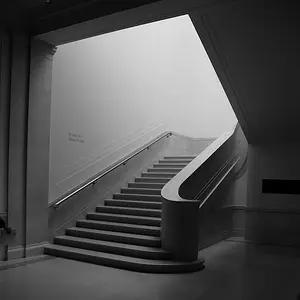
floral-crown-photoshoot_27159485580_o.webp
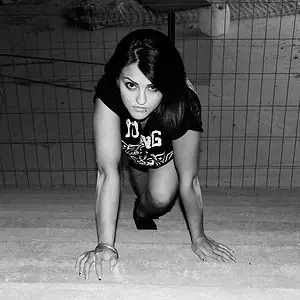
haileigh_27759191465_o.webp
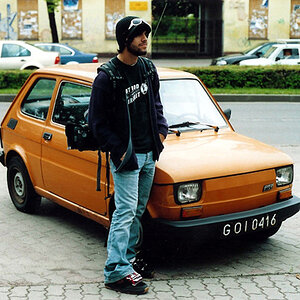
interrupted-during-play_26725599463_o.webp
 
over saturated, over processed .. among else
 
Poor light quality and direction, exposure issues, white balance issues. Note the color of the young girls scelera (eye whites). They are not white. It looks like something is reflecting a greenish color cast on her face. I did an edit and while the upper part of her forehead and arms look ok her facial mask is still an odd color. See my edit below.
Learn Photography Concepts

Direction & Quality of Light: Your Key to Better Portrait Photography Anywhere
Off-Camera Flash: Techniques for Digital Photographers
On-Camera Flash Techniques for Digital Wedding and Portrait Photography

Strobist: Lighting 101
 
Last edited:
I'm just going to go over some of the post processing since no mater the composition the processing is what hurts the photos for me.

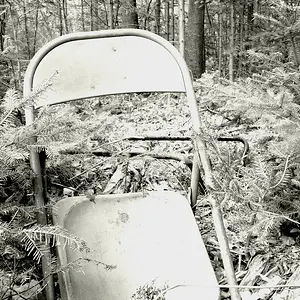
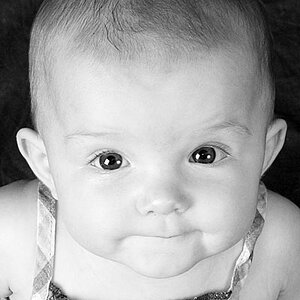
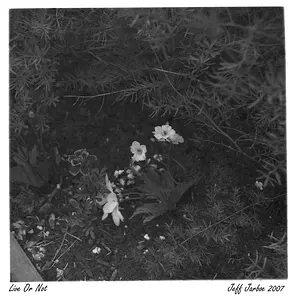
Photo number 1 and 4. Black and white normally have every shade from white to black. Neither of these examples have white which makes them look flat.

Photo 2. Dial way back on the saturation. That flower drags the eye away from the subject and looks like you were trying to go for HDR portrait which is never good.

Photo 3. Possibly brightened just a bit to much and surely to much saturation but not as bad as # 2. Dial back the saturation and possibly drop the exposure by 1/3 stop.

 
Here's a quick edit on the 1st B&W. Still not to my liking but that could be the amount of contrast that was on the original file.
Chunk.webp
 

Create an account or login to comment

You must be a member in order to leave a comment

Create account

Create an account on our community. It's easy!

Log in

Already have an account? Log in here.

Back
Top Bottom