What's new

another newbie critique thread

fjrabon

Been spending a lot of time on here!
Joined
Nov 3, 2011
Messages
3,644
Reaction score
759
Location
Atlanta, GA, USA
Can others edit my Photos
Photos OK to edit
Just started this hobby/art 17 days ago. Would love some critique on any of these photos:

1.
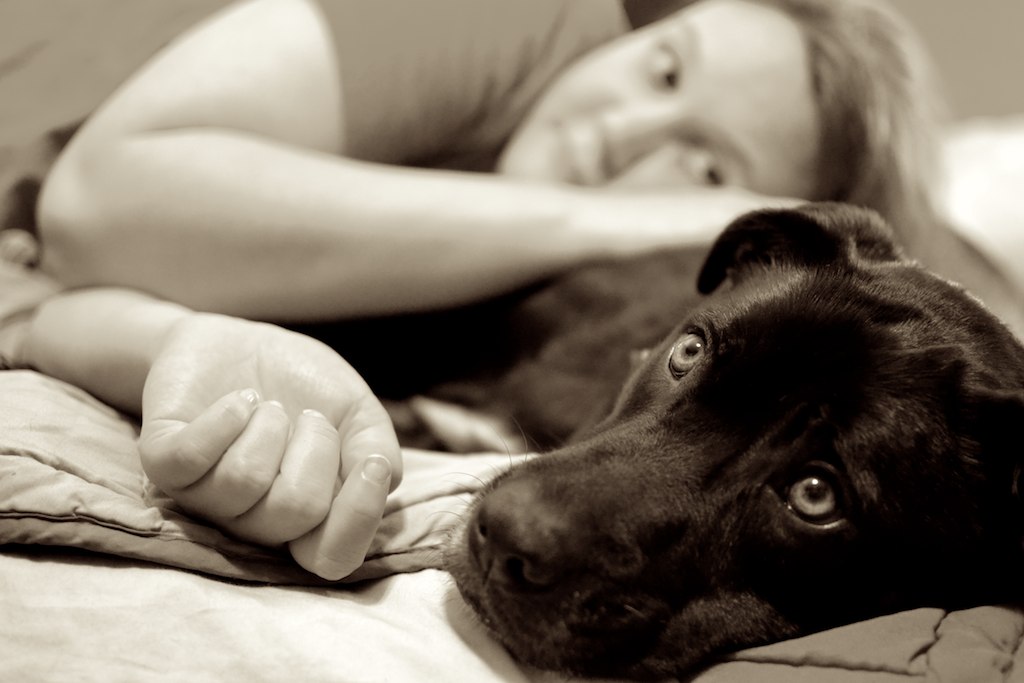
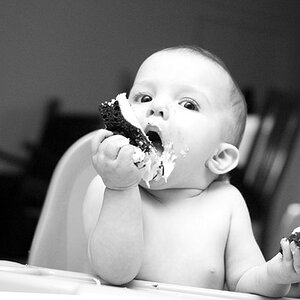
DSC_0133 by franklinrabon, on Flickr: Nikon D3100, Nikkor 35mm prime lens; Aperture Priority mode; ISO3200, f/1.8, 1/50; converted to sepia in Aperture. Normal floor lamp lighting

2.
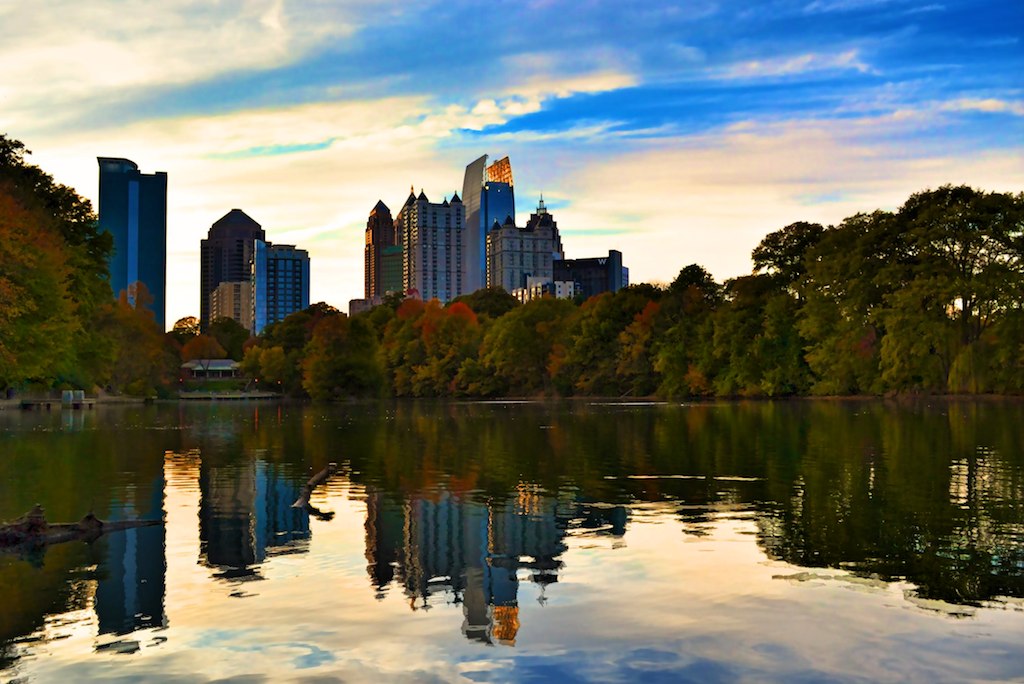
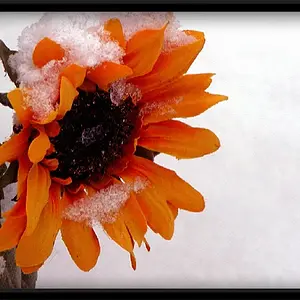
PiedmontparkHDR01 by franklinrabon, on Flickr my first experiment with HDR; program I used for it destroyed my metadata. lol

3. (I know the color splash thing is hackneyed at this point, but I really liked the framing and the dog's color otherwise blended in with the ground foliage, suggestions?)
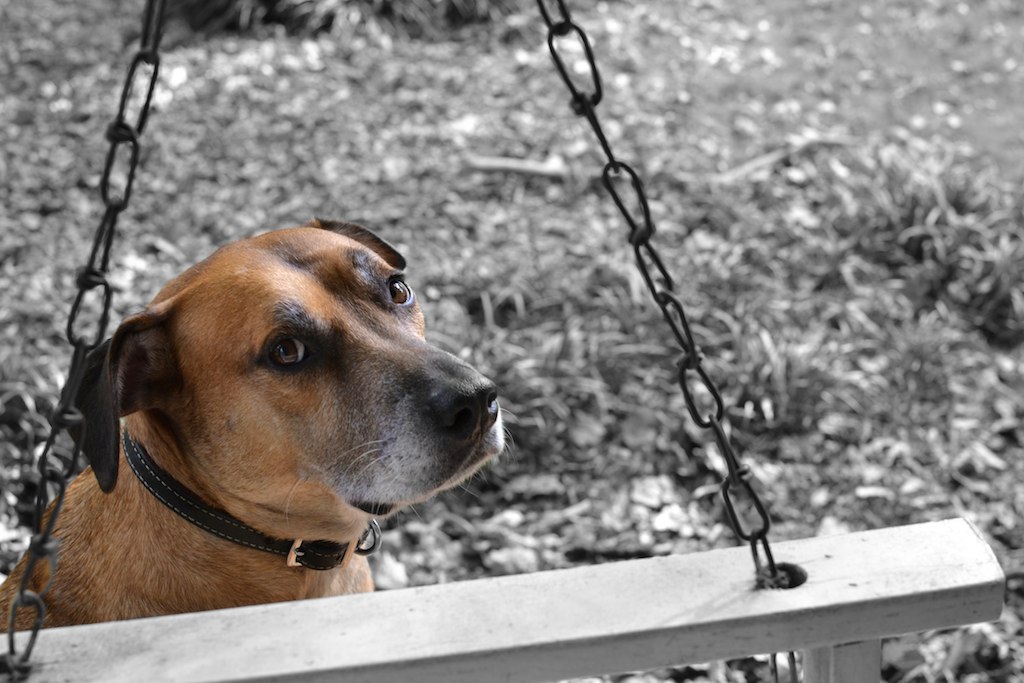
briceswingsplash by franklinrabon, on FlickrNikon D3100, Nikkor 35mm prime lens; Aperture Priority mode, ISO 400; f/4.5 3PM overcast day, shot in aperture priority mode

4.
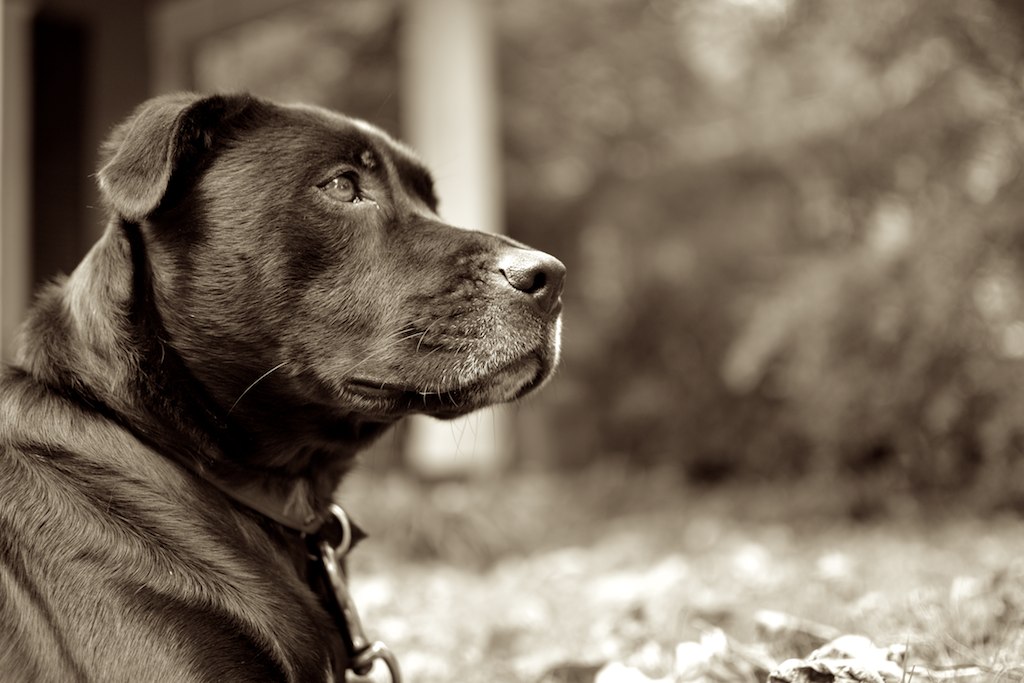
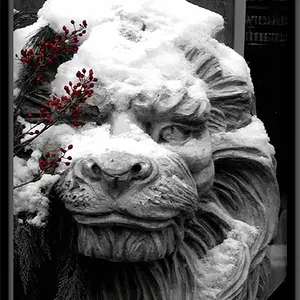
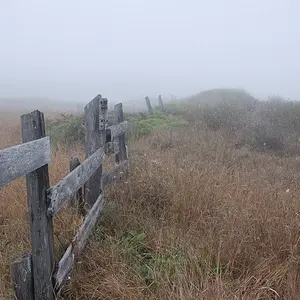
DSC_0160 by franklinrabon, on Flickr; Nikon D3100, Nikkor 35mm prime lens; Aperture Priority mode; ISO 100 f/1.8; 1/125; converted to sepia in Aperture 3PM overcast day, shot in aperture priority mode

5.
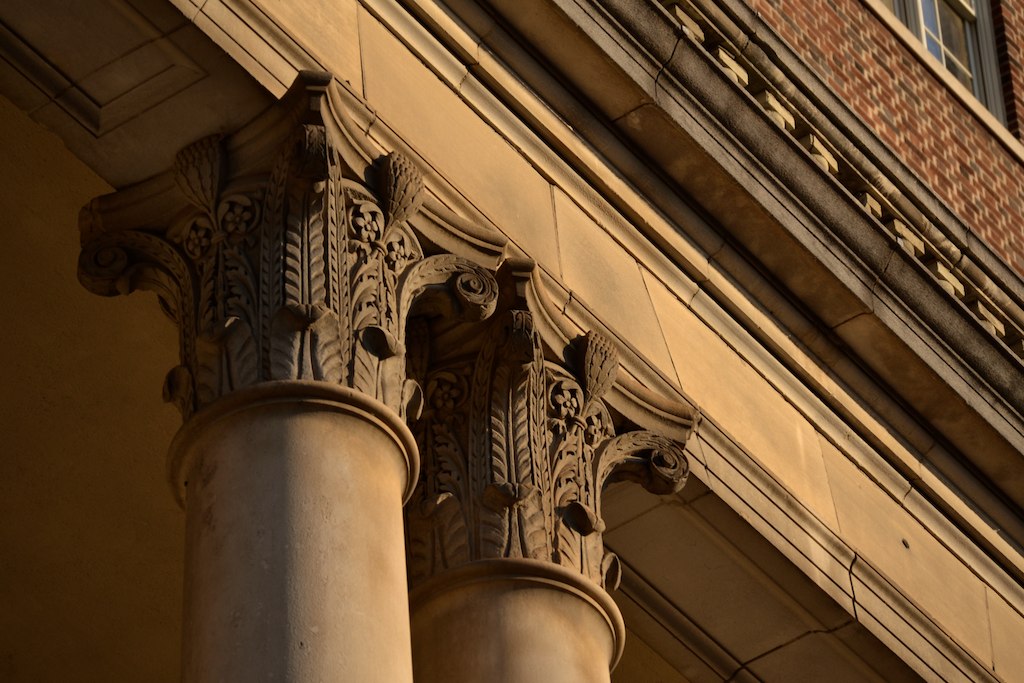

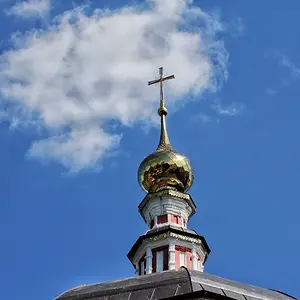
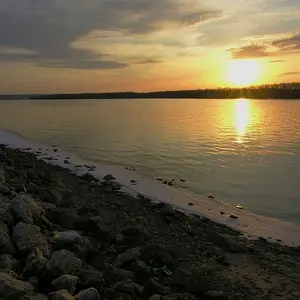
DSC_0170 by franklinrabon, on Flickr; Nikon D3100, Nikkor 55-200mm nonVR lens, 105mm; ISO 100 f/4.8; 1/640 (handheld) 'golden hour' lighting, shot in aperture priority mode

6.
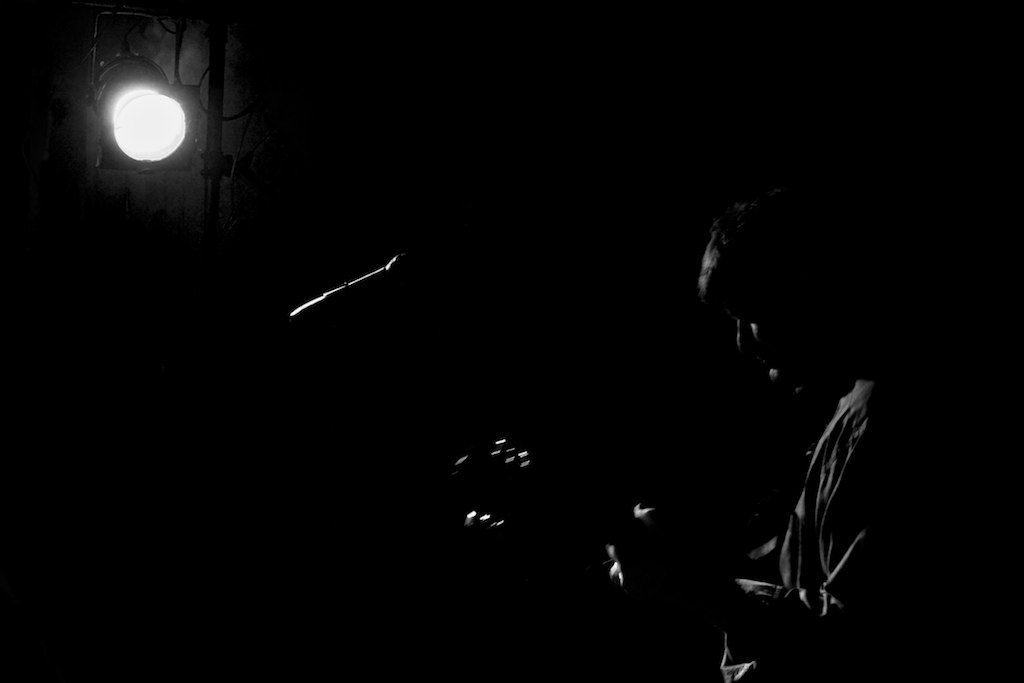

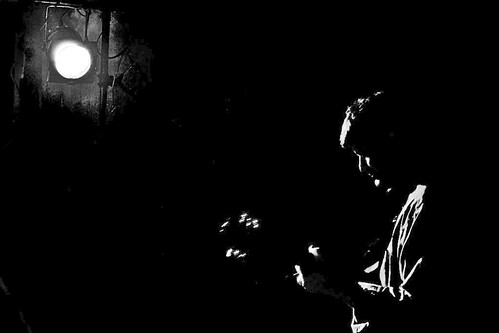
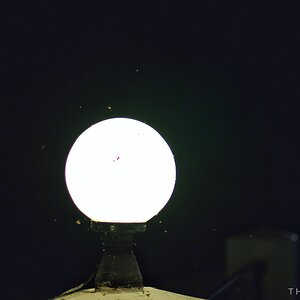
DSC_0262 by franklinrabon, on Flickr; Nikon D3100 18-55mm kit lens; 40mm, ISO 1600, f/5.3, 1/15, shot in no flash auto mode; extremely low 'dive bar' lighting other than a couple of stage lights.
 
Last edited:
I like number 2, and don't mind the saturation push.

I am interested in the last one, but wonder if you could bring the brightness up and the contrast, to really define the highlights of the guitarist, to approach a graphic novel kinda render. If that makes sense?
 
awesome, thanks. The brightness and contrast are actually nearly pegged there. Though for some reason it does look a little less bright and contrasty here than it does in the original file. I was actually going for the type of look you're describing, so that it almost looks like the guitarist was drawn on with white paint on a black background.
 
looking back at these, I definitely should have used a narrower aperture in the first one, correct? Though I was already at ISO 3200 and hand shooting with SS at 1/50, so I was kind of scared to, lol.
 
In the first one, I don't think the OOF background helps, and without a tripod you wouldn't get the DOF you would need, and even then, the shutter speed would be so slow the image would likely be soft due to small subject movements (like breathing). I would crop the top down to just over the dog's ear for a (possibly) more interesting composition.
 
In the first one, I don't think the OOF background helps, and without a tripod you wouldn't get the DOF you would need, and even then, the shutter speed would be so slow the image would likely be soft due to small subject movements (like breathing). I would crop the top down to just over the dog's ear for a (possibly) more interesting composition.

Great, thanks. I guess the ideal solution would have been to be further away, unfortunately I was using a prime lens and as far back as the furniture in the room would allow.
 
I really think you have a very good idea for composition, for someone who's only been taking photos for a couple of weeks. None of your subjects are smack in the middle of the frame, as so many newcomers want to do.

Your selective coloring really isn't a bad choice for #3--at least you've selectively colored the actual focus of the photo! Did you try doing it the same way you did #4, in more of an overall sepia tone? I'm just wondering how that would look. I agree, the framing is nice.

I couldn't tell what #6 was at all, until Bitter commented on it. But don't take that the wrong way, I have bad eyesight. I played with it a little in PS, doing what Bitter said, but then also playing with Shadows/Highlights/Midtones, and I do think it improves it. I won't post my result here, because...well, because I'm really not very good at Photoshop, lol!
 
I really think you have a very good idea for composition, for someone who's only been taking photos for a couple of weeks. None of your subjects are smack in the middle of the frame, as so many newcomers want to do.

Your selective coloring really isn't a bad choice for #3--at least you've selectively colored the actual focus of the photo! Did you try doing it the same way you did #4, in more of an overall sepia tone? I'm just wondering how that would look. I agree, the framing is nice.

I couldn't tell what #6 was at all, until Bitter commented on it. But don't take that the wrong way, I have bad eyesight. I played with it a little in PS, doing what Bitter said, but then also playing with Shadows/Highlights/Midtones, and I do think it improves it. I won't post my result here, because...well, because I'm really not very good at Photoshop, lol!

If you can, please do post it. Like I said to him, in Aperture the contrast and brightness are actually jacked to their max levels, and it looks dramatically different on my actual computer than it does when flickr gets ahold of it, for some reason. This picture made the conversion to flickr extremely noticeable for some reason, and I can't figure out why.

I tried sepia in #3, and it just kind of fell flat to me. Though now that I've learned more about sepia conversion, it might have worked with a more contrasty sepia.

Thanks very much for the compliments!
 
Okay, but you've been warned that I do NOT know what I'm doing where post-production is concerned. Someone else may be able to do something a lot better with this, especially with the spotlight.
This was basically, just upping the contrast and brightness, WAY up, and then adjusting the shadows and midtones quite a bit as well.

guitarplayerdark by sm4him, on Flickr
 
Okay, but you've been warned that I do NOT know what I'm doing where post-production is concerned. Someone else may be able to do something a lot better with this, especially with the spotlight.
This was basically, just upping the contrast and brightness, WAY up, and then adjusting the shadows and midtones quite a bit as well.

guitarplayerdark by sm4him, on Flickr

Awesome, After that I'd probably play around some with the area around the light, to get out the distracting elements, but I like the effect you got. The image I'm looking at in my actual version of the picture is kind of between what you had and what came out when posted to flikr.
 

Create an account or login to comment

You must be a member in order to leave a comment

Create account

Create an account on our community. It's easy!

Log in

Already have an account? Log in here.

New Topics

Back
Top Bottom