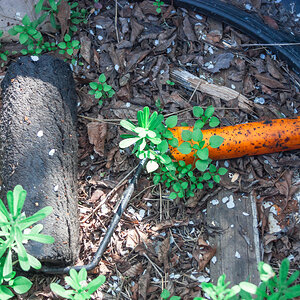
1. Used the elliptical marquee tool to select the circular area.
2. Used a Brightness/Contrast adjustment layer @ -23 brightness, 6 constrast (just eyeballed it)
3. Used CTRL/ALT/SHIFT/E to put it all on a new layer.
4. Used the spot healing brush, healing brush, patch tool and clone stamp around the edges of the circle selection of the new layer to blend it in and put a little more "road" definition here and there inside the circle area.

 DSC_5232 by justindong, on Flickri tried quickly playing with the healing brush and clone stamp, but didn't really get anywhere


![[No title]](/data/xfmg/thumbnail/30/30880-eb7252c7e6df26b6cbc7065d2838df96.jpg?1734158883)

![[No title]](/data/xfmg/thumbnail/34/34115-73b827c6a6db1413dcead11e4caaae69.jpg?1734164571)