^
1) Go to your flickr page
2) click the photo you wan to display on this forum. Once clicked, a new page will load.
3) Above the photo that you just clicked, on the top left hand corner. There are 5 little buttons ACTIONS, EMAIL, TWITTER, FACEBOOK and lastly a collapse button that looks kind of like this.. V
4) Click that V like shaped button (the last one beside the FACEBOOK)
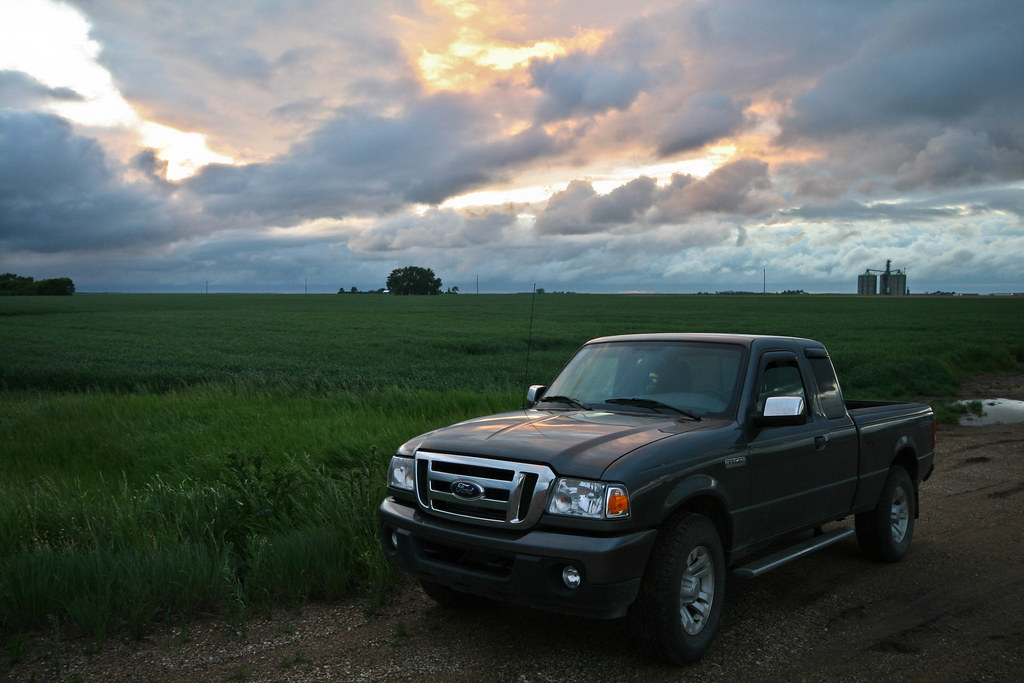
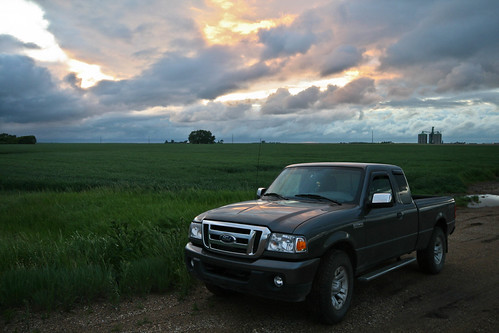
5) Click on GRAB THE HTML/BBCode. At the bottom choose your desired size you would like to display. Choose Medium 500 (500x333) and Select BBCode which is right below it.
6) You'll see BBCode in the little box. It'll say (Copy and paste the code below)
7) Copy all of that and simply paste it into this forum.
Let me know if this helps, if you need more help I'll gladly make a YouTube Tutorial on how to do it cause I'm bored hehe

Hope this helps
Cheers
Thanks
Mike















![[No title]](/data/xfmg/thumbnail/38/38261-db20f6f92ee8f0d4c5cf1536e308638b.jpg?1734172147)

![[No title]](/data/xfmg/thumbnail/38/38263-ad5e4c9e677626ddb5b1e7cdf9ebe40e.jpg?1734172152)