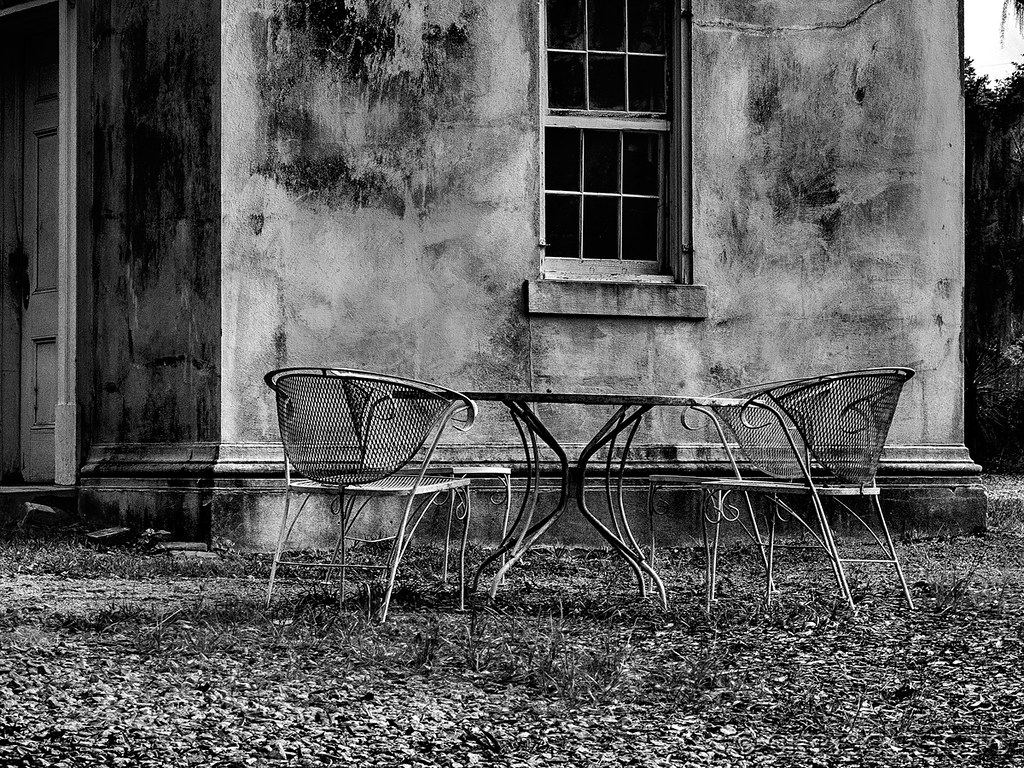
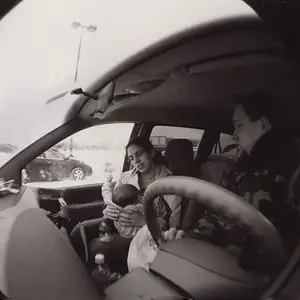
Something between the two might work well, you know, just a barely perceptible sepia tint. The upper right corner bothers me a little, but I'd probably get used to it.
Never been into sepia, even real sepia on real prints. But I've never been into vignettes either or any of the other bells and whistles. Too much Hocus-pocus for my taste. Well, maybe Selenium toning for permanence. But I digress. Back to the image...
Never been into sepia, even real sepia on real prints. But I've never been into vignettes either or any of the other bells and whistles. Too much Hocus-pocus for my taste. Well, maybe Selenium toning for permanence. But I digress. Back to the image...
I'm not a fan of strong tints either, but the polycontrast paper I used to print on was a little warm at 1.5-2 contrast, where I ended up printing more often than not (it got colder as you went higher), so the stark B&W you get from a digital conversion looks a bit "off" to me in many cases. I do a sepia tint on most images where the R values are only about 4-8 units higher than the others (out of the PS 255 scale).




![[No title]](/data/xfmg/thumbnail/42/42451-9e2e4f1caad4c45d0c61e2a856140c36.jpg?1734176992)
![[No title]](/data/xfmg/thumbnail/34/34081-b60dc01a4635d409083c1fbe16b8fb95.jpg?1734164516)
![[No title]](/data/xfmg/thumbnail/30/30994-49c5521f7b5b417f49dcd43891cbec27.jpg?1734159066)