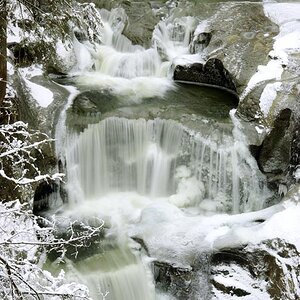
A different way of saying what everyone else is:
When your camera sees white, it tries to even it out to gray. Often when something is "white," it's because it's a blown highlight or something of that nature. The camera sees white in either case, and darkens the picture. If the white is a blown highlight, this is good and beneficial. But since your
subject is actually the color white, you have to tell the camera "no really, this isn't a blown highlight or anything, it's supposed to be bright white so let it stay that way"
The way you do that, exactly, depends on your camera. Posting your brand/line/model would be helpful. Often there is a button for EC - it usually looks like this

Once you hit that, move the slider to the right with your weapon of choice - dial, scroll button, touch screen, etc. - and let the good times roll
Take a few test shots and see how you like them
Tweak the exposure in post (usually photoshop or lightroom) so that it looks the best
Use the histogram as a reference, not a guide. Not sure if that makes sense, but what looks best is what should determine exposure. Not what it auto-exposes to
Also, are you using your camera in a semi-manual mode? Av, Sv, Man? Because if you're in Auto mode then you're SOL til you learn how to use some others

Happy shooting,
Jimbo











![[No title]](/data/xfmg/thumbnail/39/39498-362f11d9bfd0d9e222faa85b38801745.jpg?1734173616)