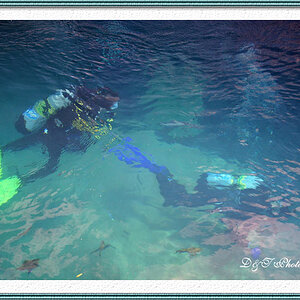
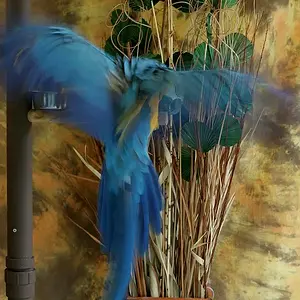
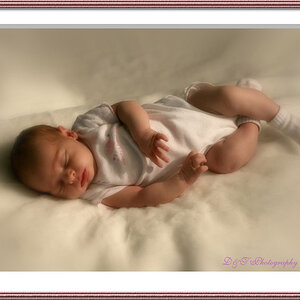
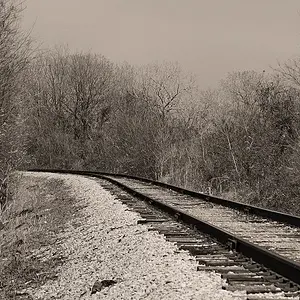
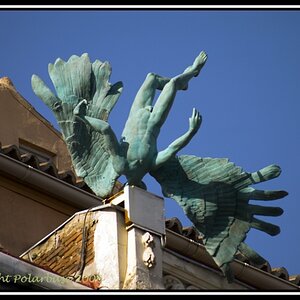
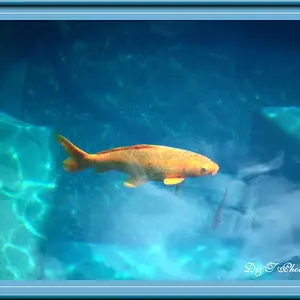
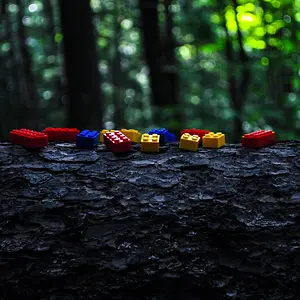
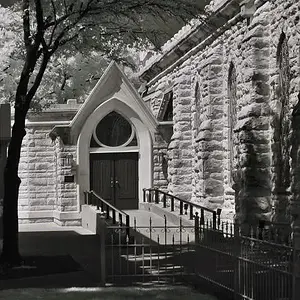
First shot is wonderful, the second though is showing that you were shooting very much in strong light which is leading to those white areas which are rather glaring to the viewer. A way to counter this in field is to underexpose a shot during the day by about one full stop (either select settings to underexpose in manual or use exposure compensation in aperture or shutter priority modes). That will help preserve the white areas more and then you can just add light to the shot in editing to brighten it up.
In editing you can try using the burn tool on the white areas to restore some colour and cut down on the glare - use it at something like 20% exposure and that way you can run the brush over a point several times and build up to the level that works best (if you use a different mouse click for each area and layer you can use the undo command to go back a few layers if you need to).
Overall two very good shots and I really like the selective colouring in both - works well for such a bright and playful cat!