What's new

C&C on sisters photoshoot

Kbarredo

TPF Noob!
Joined
Mar 25, 2011
Messages
795
Reaction score
35
Location
Canada
Can others edit my Photos
Photos OK to edit
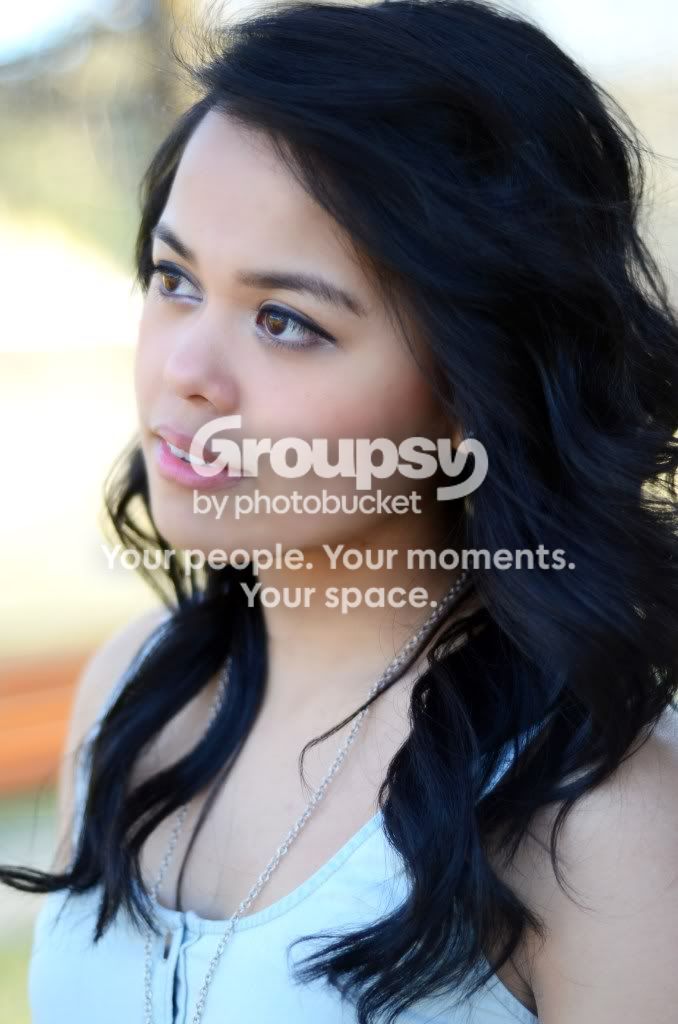
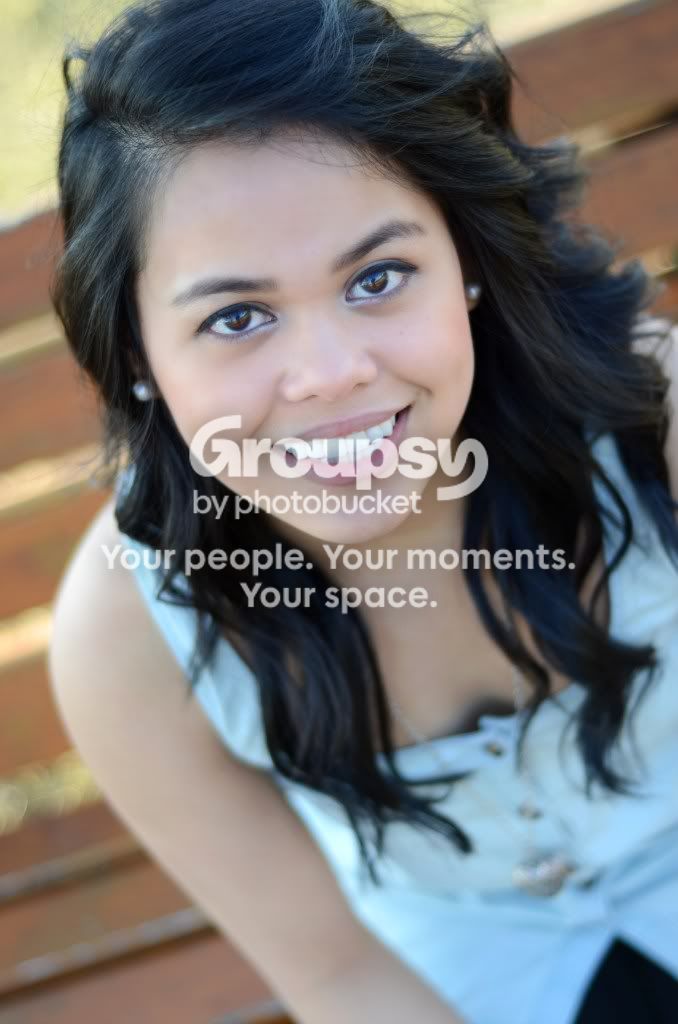
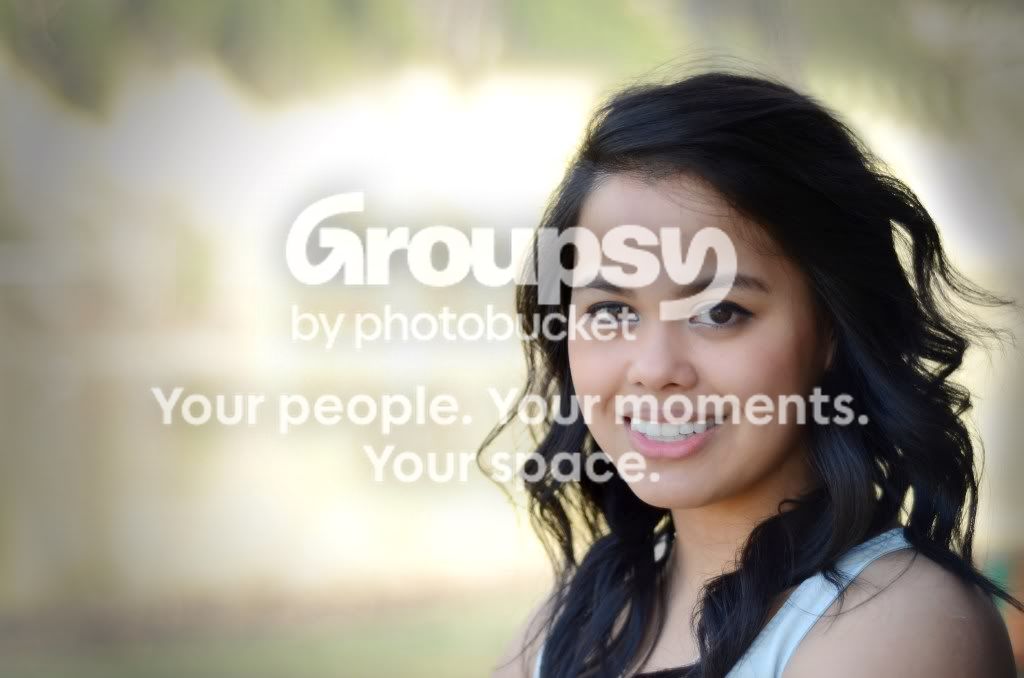
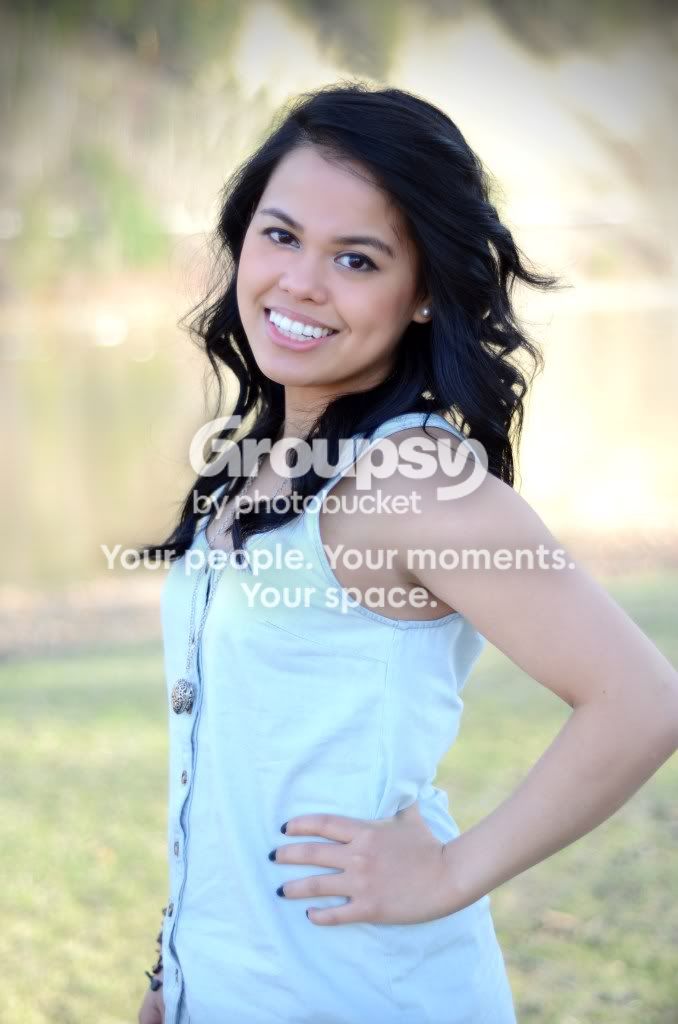
This is a recent shoot I did with my sis. Tell me what you guys think. I think I should have shot at a smaller aperture. Hey eyes are sharp but the rest of the frame is a little soft.
1
DSC_0439.jpg

2
DSC_0451.jpg

3
DSC_0446.jpg

4
DSC_0433copy.jpg

5
DSC_0430.jpg

6
DSC_0426bw-1.jpg

7
DSC_0422-2.jpg
 
They are all excellent photos. Your Sis is a natural model but I see what you mean about the rest of the shots being a little soft compared to the eyes. It's not so soft to be an issue though. I still think they are great photos
 
What 50 are you using? The 1.8G or the 1.8D. The D is much softer than the G wide open, but both are much better stopped down to at least f/2.2.
The background is far enough away in all of these that even f/4 would have thrown the background into a nice blur and would have produced a much sharper image.

Nice composition.
 
You really need to consider not shooting wide open 100% of the time. A lot of these are soft even without enlarging them. They also are quite flat tonally. There's a lot of dead space on 5 which doesn't add to the composition, and a very strong vignette.

Some of the images are usable, but they'd require an extra 'punch' in PP to actually make them pop a bit.
 
You made her pose very well...barring technical shortcomings, i really like these images
#2, #5 and #6 are my fav

Regards :D
 
wow really like number 4! shes got really pretty brown eyes. kudos.
 
#2 #3 #4 the crop seems too tight. All the images are very soft IMO. As said above they seem flat too. I like the model and the poses seem good. I don't do a lot of portrait work so not sure how credible my info is on the poses. #5 is my favorite. I think I would crop a little off the left though as tyler said there is a lot of dead space to the left and I would crop it to where the bright spot starts.
 
I also think that these are a bit soft.

caution.jpg


I don't know if this will help, but this is my personal experience with AF...

My experience:

A lot of my shots come out a bit soft. I used to set the AF mode to "One Shot", compose by focusing on my subjects eyes, holding my shutter button halfway to lock my focus and then recomposing to the desired scene and pressing the shutter the rest of the way.

But I offten got this "soft" effect, or the wrong part of the picture in focus. For example: Eva. I focused on her eyes... But when I recomposed the focal plane ended up on the dolls face...

Now, I use the AI-Servo mode of my Canon... (not sure what Nikon and others call it).

This (in most cases) maintains my focus lock even when I recompose the image (as long as I keep the shutter down halfway while recomposing).

I think it's also important to point out that I set my camera to use only one AF point.

Relevant notes:
"One Shot" is a setting that Canon uses within their AF Mode system AND their Drive Mode system. If the difference beteen the two is not clear to you, look in your camera's manual.

This method may not work well with static targets... As the AI-Servo may get "confused".

 

Create an account or login to comment

You must be a member in order to leave a comment

Create account

Create an account on our community. It's easy!

Log in

Already have an account? Log in here.

New Topics

Back
Top Bottom