terry7cook
TPF Noob!
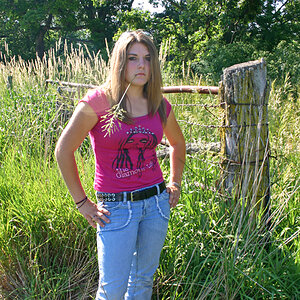
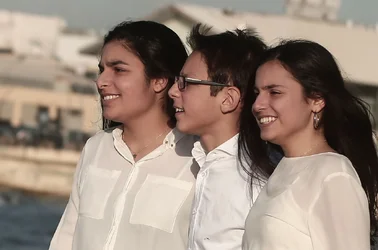
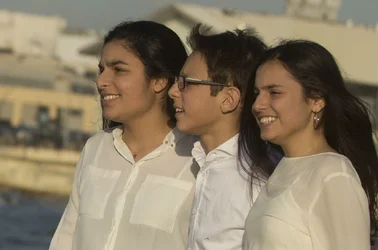
I shot this picture today and saved two files to different cards the raw+jpeg.
I set my sharpness all the way up among few other settings that don't matter right now. (On camera)
When I view both files through AcdSee, It's more than clear that the Raw file is much sharper than the jpeg. Look on the girls faces, their clothing and etc.
How do you explain that? Doesn't it suppose to be the opposite? What if I don't want to edit my files and want it straight out of camera, I want to get the best quality possible....
You can donwnload both files from here
http://www.filedropper.com/canon1dx
I set my sharpness all the way up among few other settings that don't matter right now. (On camera)
When I view both files through AcdSee, It's more than clear that the Raw file is much sharper than the jpeg. Look on the girls faces, their clothing and etc.
How do you explain that? Doesn't it suppose to be the opposite? What if I don't want to edit my files and want it straight out of camera, I want to get the best quality possible....
You can donwnload both files from here
http://www.filedropper.com/canon1dx



![[No title]](/data/xfmg/thumbnail/36/36302-6ee4929dfdf80290ffd73704693e860f.jpg?1734168631)
![[No title]](/data/xfmg/thumbnail/36/36303-10b1a386a9a00cf90fb7605d2d2c48c1.jpg?1734168634)