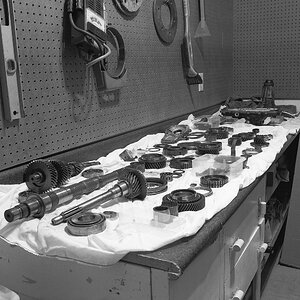
I like it better in color, but I agree with tirediron, I'd like to see it from a little farther away, the crop on the tire isn't doing anything for me.
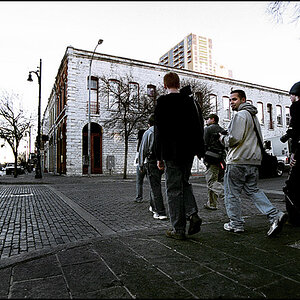
I like it, and I stole it for a minute There's some type of photoshop tutorial I read a long time ago called Lomo (it's mimics an old camera that was crapy but gave a cool effect I guess), so I tried applying that. Seemed like the perfect pic for it.
I like it, and I stole it for a minute There's some type of photoshop tutorial I read a long time ago called Lomo (it's mimics an old camera that was crapy but gave a cool effect I guess), so I tried applying that. Seemed like the perfect pic for it.
or keep it low and go to the right. Just like people, you want to have angles that compliment the cars features. An enthusiast will know that this is a rat rod but to the common spectator it could be a truck or a weird 3-wheeler. Vehicle identity is something to never lose.
I like it, and I stole it for a minute There's some type of photoshop tutorial I read a long time ago called Lomo (it's mimics an old camera that was crapy but gave a cool effect I guess), so I tried applying that. Seemed like the perfect pic for it.
No idea what Tone Mapping is >.<. But the process goes like this, not sure if I am doing it 100% correct but I usually like the final product. plus it usually takes under 1 minute:
1. Create a vignette (select circle -> inverse -> feather a little -> mess with levels to darken.)
2. Merge
3. Use the curves layer mask and make an slight S shape using 3 points, lower left 1/3rd, center, top left 3rd.
4. Merge
5. Add a layer of #000, Opacity 40%, blend mode Hue.
6. Merge
7. Convert to lab color
8. Go to Channels and select Lightness
9. Do Unsharpen Mask, settings: Amount 50%, Radius 50px, Threshhold 0.
10. Convert back to RGB
11: Merge (if needed, I usually duplicate image and copy for sharpening) and done




 There's some type of photoshop tutorial I read a long time ago called Lomo (it's mimics an old camera that was crapy but gave a cool effect I guess), so I tried applying that. Seemed like the perfect pic for it.