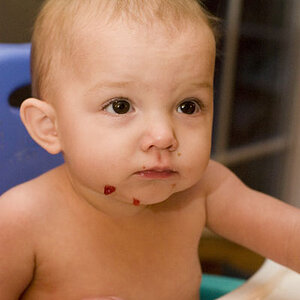
If you have Photoshop, you can go to Image -> Adjust -> Saturation, and in the new box which opens up then, "Master" is the default word to show up, but you can open yet another little drop down menue which offers you all the colours, yellow, red, blue, magenta, cyan and green (I think), and you then choose only "red" and can thus reduce the red.
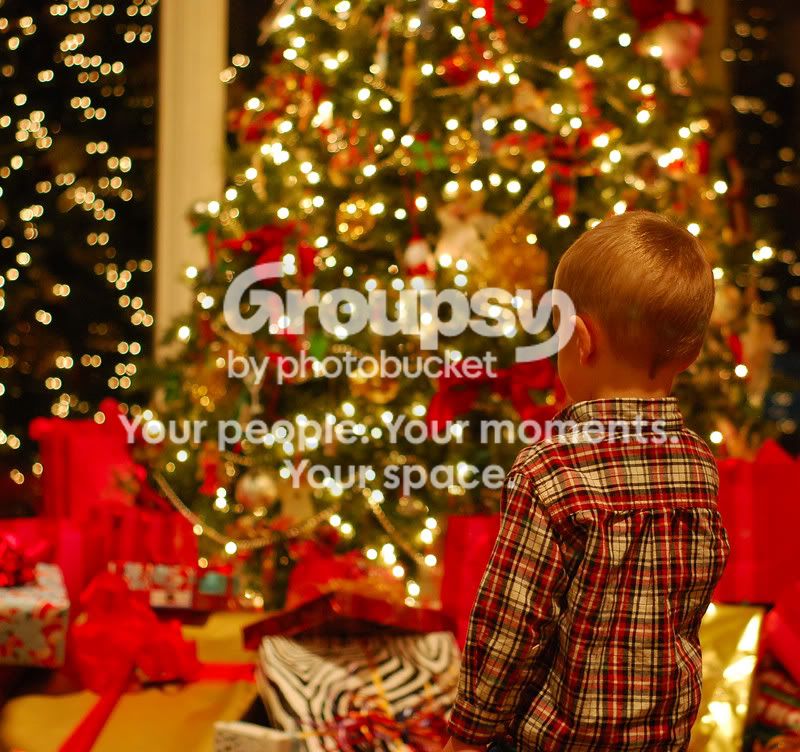
And I like the direction of the boy's gaze, and I like how we can really see his eye-lashes, which I take for tack-sharp in print, against all the Christmas ornamentary fallen out of our own focus. Not too bad an attempt!!!



![[No title]](/data/xfmg/thumbnail/42/42482-3d0e794a92737ca7ecbc8125874457aa.jpg?1734177007)
![[No title]](/data/xfmg/thumbnail/37/37107-df85b207aa6d9b7f6b88f682e493a52e.jpg?1734169830)
![[No title]](/data/xfmg/thumbnail/35/35946-771bfce9b2727c9126587d96c471da80.jpg?1734167737)
![[No title]](/data/xfmg/thumbnail/32/32709-80f0f0432fd5ec548a3efdb60ef77d46.jpg?1734162305)