TiCoyote said:
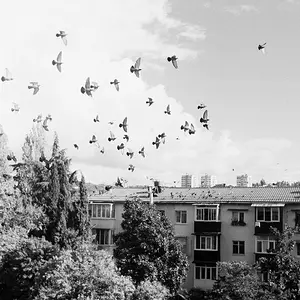
I've been enjoying shooting B&W film, but I wonder if I can get better results with less time/effort/money in digital. Shooting digital and then converting to B&W has some drawbacks. You can't use a red filter. You can PP a red filter, but it's not quite... the same.
Better results? Most likely. Less time? Heck yes, wayyyy less time. Less effort? Oh, my YES, much less effort. The Canon .CR2 files are FULL-COLOR, so you have a full-color, full bit depth .CR2 as well as the camera-created B&W image.
No need to remove the AA filter. I think you want the camera "stock". Set it to shoot RAW + JPEG. Set the color toning as you like: I like Canon's sepia tone look for my RAW + JPEG B&W. Shoot either large, fine JPEGs, or reduced them in size, but keep the fine compression.
You get to PICK Plus OR Minus Development, as needed!!! Soo nice! You can adjust sharpening as-needed. You have
a filter kit, in button controls! For
EVERY single filter size! 82,77,72,58,52...you're set on filters!
Set the filter effect to Yellow for a standard, accepted baseline rendering of the large things like blues, greens, reds, and flesh-tones. or, pick another filter, for different looks on the JPG file.
Options of filters are None, Yellow,Orange,Red,Green.
Toning Effect:None,Sepia,Blue,Purple,Green. (I prefer Sepia, but None is also nice: Neutral-tone B&W paper/developer effect.
Set your Parameters Set for the right Contrast, Sharpness, Saturation, and Color one. (Canon''s categories
********
Canon has this ALLLLLLL figured out for you. My ancient POS Canon 20D's images look as good as Plus-X Pan 125, or T-Max 100. Easily as good as 35mm from a what? A 12 year-old mid-priced APS-C sensor camera.
*******
I might be the only person on TPF who advocates this method...you know, actually USING the system those 50 Canon engineers debveloped to shoot perfect SOOC B&W images...with adjustable filter, adjustable contrast levels, adjustable sharpening, adjustable paper/developer toning look,and the right tonal representations that look like file types of filtration.
DOWN-sizing a big image tends to suppress noise' the ancient Nikon D1 made a gorgeous in-camera Medium B&W Jpeg from its noisy 2.7-MP sensor; you're talking Canon 5D II or III--much newer,larger,bigger,better sensor!
You wonder if you can, "can get better results with less time/effort/money in digital".
Canon developed a system to do just that.


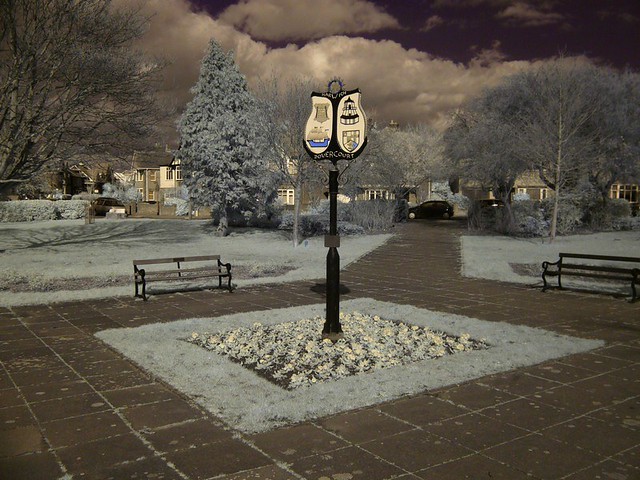 Dovercourt park IR
 Full Spectrum grid