What's new

Do you keep the photos used for panoramas?

nerwin

Been spending a lot of time on here!
Joined
Jan 31, 2015
Messages
4,355
Reaction score
3,193
Max login streak
4 day(s)
Location
Vermont
Can others edit my Photos
Photos OK to edit
I'm just wondering if there is really any point in keeping the extra photos that I used for panoramas when I already have my final panorama finished. I most likely wont ever used them again except if I want to redo it or if in the future there is better panorama stitching algorithms.

Do you keep them or toss them?
 
yes, I do. disk space is cheap.

I use ICE by Microsoft, it's free, easy to use, and does an awesome job--especially with the perspective control. LRs built in is okay at best; works well on very simple panos.

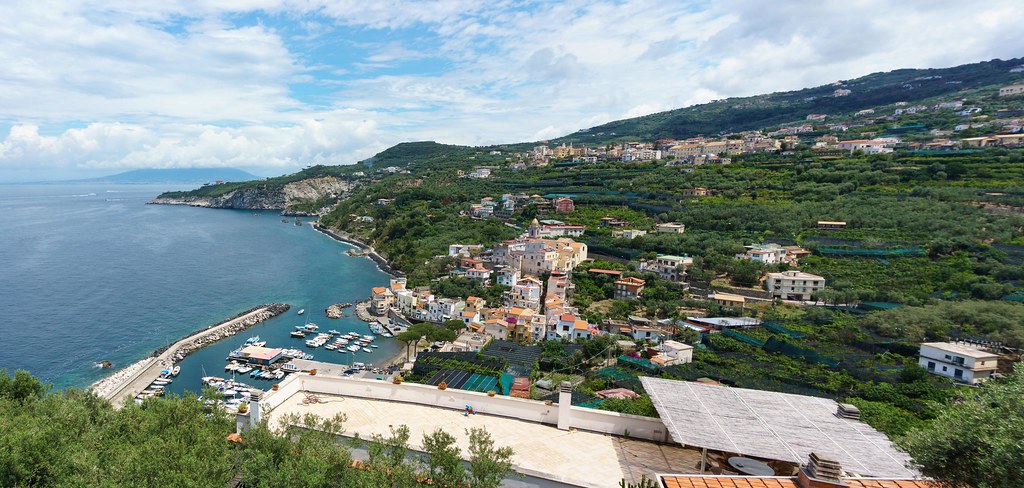
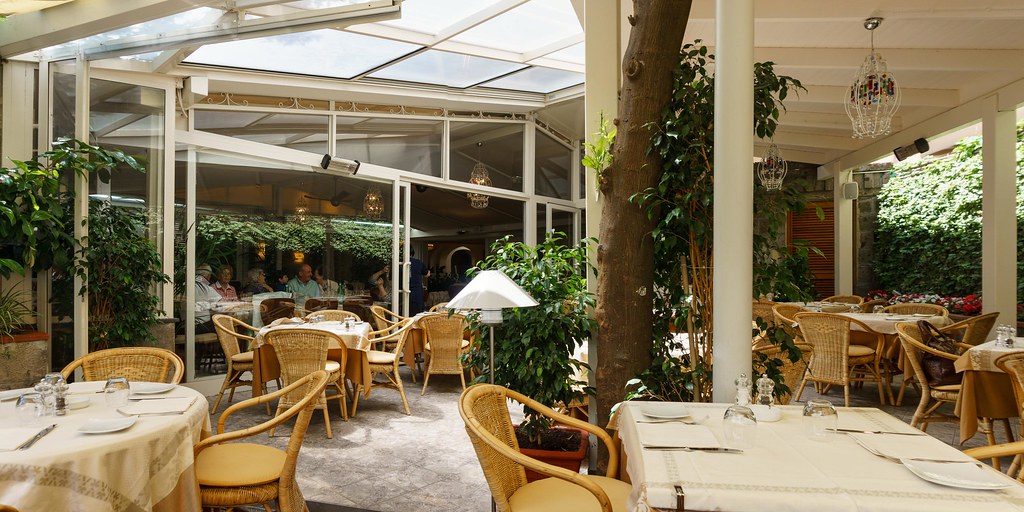
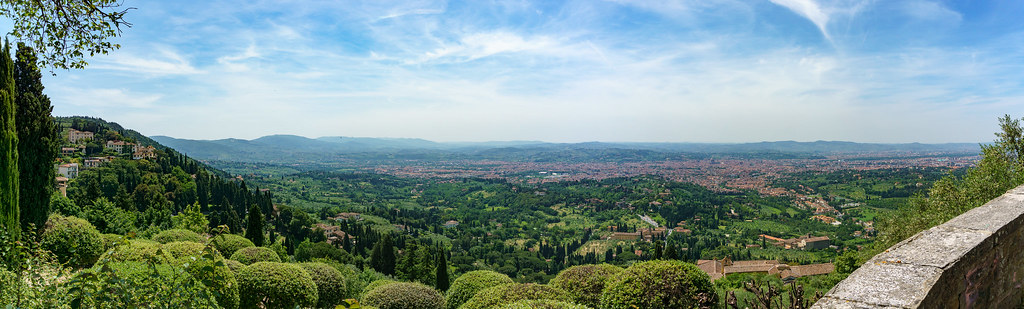
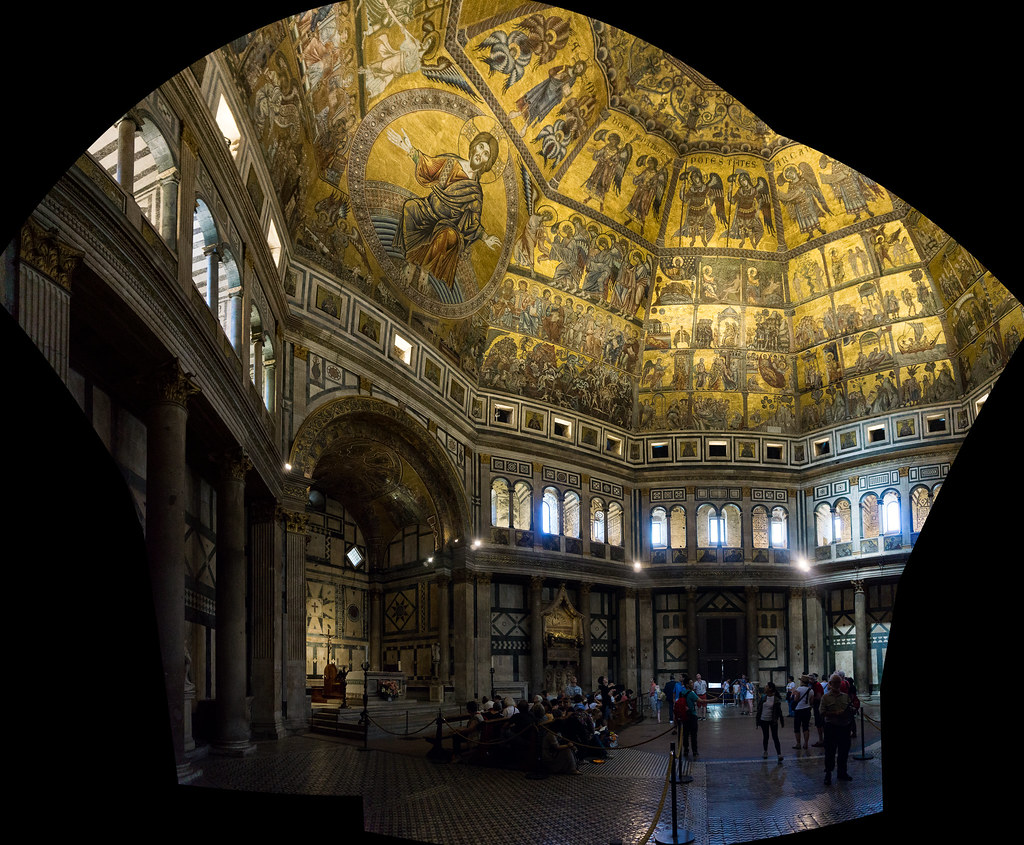
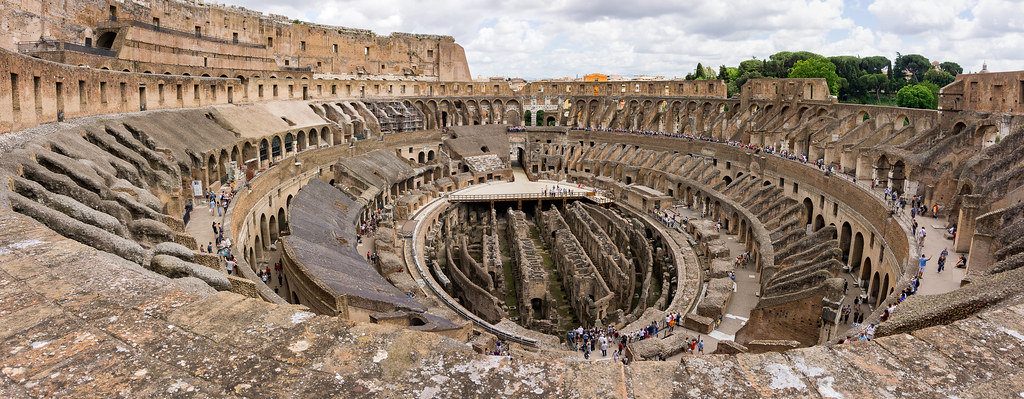
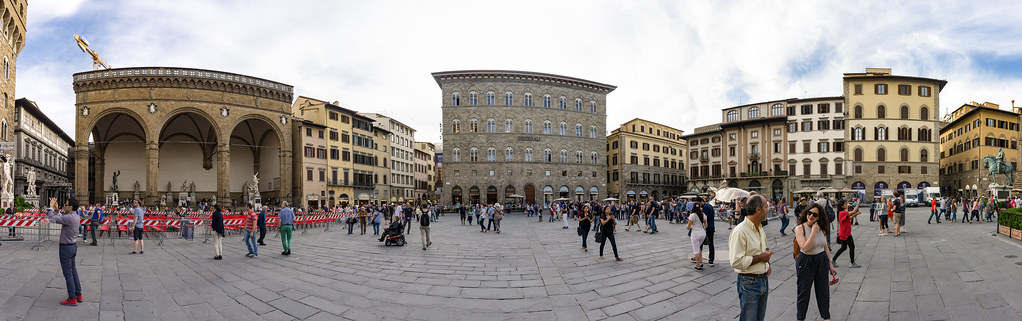
heres a few I just did this weekend:

DSC03602_stitch by The Braineack, on Flickr

DSC03478_stitch by The Braineack, on Flickr

DSC02334_stitch by The Braineack, on Flickr

DSC02135_stitch by The Braineack, on Flickr

DSC02823_stitch by The Braineack, on Flickr

this one was 9 images:

DSC01988_stitch by The Braineack, on Flickr


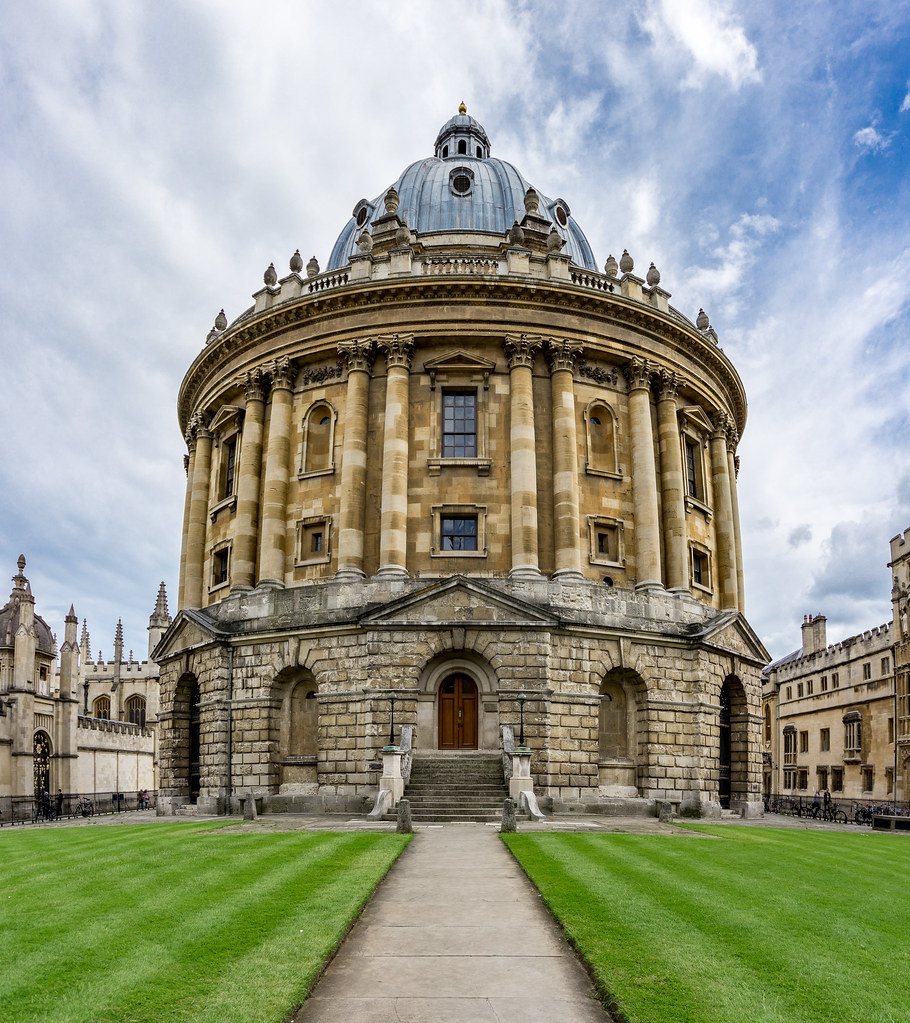
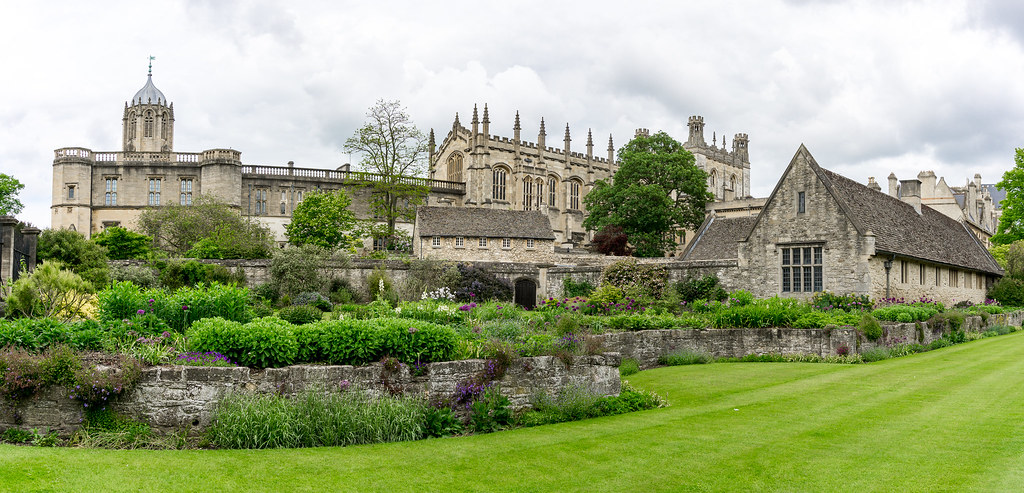
vertically:

Radcliffe Camera Pano by The Braineack, on Flickr

Christ Church Pano by The Braineack, on Flickr
 
Yes and yes.

Yes, I keep em.
Yes, I did click 'like' on braineack's panos.
 
oh here's a good example of perspective control:

single shot at 16mm:

DSC02705 by The Braineack, on Flickr

vs a 9 image stitch from the same spot. Once it does the stitching, you can adjust for perspectives.

DSC02693_stitch by The Braineack, on Flickr


It's the only microsoft product that I ever recommend to people.
 
I normally use Photoshop to stitch mine together. Does much better than Lightroom..like you said, Lightroom stitching is okay for simple photos only. I guess I can keep them and just stack them.
 
Yeah, I keep them. Might be I want to re-process them again so unless I'm really running out of space they'll stay.
 
This is what I like about ICE:

upload_2016-6-12_19-39-43.webp


upload_2016-6-12_19-37-18.webp


this was clicking one buttons to get here, after dragging and dropping 6 images.

now I can alter the project type and move the perspective:

upload_2016-6-12_19-38-31.webp


click next, select my crop (I use auto crop the majority of the time:

upload_2016-6-12_19-39-13.webp


and the output:

upload_2016-6-12_19-40-38.webp
 
Always keep them. Happens that i go back to my older photos and work on them again when i learned something new.
 
yes, I do. disk space is cheap.
.............

Dizzactly!

Who knows what technology might be able to do in the future.

Back in the film days, we always bracketed our shots to assure a good exposure. Now we can take those bracketed shots and create an HDR image.

Same principle applies today to anything I take. I might revisit some old images and apply a new-found technique to them.
 

Create an account or login to comment

You must be a member in order to leave a comment

Create account

Create an account on our community. It's easy!

Log in

Already have an account? Log in here.

New Topics

Back
Top Bottom