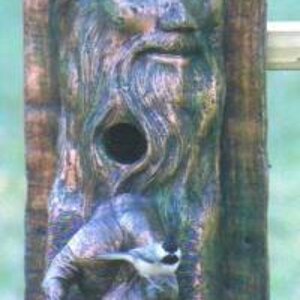
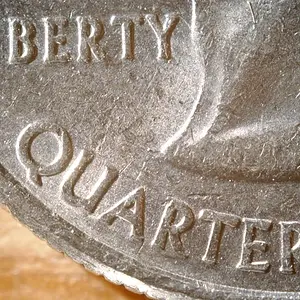
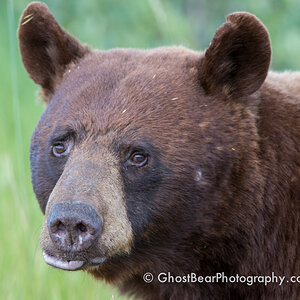
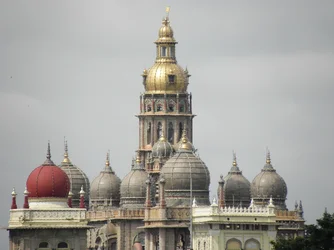
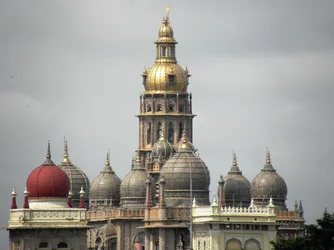
I don't know, as for editing or postprocessing, what you have done with the photo.
What software did you use? And what kind of things you adjusted?
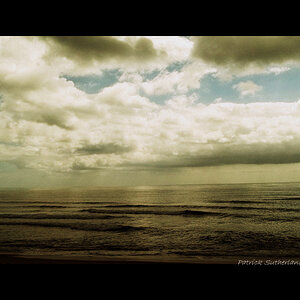
I like your first version much more (even if it looks too soft or not that contrasty). The edited version looks somehow too sharpened or too pixelated.
Here's what I did in photoshop:
- auto levels
- adjustment of curves (I just pointed the white and black balance)
- little 'sharpen > unsharp mask'
I don't know if you like it? I don't know if that would be better. But for me it looks clearer.
View attachment 25339


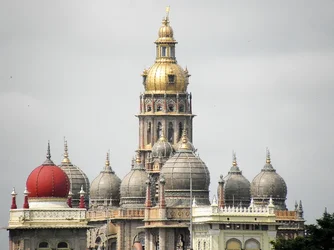


 ...my editing is always random and non recoverable



![[No title]](/data/xfmg/thumbnail/31/31710-590f3b7a6de1d798bc007b6ace9cf234.jpg?1734160388)
![[No title]](/data/xfmg/thumbnail/37/37121-fda7b1957cb0d0be7bab1ddd3ec87847.jpg?1734169832)