In automated modes, it biases the camera meter to allow you to 'tell' the camera that a scene is not 18% grey. A long time back, everybody decided that the average scene turned out to be around 18% grey, so that's what they went with. If you take pictures of average scenes, it works great.
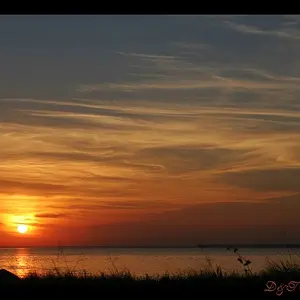
The problem lies when you are shooting a darker or lighter scene. For instance, a beach or snow(or more common, a scene with a bright light source like the sun). Those scenes are much brighter than 18% grey, but since that's what the camera wants to expose for, it will actually underexpose the scene leading to grey snow. Same thing with a dark scene. It will overexpose the scene trying to make everything grey.
Exposure compensation allows you to let the camera know if the scene is darker or brighter than normal, so that in the automated modes(P, A, S, etc), it will properly expose the scene.
For a fun little experiment that will let you visualize this, take three pieces of paper. A white piece, a grey piece, and a black piece. Take a shot of each with the camera in P, A, S making sure to fill the frame with the paper. Assuming you are on a tripod and shutter speed is not a factor, all 3 images will look the same. They will all be grey.
Now, play with exposure comp to get them to look the way they should. For the white piece of paper, you will need to dial in a positive exposure comp. For the black piece, negative exposure comp. The grey should be at 0 exposure comp.



 DD hahahahah