What's new

*** Fight Club *** Round 80 today, 2:00PM EDT

Food:
4632985706_f76b1680c6_b.jpg


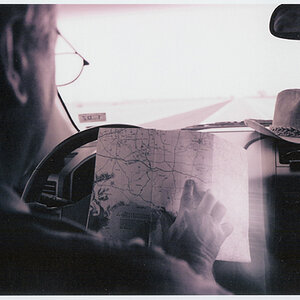
Read:
4632982378_c816066bfd_b.jpg


Leaves:
4632985128_a087393a0f_b.jpg


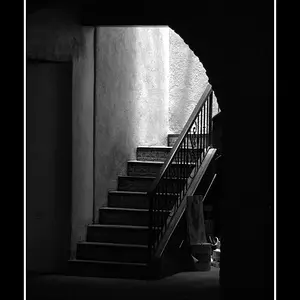
Reflection:
4632385071_21e3fe4c67_b.jpg


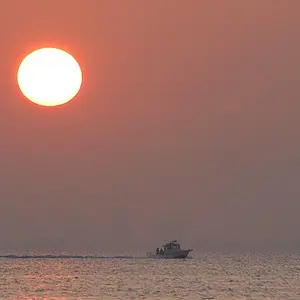
Pink:
4632986526_25991f9853_b.jpg


I read your instructions, hopefully it works...
 
BTW: my sister katastrophe445 helped me edit these pictures.... :)
 
go to your flickr account (2 windows works best) and have TPF reply to thread open in the other. Find the picture you want on flickr. Above the picture you'll see a menu, choose ALL SIZES. choose which size you want to post, then go to the bottom of the page. choose option 2, grab the photo's url.... copy that. then go to your TPF window you have open. look at the icons and choose the one that is a little palm tree and camera (bottom row 2 from the right on mine) click that and paste your link in the pop up window. It puts your link between the IMG tags so that the image shows and not the link.
 
I was thinkin' that looked like the same pizza...
 
On photobucket, when viewing the photo, there's a box with 4 smaller boxes on the bottom left. Copy and paste the text from the smaller box that says, "Direct Link" and then come back here, hit the insert photo button (
insertimage.gif
), then paste the text into the box that popped up. Then just click okay. It sounds really complicated, but it actually just takes a second or two. I Hope this helps.

EDIT: M. Powell beat me to it.

On another note, that pizza sure looks tasty.
 

Create an account or login to comment

You must be a member in order to leave a comment

Create account

Create an account on our community. It's easy!

Log in

Already have an account? Log in here.

New Topics

Back
Top Bottom