What's new

First attempt at a photo shoot

melrose

TPF Noob!
Joined
Jan 10, 2014
Messages
40
Reaction score
8
Location
Matatiele
Can others edit my Photos
Photos OK to edit
$Jenny photo shoot 049_edited-1.webp$Jenny photo shoot 033_edited-1.webp$Jenny photo shoot 159_edited-1.webp$Jenny photo shoot 183_edited-1.webp
 
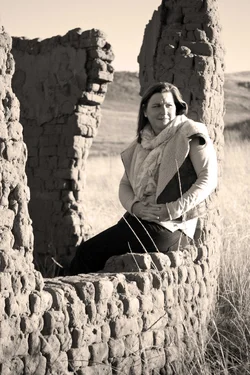
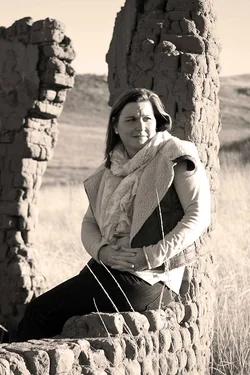
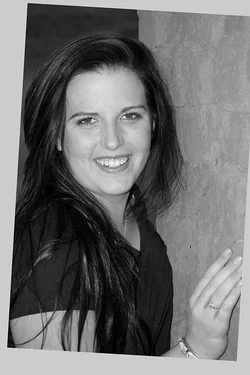
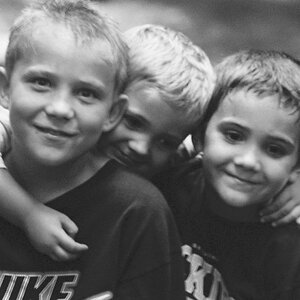
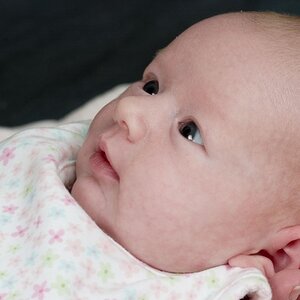
I imagine you know that #1 & #4 are way, way out of focus - too much so to be used.

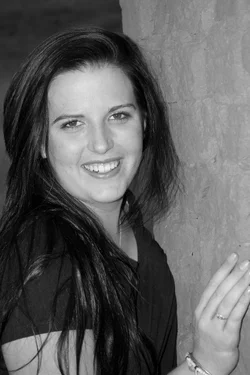
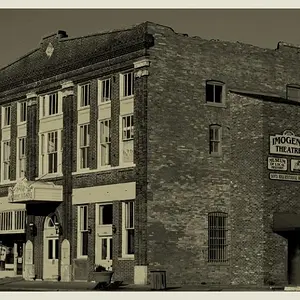
#2 is a nice pose but I think there are two things that hurt this; first she is too small in the frame and you could crop this so she is better placed without losing anything. Second the light is too contrasty and this needs to be corrected, if possible, before you convert to BW.
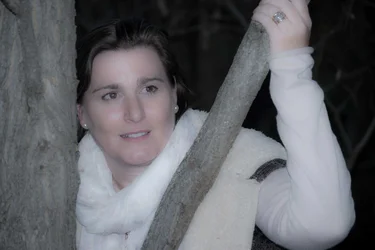
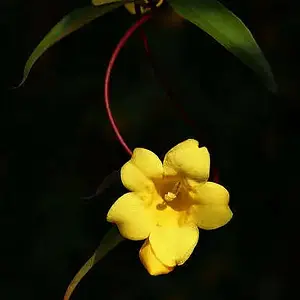
#3 is the best exposed and focused. I would rather she not be on the side with that phantom hand coming up.

Good start, keep on (but stop using on-camera flash - it does bad things)

$Jenny-photo-shoot-033_edited-1lll.webp$Jenny photo shoot 159_edited-122222222.webp
 
Lew's got you covered here. That said, consider using off camera flash if you are going to be using flash. See how flat some of the lighting is on the models? I'd bet money that was because you were using a pop-up flash on your camera, rather than a speedlight, or even a basic diffuser. Second, watch your compositions, as Lew hit on.

 
^^ what they said

To clarify what Lew said (as I've been learning about it, I think lol)
"phantom hand" .. basically, don't cut limbs off, which is her arm. Her hand comes up from her unseen arm. Cutting off limbs is a basic general "no-no". Looks like you were trying to emphasis her engagement ring though.

"flat" .. Shadows help to create depth and contrast and a popup flash doesn't help in that regards

I like # 3 the best.
 
To add to all the above, watch the eyes. It looks like in #4 that the on camera flash caused red eye in right eye (camera left). You need to correct for that too. [The best way to do that is to get the flash off the camera or to bounce it off something.]
 
Thanks for all your comments, I really value them. The original photos of 1&4 are clear, I just wanted to give them a dreamy look, clearly not a popular move! Or I have been heavy handed trying to get that effect! I will work on what you have said and try better next time! I tried to fix the red eye, but somehow, my program couldn't detect it.
 

Create an account or login to comment

You must be a member in order to leave a comment

Create account

Create an account on our community. It's easy!

Log in

Already have an account? Log in here.

New Topics

Back
Top Bottom