What's new

First try outdoor portraits with fill flash

YoMoe

TPF Noob!
Joined
Feb 5, 2010
Messages
89
Reaction score
0
Can others edit my Photos
Photos OK to edit
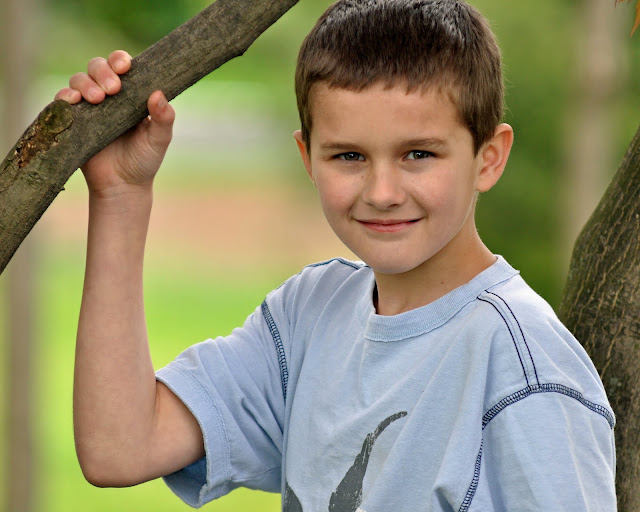
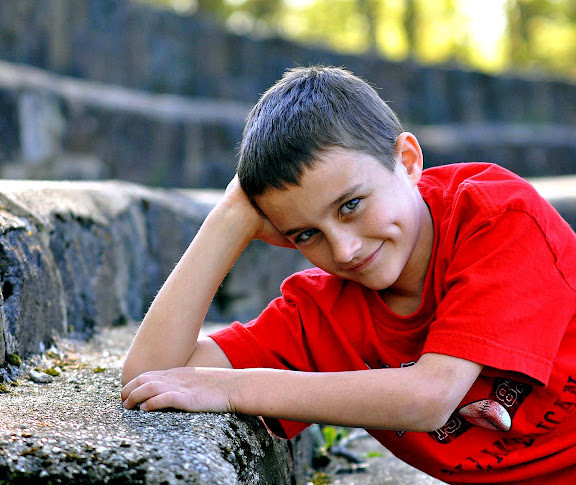
Over the weekend I tried to do some portraits outside. I found it really hard to figure out how to use the fill flash. I had it in the hot shoe on the camera and I used a diffuser. Many of the photos were totally blown out. I was using the 70-210 lens.

Here are a few of the better ones. I'd love some suggestions.

1.
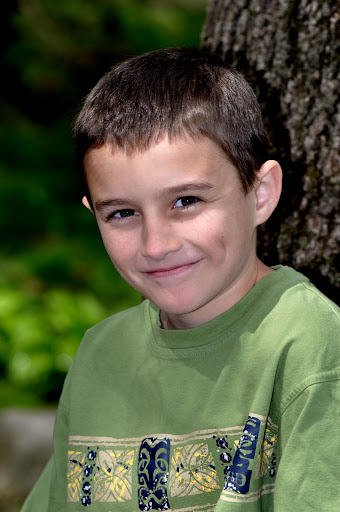
DSC_0088.JPG


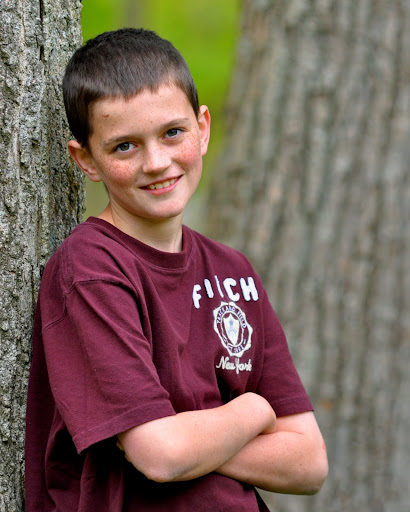
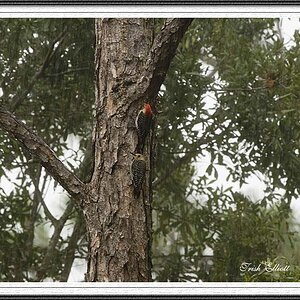
2.
Brendan%204.jpg


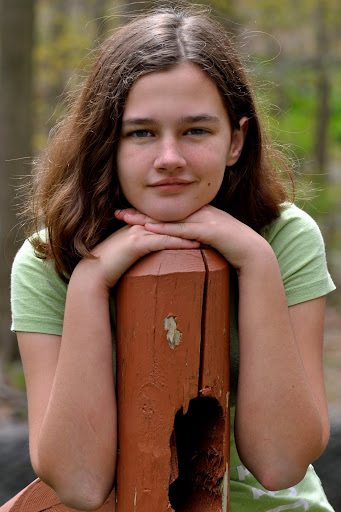
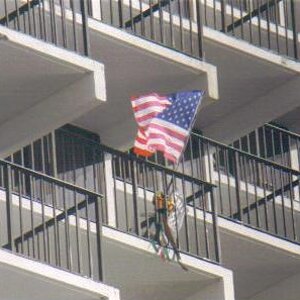
3.
Pat%20OP%201.jpg


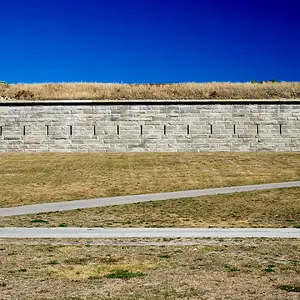
4.
Brenna%20OP%2022.jpg


I did try to edit all of these in Photoshop elements but I'm really new at that also so if anyone has PP suggestions I'd love those also.

Here are some other shots from the day.
 
Last edited:
What were the settings on the camera and the flash?
 
Two and four are my favorites. I wish that the top of his head wasnt cut off in number two though.
 
I think 3 and 4 are the best of the set. 2 and 4 could use some fill and maybe an exposure boost with a raise in blacks/contrast. I'm no pro but that's my 2 cents. 3 is my fave
 
What were the settings on the camera and the flash?

I had the camera set to Portrait mode for most of the shots. ISO 200, Shutter 200 and the Aperture varied on all the shots but it was usually between 5 - 6.3. The flash was on TTL it was at the regular strength? if that makes sense and I used a flash diffuser thing that was rubber banded to the flash for most of them.

I originally started in manual mode but I kept moving either closer or away from them and the exposure was all over the place so I switched to portrait mode. I think that also caused problems with the flash, if I went too close they were blown out. How do you handle this? Any other suggestions?
 
Two and four are my favorites. I wish that the top of his head wasnt cut off in number two though.

Here is one with the rest of #2's head. I tried bumping up the contrast also. Any better?

DSC_0242.JPG
 
I think 3 and 4 are the best of the set. 2 and 4 could use some fill and maybe an exposure boost with a raise in blacks/contrast. I'm no pro but that's my 2 cents. 3 is my fave

Do you know how to raise the black/contrast in Photoshop elements? I think it would help. Thanks.
 
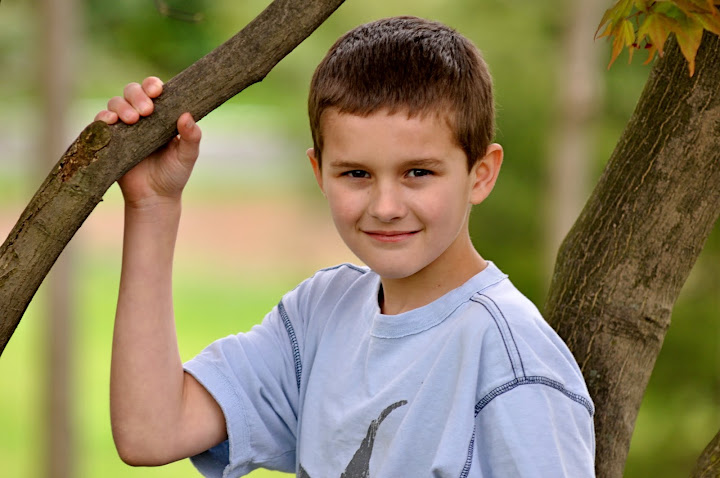
Here is a different one of #1, No flash.
DSC_0201.jpg
 
Two and four are my favorites. I wish that the top of his head wasnt cut off in number two though.

Here is one with the rest of #2's head. I tried bumping up the contrast also. Any better?

DSC_0242.JPG
I like the crop on that one, more. Either/or on the contrast.

I like all of them, actually. Only #1 is a little harsh. Great color on all 4.
 
I like all of them, actually. Only #1 is a little harsh.

Now that I've been looking at them more critically I see that the fill flash on this one washed out his skin and created some harsh shadows. I have to learn more about using fill flash.

Can anyone suggest a good article?
 

Create an account or login to comment

You must be a member in order to leave a comment

Create account

Create an account on our community. It's easy!

Log in

Already have an account? Log in here.

Back
Top Bottom