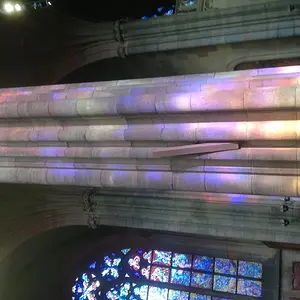
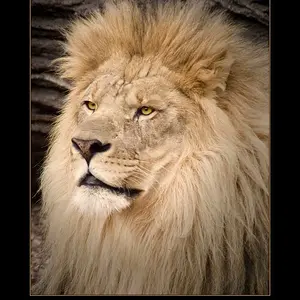
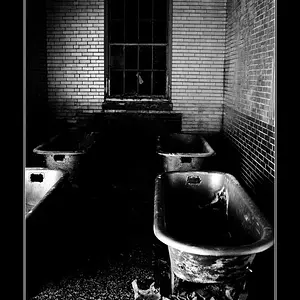
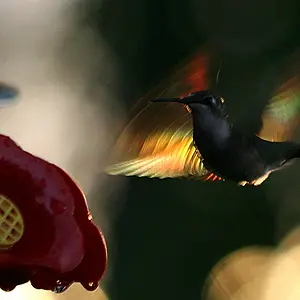
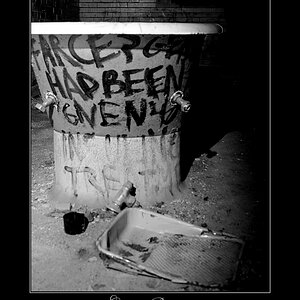
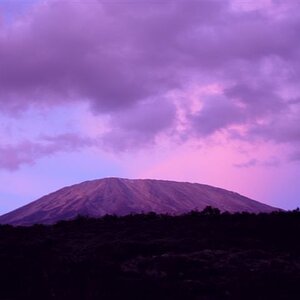
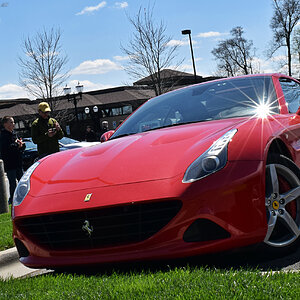
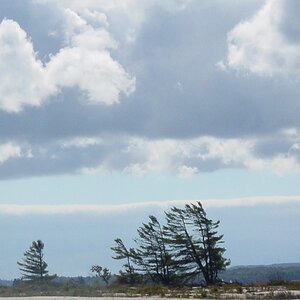
Ok, it looks like they've been waaaaay oversharpened. Like, a LOT.
Something you might look into- a polorizing filter, and maybe some graduated density filters. That will help you not to blow out the sky when you're shooting landscapes. There are many brands, I suggest either Hoya or Tiffen, but most are ok (save for the really really really cheap-o ones)
If you don't have a tripod- buy one. Today. Go to Walmart and get a cheap one if you have to. Get a good one if you can afford to. But something is better than nothing in this case. Take it everywhere you take your camera, even if you handhold for a shot. You never know when you will need it, and it will make a huge difference in the quality of your photographs.
On that second shot- you've got your horizon DEAD CENTER. That hardly EVER looks good on landscapes. Try to keep it to the top third, or the bottom third of the shot, depending on what you want more of- sky, or ground.
Lastly, as far as these shots are concerned, if you have the original files still, look for a different sharpening method than what you're currently using. BACK AWAY FROM ALL OF PHOTOSHOPS "SHARPENING FILTERS" and that includes Unsharp Mask, in my opinion. Though unsharp mask is probably the least of the evile sharpening tools. But you need to know how to use it correctly.
I have my own sharpening method, which I can outline for you, and which uses filters photoshop already has, if you're interested in hearing it.



 )
)