A Closer View of Google Maps
Google Maps has a hidden feature that allows anyone to
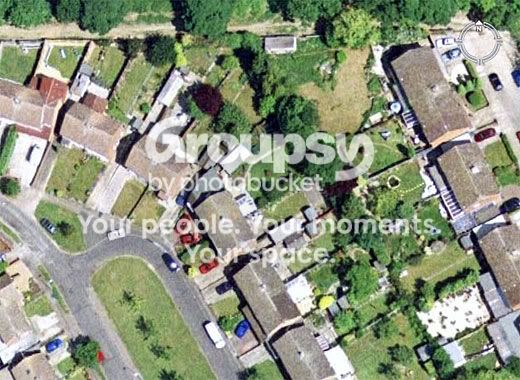
zoom in extremely close on some satellite pictures. This screenshot shows the closest
zoom available for a location in the Sahara desert. Using this hidden feature, you can
zoom in a little closer in almost any Metropolitan area, and MUCH closer in select areas.
Heres
Google Blogoscopeds instructions on utilizing this feature:
- 1. Select a location and switch to satellite view
- 2. Zoom in as far as you can, and click link to this page at the top right
- 3. Now replace the z parameter in the URL with a higher value, e.g. 20, 22, or 23, and wait. Some locations will now show more detailed imagery
http://maps.google.com/maps?f=q&hl=...964&spn=0.002137,0.002849&t=k&om=1&iwloc=addr
http://maps.google.com/maps?f=q&hl=e...m=1&iwloc=addr