grandtheft
TPF Noob!
- Joined
- Oct 30, 2016
- Messages
- 2
- Reaction score
- 1
- Can others edit my Photos
- Photos OK to edit
I've just picked up my first camera, the Olympus OMD EM5 2 with the 12-40 pro lens.
I admit I don't know a whole lot about the kit or photography in general, hence the auto mode allowed me to get up and running and into 'learn mode' quickly.
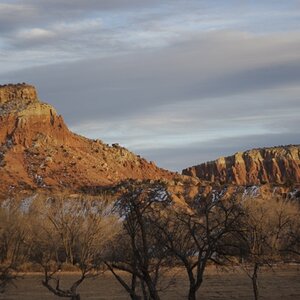
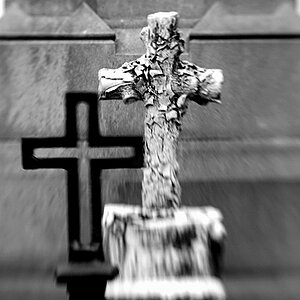
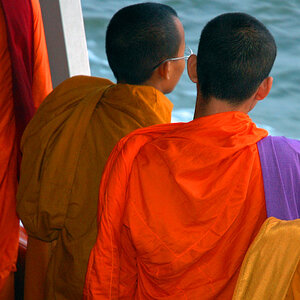
I've taken a few test shots whilst trying to work out how everything works. They have turned out with this horrible vertical line/grain through all the images. Additionally all the images appear with a strong yellow hue.
I am shooting in auto mode.
I was concerned that it may be a camera flaw, however probably not. Can anyone help me configure the camera so I avoid these issues?
Images below...
Dropbox - P1010004.jpg
Dropbox - P1010018.jpg
Dropbox - P1010019.jpg
Dropbox - P1010020.jpg
I admit I don't know a whole lot about the kit or photography in general, hence the auto mode allowed me to get up and running and into 'learn mode' quickly.
I've taken a few test shots whilst trying to work out how everything works. They have turned out with this horrible vertical line/grain through all the images. Additionally all the images appear with a strong yellow hue.
I am shooting in auto mode.
I was concerned that it may be a camera flaw, however probably not. Can anyone help me configure the camera so I avoid these issues?
Images below...
Dropbox - P1010004.jpg
Dropbox - P1010018.jpg
Dropbox - P1010019.jpg
Dropbox - P1010020.jpg



![[No title]](/data/xfmg/thumbnail/32/32178-010a47bfeb945bdafb02b0ee4888290c.jpg?1734161047)


![[No title]](/data/xfmg/thumbnail/42/42480-70a0d1b3ccdeb380098dd12f512b4a17.jpg?1734177006)