rlemert
No longer a newbie, moving up!
- Joined
- Feb 8, 2011
- Messages
- 469
- Reaction score
- 105
- Location
- Raleigh, NC
- Can others edit my Photos
- Photos OK to edit
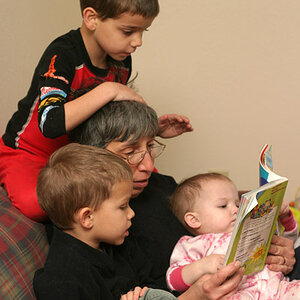
This is more work than a simple conversion.
I made a mask for the figures and rest of the foreground and pulled them to an upper layer.
Then I duplicated the bottom layer used the same mask to clip the figures and foreground out of the interemdiate layer.
Then I defocussed the intermediate layer and used a gradient on the layer mask so the further away points were most out of focus.
Then sharpened only the foreground layer
Merged them to a new top layer and converted to B&W
Somewhere in there, I don't remember when, I created a dodge burn layer for the hot spots in the background.
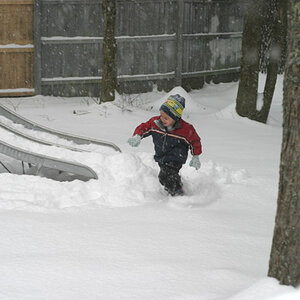
Actually, I was just looking back at it and it isn't the original. Look at the kid - in the edit, he's pointing with his right arm. In the second picture, he's pointing with his left.
Looks like there was more post-processing going on than you remember. :mrgreen:




![[No title]](/data/xfmg/thumbnail/39/39440-bc17565eb7adee7f9859c53933e8543c.jpg?1734173530)