
jamesino
TPF Noob!
- Joined
- Dec 9, 2007
- Messages
- 115
- Reaction score
- 0
- Can others edit my Photos
- Photos OK to edit
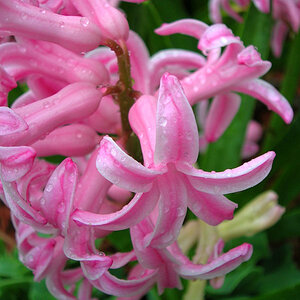
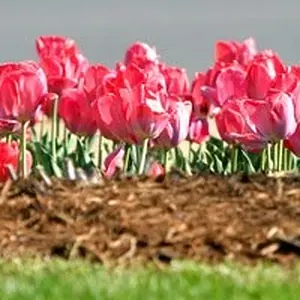
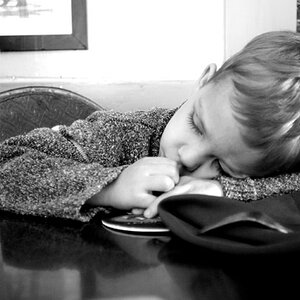
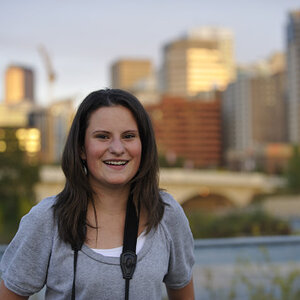
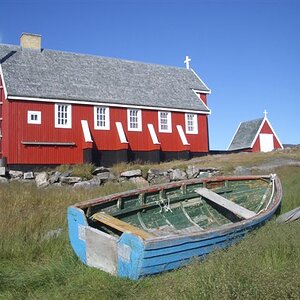
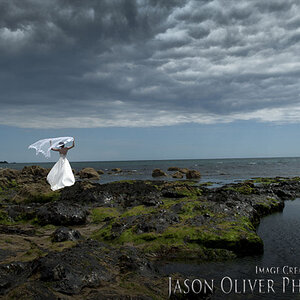
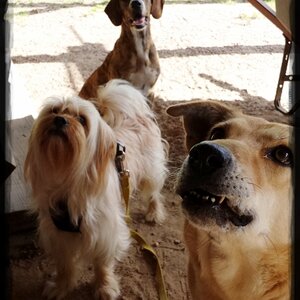
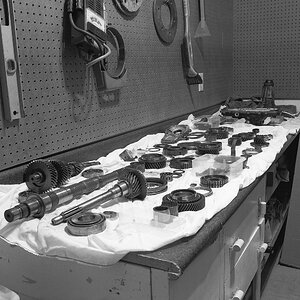
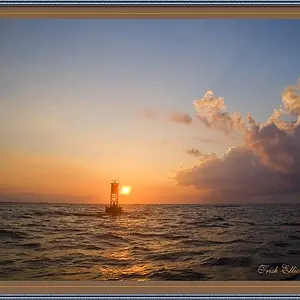
How does one achieve these post-processed effects in these three photographs?
http://pretty-as-a-picture.deviantart.com/art/pray-for-us-87636151
http://pretty-as-a-picture.deviantart.com/art/baby-gone-bad-87636051
http://pretty-as-a-picture.deviantart.com/art/give-me-royal-treatment-90710103
The first two looks like as if the have been digitally cross-processed and the last one looks like it received a contrast boost.
http://pretty-as-a-picture.deviantart.com/art/pray-for-us-87636151
http://pretty-as-a-picture.deviantart.com/art/baby-gone-bad-87636051
http://pretty-as-a-picture.deviantart.com/art/give-me-royal-treatment-90710103
The first two looks like as if the have been digitally cross-processed and the last one looks like it received a contrast boost.


![[No title]](/data/xfmg/thumbnail/41/41891-e5bba75ac5ce57c6892ade4cfc3f7d4c.jpg?1734176244)