As others have said you're kind of backed up against a wall working with 8-bit.
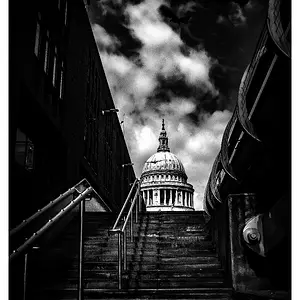
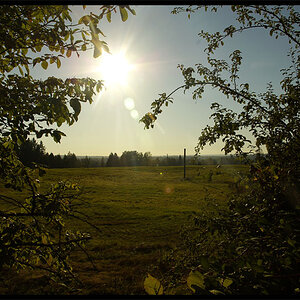
The solution I've used (to varying success, depending on how bad the original is), is to first upscale the image (2 or 3x). Then I add some noise (totally a trial and error thing to see which type and how much looks like it will be most effective). I then use a blur of some kind (again, trial and error). Then scale the image back down, and mess with some sharpening. Breaking the image into layers based on which areas need the most help can be useful, since this is quite a destructive process, and will remove detail from areas that don't really need banding correction.
It really is polishing a turd, but... still better than not polishing it I suppose.



![[No title]](/data/xfmg/thumbnail/42/42456-a5a32b76e115de404d99d09173cd71f2.jpg?1734176994)



![[No title]](/data/xfmg/thumbnail/30/30995-7e48e5498fe9a56ea3d405cf87f3a1ec.jpg?1734159070)

![[No title]](/data/xfmg/thumbnail/35/35948-700e0d840da0ca73727b1bd6d99b4142.jpg?1734167751)