Hi Kelly
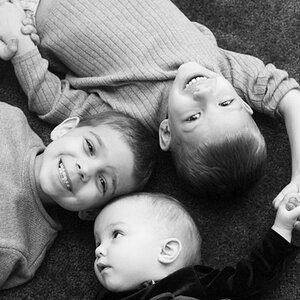
I just copied your pic to my photoshop and fiddled with it...
LEVELS - move the centre slide to the left to brighten the mid tones of the pic
CURVES - move the top of the diagonal left a tad, and the bottom of the diagonal right a tad to up the contrast... now pick a point on the upper diagonal about a quarter way down - GENTLY push it upwards to the left only about half a tad... do the same about a quarter way up on the lower diagonal - half a tad...
now sharpen...
made an improvement...
When you read your histogram for the exposure - try and aim for a peak of info as far RIGHT as you can (by upping the exposure comp or opening up to get more light in) BUT DON'T let the histogram disappear off to the right hand hand side - thats called clipping... and NO info at all is recorded... it's just blank - nothing... experiment til you get it right
... and by the way, there are many digitographers (including myself) who reference the SUNNY 16 rule as a preface to taking a shot... It helps to know where to start if the weather is cloudy/overcast/gloomy...
The palm of your hand is a reasonable reference for 13% gray - another useful reference is knowing that WHITE obects (snow, white t-shirts, the little boy's hair in your previous posts) are 1.5 to 2 stops brighter that 13% grey - so that when your camera "sees" white objects it thinks "oh my gosh, that's far to bright" and so under-exposes the image - because all cameras are designed to render the tones of the image it "sees" to 13% grey... so snow, white t-shirts etc come out looking grey-ish... ie 2 stops under-exposed... So meter on the white obect, note the exposure and dial in +2 stops using exp comp or opening up...
Overall though, on metering - the camera's MULTI-METERING should be your default... The camera designers and manufacturers have spent million$ in developing these systems so trust them - you bought their camera, didn't you? Overall, centre-weighted- and spot- metering should only be used when you want to shoot in out-of-the-ordinary conditions...
Hope all that helps
Jedo



![[No title]](/data/xfmg/thumbnail/39/39446-903cfeac143cee6330a51546ecfdda92.jpg?1734173536)
![[No title]](/data/xfmg/thumbnail/39/39447-6e7679723d775935851f055bae9712ba.jpg?1734173538)