No, I am not speaking about "selective colouring" or so. Just make the shadow areas blacker and the light areas whiter (lighter grey). Shall I give it a go?
I think bringing in the white point, black point and moving mid-grey in Levels would sort it out very well. If you'd like an edit to demonstrate, just let me know!
pb,
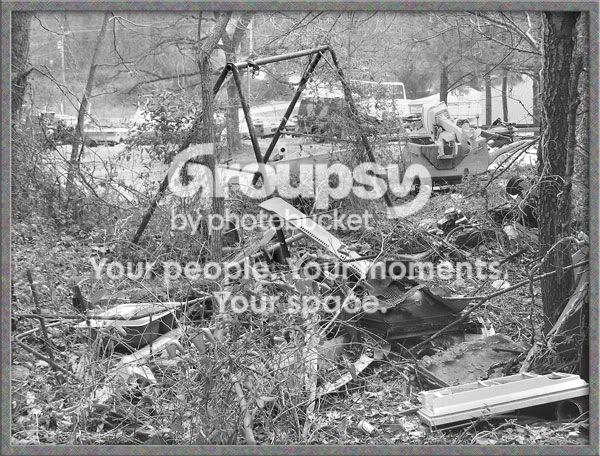
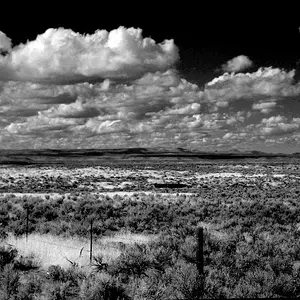
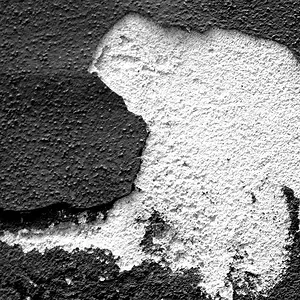
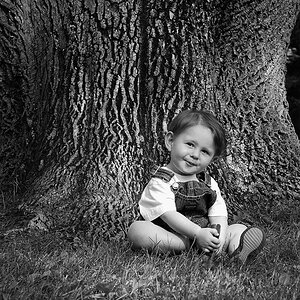
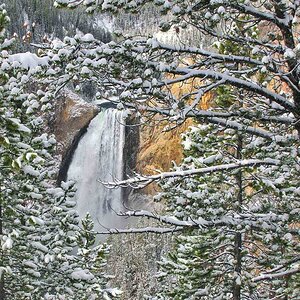
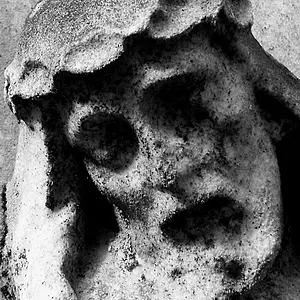
What they are saying is that the photo is flat. It is lacking contrast, so by adjusting the black and white points with curves and adding some contrast you are able to make the photo pop more and add depth to the photo. I believe this is what Corinna was talking about:
See, if you look at the photo above and then look at your photo below, you can see how there is more deminsion to the objects in the photo.