right click on the layer, duplicate layer.(In CS4 any edit you do, it automaticly adds a new layer) Do one thing to that layer. If you dont want the something to affect a certain part, add a layer mask. (in CS4 just click on masks, click on the pixel mask, then use a black brush to draw over what you DONT want affected. If you make a mistake, color it white, it will reapply the affect)
When your done doing the ONE thing to the layer, go back to the beginning.
I used to think they were all complex and whatnot...but after I actually did it, it was crazy how easy it was, then if I decide I didnt want to do something, I only have to delete the layer, instead of undoing EVERYTHING I had done after it.
The only thing I sue transparent layers for is if I want to add a vignette...to do so use the oval select tool to select what you want vignetted, then inverse the selection, color it black (or any other color you may want your vignette) deselect, then filters>>Blur>>Gausen Blur and blur it to whatever looks good to you

(I usually use a very high pixel radius)
If the vignette is to dark...you can lower the layer opacity.
Im sure there is a LOT easier method of doing this, But I just got CS4 the other day and Im still in GIMP mode

Youtube and google are nifty things to use for more info.




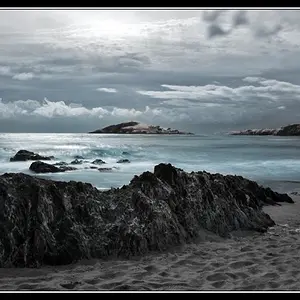
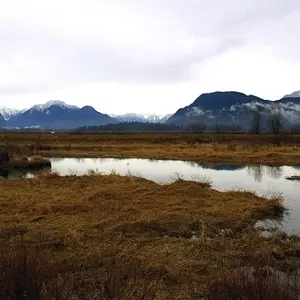
![[No title]](/data/xfmg/thumbnail/35/35264-5ade32b7036391926536661aeb7491c3.jpg?1734166921)
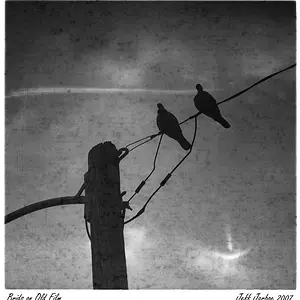

![[No title]](/data/xfmg/thumbnail/35/35263-86f580cf5d28d23109a45984030a79ad.jpg?1734166920)