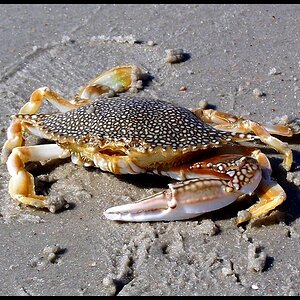
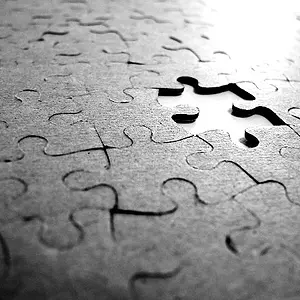
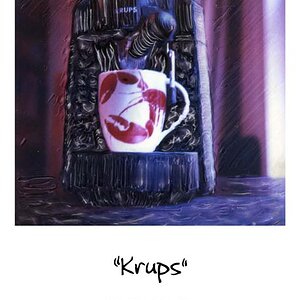
I am here because you specifically asked me to be. I think you missed in that post where I said I REALLY try to stay away from the newest photos like this. Plus, things that just caught your eye aren't something I'd even post. I take random photos of bizarre crap every day. They are snaps for my inspiration or learning or whatever. They aren't for perfection and rarely are anywhere near perfection. Now when you are consciously working on something while shooting a random item that I can help you with. If you were studying what shutter speed does to these images that would be a whole lot different. But you aren't. They're random shots of neat stuff you like. And that's fine!!!
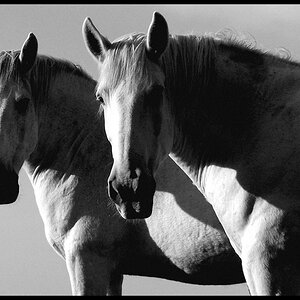
The first one is nice. The composition is dead center, but it works OK in this one because of what it is. The black is a bit too much for my taste and I'd like to see more in the shadows, however I think you probably DO see more in the shadows as you aren't working on a calibrated monitor.
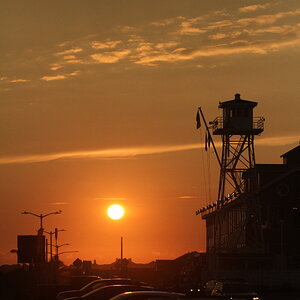
2. is a great try at light trails. It's over exposed and has major composition issues. There are way to many distractions in it and it's tilted to the left. A better crop would have been to take it down to just the corner that contains the light trail. The trail would have then been a leading line through the image and it also would have eliminated many of the excess distractions as well as the tilt problem.
Notice how my version here accentuates the light trail a bit more and the line from the trail leads your eye through the whole image. It's still got major compositional issues, but there are less distractions and you have that leading line to draw you through the image.
The very first rule of composition is SIMPLIFY. You need to eliminate every distraction possible to make your subject stand out even more.
Here is my favorite link on basic composition:
Guidelines for Better Photographic Composition.
The water drop... Well, it's pretty rough. The harsh shadows from the flash are really killer here. On board flash will kill an image faster than anything else. Your waterdrop needs a faster shutter speed, there is some motion blur in your droplets. Water droplets are hard and something you need to do at nearly water level-or even half way below though glass. Your composition has the same issues as the light trail with distractions. It's also plopped dead center.
First and foremost you need to learn about how composition works and the basics.







![[No title]](/data/xfmg/thumbnail/36/36300-760519cb9a8ebbfc57cc3d1fda5dd37c.jpg?1734168623)
![[No title]](/data/xfmg/thumbnail/36/36677-3b91df53323d0850489794f28b3b9800.jpg?1734169174)
![[No title]](/data/xfmg/thumbnail/39/39180-3dcdd0aa38e4d015a48a17b0e45542fb.jpg?1734173054)