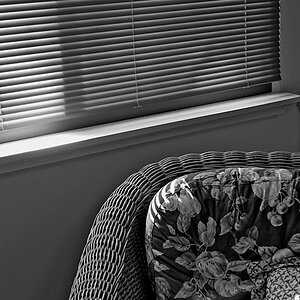
Create a duplicate layer by hitting CTRL J (you always want to work on a duplicate layer, not your original), desaturate the image, then use the history brush from your side tool bar and paint whatever you want to bring the color back to. It's called selective coloring, and you can do a youtube search for it, more than likely, that will demonstrate it for you.
1. CTRL j
2. Image>Adjustments>Desaturate
3. History brush
[ame="http://www.youtube.com/watch?v=X2lkv9Ztr8I&feature=related"][/ame]




![[No title]](/data/xfmg/thumbnail/37/37608-63b0d340b0972479217b548a4026df96.jpg?1734170735)