happyf33tz
TPF Noob!
- Joined
- Nov 10, 2012
- Messages
- 15
- Reaction score
- 1
- Location
- Murrieta, Ca
- Can others edit my Photos
- Photos OK to edit
Hi everyone, my name is Seth Jordan Sanchez and I am a new member here!
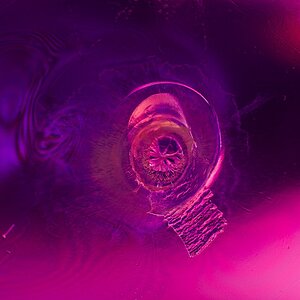
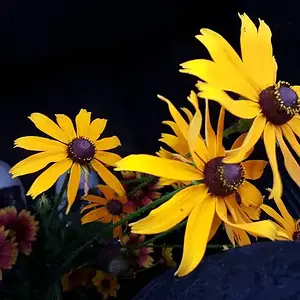
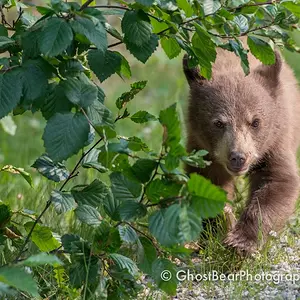
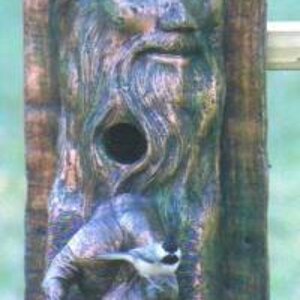
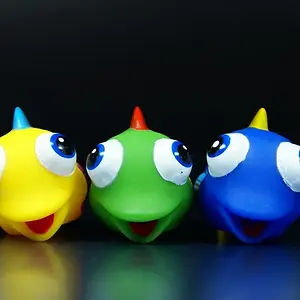
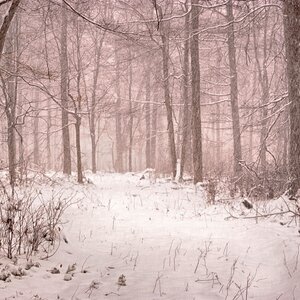
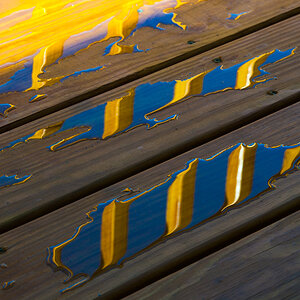
I live in Murrieta, California, been shooting for 8 months or so. I own PS CS6 as well as LR 4 but usually stick with only LR for now. My question was how can I make my photos have a strong color stand out? I can get colors to pop in some images, but I just don't seem to be getting the same style I find in some photographers I follow off 500px. To show you an example, here are a few photos that give me the look I am aiming for.
http://pcdn.500px.net/5816144/b121c4ae8ad25599cdfa2c4b8a28bd07ea3ee7eb/4.jpg
http://pcdn.500px.net/17079045/2c0d33dbda0826242b1bcb6ceddbc0dfeabd7a5b/4.jpg
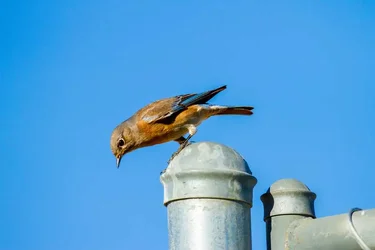
And here is one of my photos
http://pcdn.500px.net/17528625/da8871fbe594c890ca7f5e78946a518a98c3a26e/4.jpg
Is it just me? The colors in their work seems to have a more natural looking color to me, yet they have more pop to them. Could it just be the subjects I am shooting that lack that type of color? I shoot birds rarely since its more of a hobby for me rather then it being a career.
My work is all shot with a 7D with either a canon 70-200mm 2.8 IS II or a canon 400mm 2.8 IS
Hopefully you guys can help out with some sort of tip, thank you guys !
I live in Murrieta, California, been shooting for 8 months or so. I own PS CS6 as well as LR 4 but usually stick with only LR for now. My question was how can I make my photos have a strong color stand out? I can get colors to pop in some images, but I just don't seem to be getting the same style I find in some photographers I follow off 500px. To show you an example, here are a few photos that give me the look I am aiming for.
http://pcdn.500px.net/5816144/b121c4ae8ad25599cdfa2c4b8a28bd07ea3ee7eb/4.jpg
http://pcdn.500px.net/17079045/2c0d33dbda0826242b1bcb6ceddbc0dfeabd7a5b/4.jpg
And here is one of my photos
http://pcdn.500px.net/17528625/da8871fbe594c890ca7f5e78946a518a98c3a26e/4.jpg
Is it just me? The colors in their work seems to have a more natural looking color to me, yet they have more pop to them. Could it just be the subjects I am shooting that lack that type of color? I shoot birds rarely since its more of a hobby for me rather then it being a career.
My work is all shot with a 7D with either a canon 70-200mm 2.8 IS II or a canon 400mm 2.8 IS
Hopefully you guys can help out with some sort of tip, thank you guys !