Kyna
TPF Noob!
- Joined
- Jan 7, 2011
- Messages
- 175
- Reaction score
- 5
- Location
- Shell Lake, WI
- Can others edit my Photos
- Photos OK to edit
Hey,
I am new to the forum and JUST got my Canon Rebel XS for Christmas. I have lots of friends with children that I will be practicing on to improve my portrait skills.
I am wondering if I will be able to get away with using paint.net for editing for a while or if photoshop is REALLY necessary. I also have a picnik account but I am afraid that the images will loose their quality from uploading.
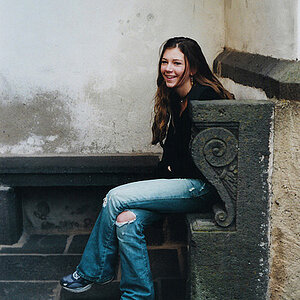
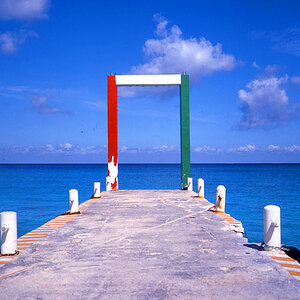
I don't want heavily edited photos, I just really like the bright and light style of portraits. I have included an examples of what I mean....

I am new to the forum and JUST got my Canon Rebel XS for Christmas. I have lots of friends with children that I will be practicing on to improve my portrait skills.
I am wondering if I will be able to get away with using paint.net for editing for a while or if photoshop is REALLY necessary. I also have a picnik account but I am afraid that the images will loose their quality from uploading.
I don't want heavily edited photos, I just really like the bright and light style of portraits. I have included an examples of what I mean....


![[No title]](/data/xfmg/thumbnail/33/33343-857a08c1327857172779bfe49f06f638.jpg?1734163238)
![[No title]](/data/xfmg/thumbnail/39/39419-5d4fd8535ab4f6e01caa38b72bf396e0.jpg?1734173503)