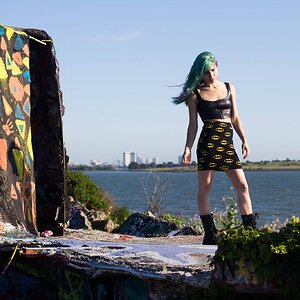
I like #1.
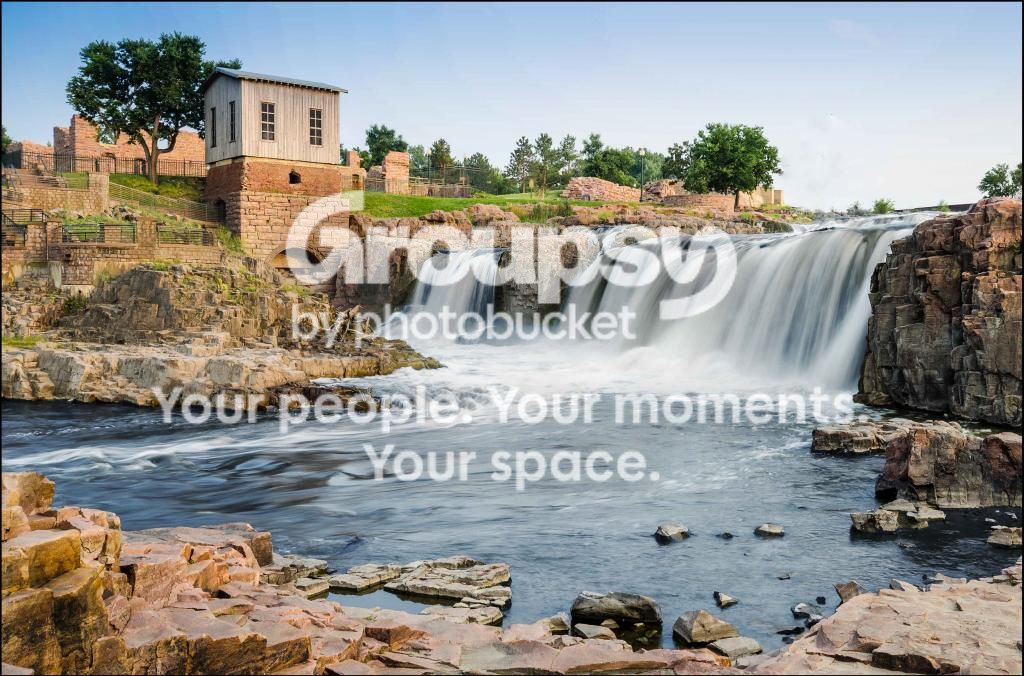
I did some edits:
In Camera Raw:
Using the Basic panel I added +40 of Clarity and +20 of Vibrance
I used the Gradient tool on the sky. With that tool I reduced the exposure and added some blue.
I then used the Sharpening panel - Amount = +25, Radius = 1.5, Detail = 25, Masking = 0.
In Photoshop CC 2014:
With the Quick Selection tool I selected all of the water and saved the selection.
With the selection active and using a Curves adjustment layer I used the Curves Medium Contrast preset on the water.
Using the saved selection I then opened a Vibrance adjustment layer and reduced the Vibrance a lot to essentially make the water B&W.
Using the saved selection again with a Color Balance adjustment layer I added color of my choice to the water - Blue +86, Green +25.
I then did a little dodging (Midtones, 50% opacity) on some of the shadow areas in the scene.
I cloned out a tree that didn't seem to belong using the Spot Healing brush in Content-Aware mode.
Lastly I added a narrow black border.







![[No title]](/data/xfmg/thumbnail/35/35666-9f404fab7b896e4ec114160079fa71c6.jpg?1734167296)
![[No title]](/data/xfmg/thumbnail/33/33354-6ffc81f7f344284105512b442aee229c.jpg?1734163271)
![[No title]](/data/xfmg/thumbnail/31/31019-2d026027bccbe16cea34daffbab9e4f0.jpg?1734159107)
![[No title]](/data/xfmg/thumbnail/33/33356-9cfc19255e84aab13c903f781a99cf9f.jpg?1734163274)