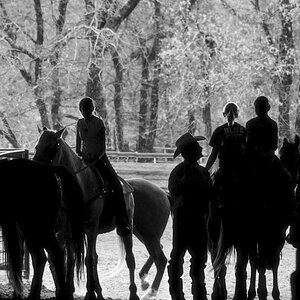
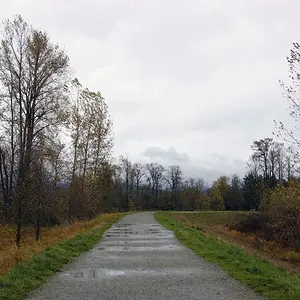
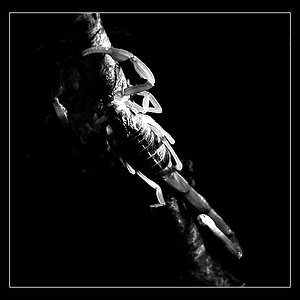
This is my first shot at a serious black & white photo. I desaturated using GIMP, instead of my digital camera's setting. Thoughts?
You desaturated the whole picture? Try not to take this the wrong way, but that's the worst way to create a B&W photo in digital (well actually, it's a bit better than just converting the image to greyscale, but not by much).
I'm going to use Photoshop terms because that's what I'm familiar with, but I'll bet that GIMP has something similar (I'd suggest searching the help files, or on a Mac with Leopard, searching the menus).
One better method is to use the "channel mixer". Simply go into the channel mixer and there should be a box that you can check for "monochrome" or "monochromatic". Check it, and ta-da, you have a B&W photo,
but all the colour information is still there, so you can adjust the luminosity of the red, green, and blue channels at will. That will allow you to brighten up the tree and darken the sky. A rule of thumb when doing this is to keep the total percentages of the channels close to 100%, but you can go outside of this without getting any weird effects.
As an example, I'll provide one of my B&Ws, which you can also view on
Flickr. For this I used Lightroom's grayscale mixer, which affords more control then just using an RGB channel mixer (as it can control red, orange, yellow, green, aqua, blue, purple, and magenta).
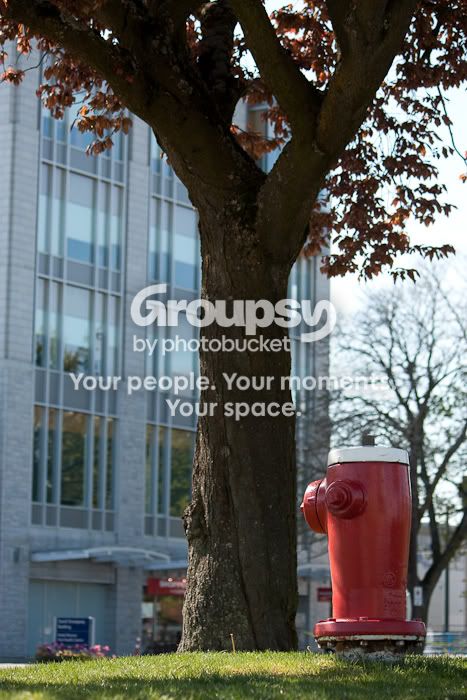
Here is the original for reference:
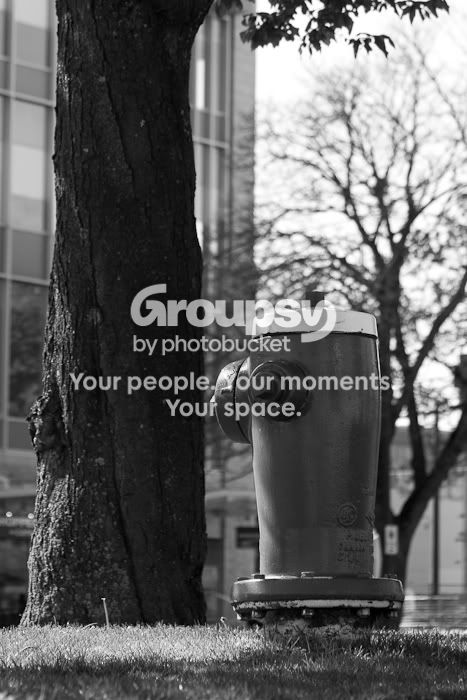
Here is the image without any mixing of colour channels:
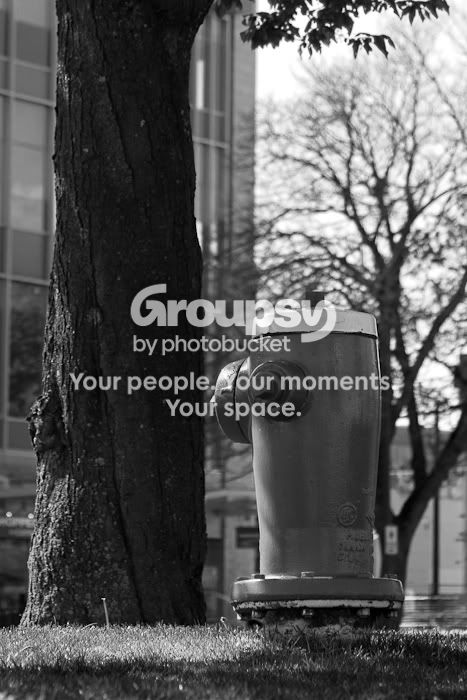
Note how bright the sky is (I shot this in early afternoon, so the lighting was a bit harsh), and how the subject (in this case the fire hydrant) isn't clearly defined, nor the brightest thing in the frame. Our eyes move from dark to light, so this isn't effective presenation of the subject. The top of the hydrant also loses a lot of detail, as it's a bit too bright and next to the bright sky.
To fix this, I turned blue way, way down, and boosted red and purple. The final result was this:
Final grayscale mix:
Red +23
Orange -21
Yellow -6
Green -38
Aqua -75
Blue -56
Purple +65
Magenta +3
I also applied a strong S-curve in light levels to give the picture more contrast.






![[No title]](/data/xfmg/thumbnail/32/32005-d13a0bcc56327c42bd32dff4b0776658.jpg?1734160798)
![[No title]](/data/xfmg/thumbnail/32/32004-4455324f0b4b5cc318dd35877147ac47.jpg?1734160793)