What's new

Playing with Lighting (C&C)

nickzou

No longer a newbie, moving up!
Joined
Jun 12, 2011
Messages
593
Reaction score
40
Location
Ottawa
Can others edit my Photos
Photos NOT OK to edit
Alexander the Great said:
I am indebted to my [camera] for shooting, but to [TPF] for [shooting] well.

Alright, since I am stuck at home rendering stuff for my 3D Animation class. I'm going to take the down time to seriously play with my lights. I'll probably be here all night so critique, critique, critique (and suggestions), I'll probably shoot again tonight.

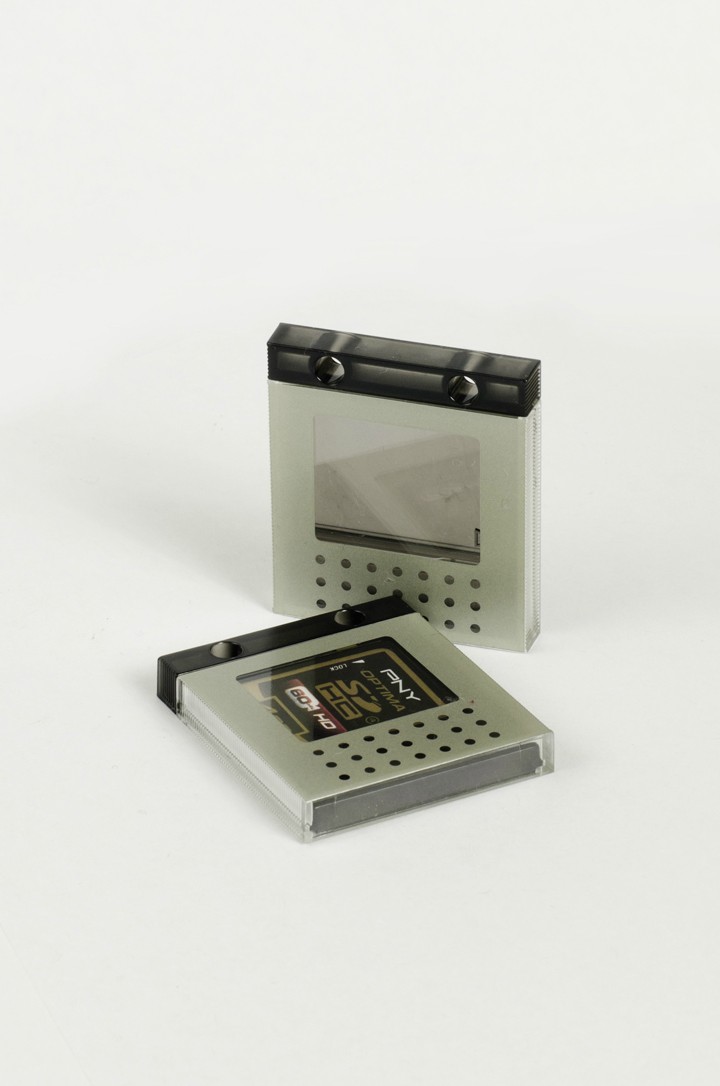
1)
McYAE.jpg

D7000 | 50mm | f/7.1 | 1/15s | ISO 200

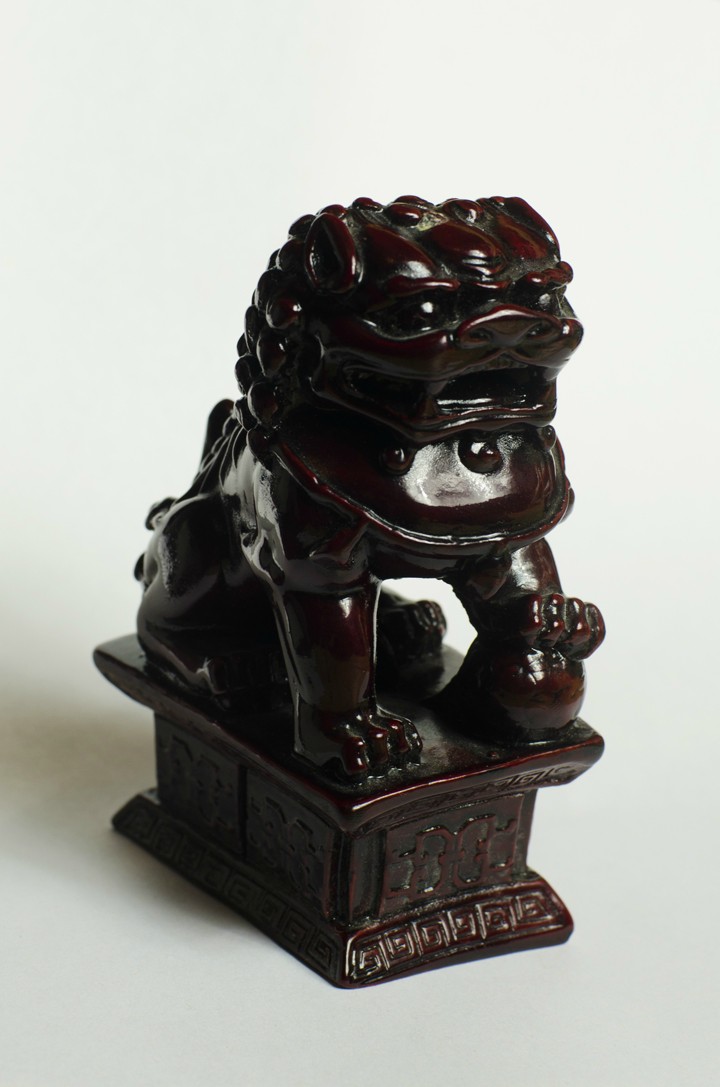
2)
Jm7QB.jpg

D7000 | 50mm | f/11 | 1/8s | ISO 200
3)
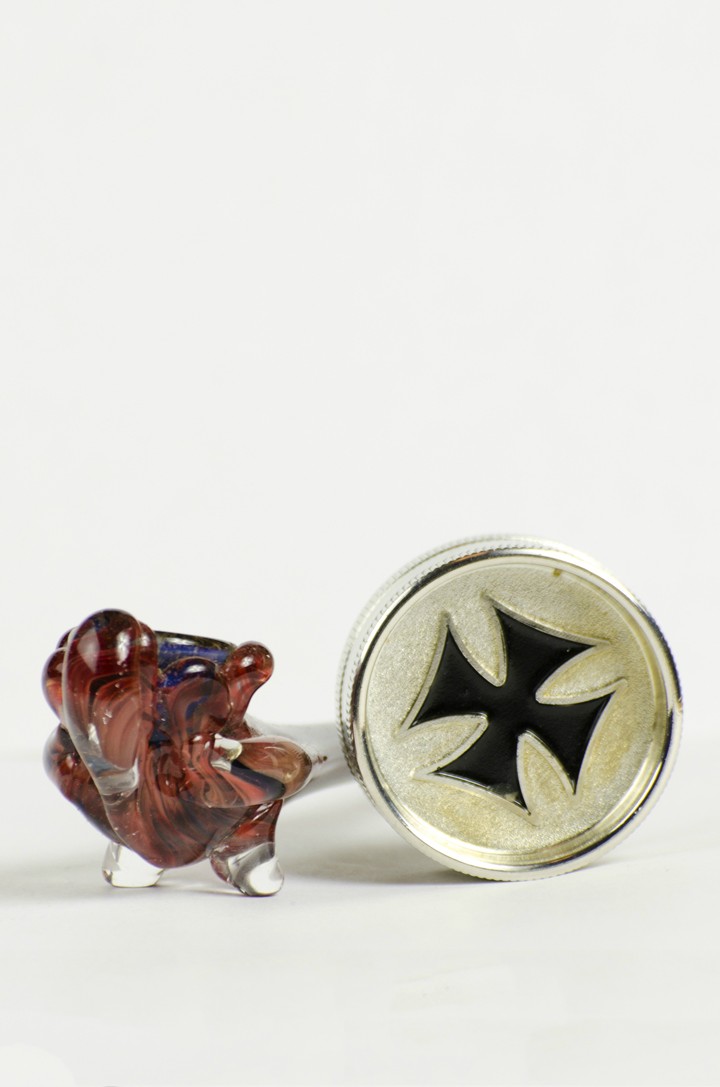
QZHp8.jpg

D7000 | 70-300mm@195mm | f/7.1 | 1/60s | ISO 200

4)
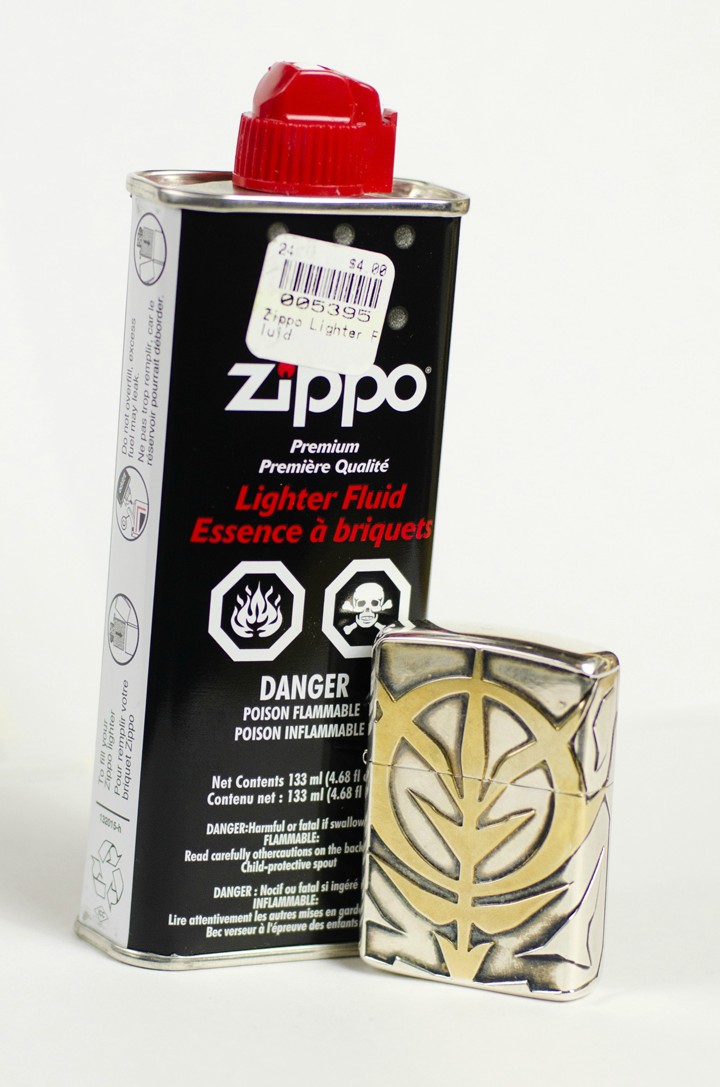
MkDge.jpg

D7000 | 50mm | f2.8 | 1/500s | ISO 200

P.S. I may have gotten that quote wrong...
 
Is it just me but your pictures are tilted?

In my opinion, you need to add extra lighting on the left in #1 and #2 because you're not showing every aspect of the product and you need to do that in product photography (I am assuming that you're shooting some sort of product photography). As a result, the darker areas lose details which affect the whole image.
 
The lighting is very hard with lots of specular reflections
 
Alright, second try, some new objects:

5)
C7OOo.jpg

D7000 | 50mm | f/11 | 1/8s | ISO 200

6)
QLMHw.jpg

D7000 | 50mm | f/11 | 1/13s | ISO 200

7)
RfYdZ.jpg

D7000 | 50mm | f/14 | 1/10s | ISO 200

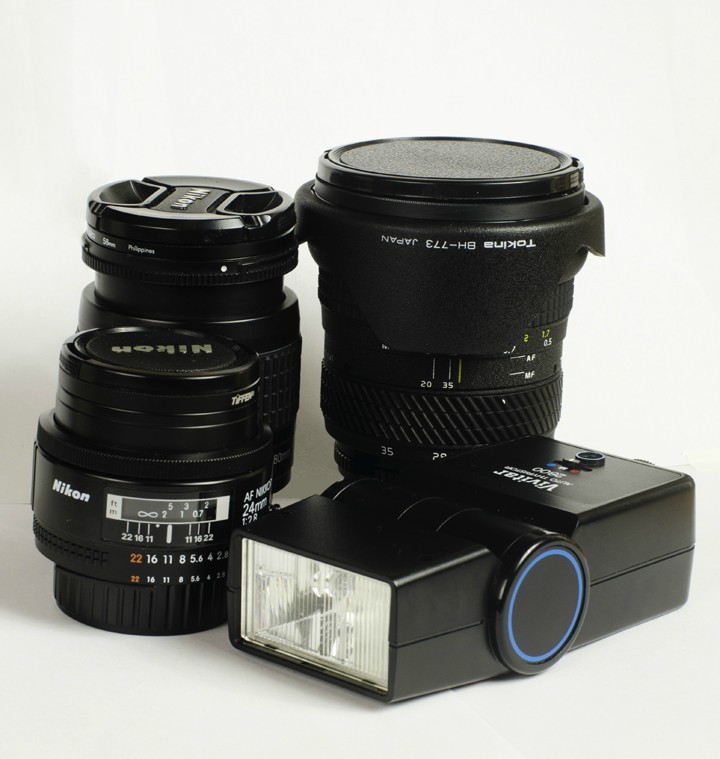
8)
BnOFo.jpg

D7000 | 70-300mm@95mm | f/6.3 | 1/60s | ISO 100

9)
DwFiX.jpg

D7000 | 50mm | f/3.2 | 1/250s | ISO 100
 
What do you want to achieve from these photos?

IMO
You desperately need a tighter crop for these photos.

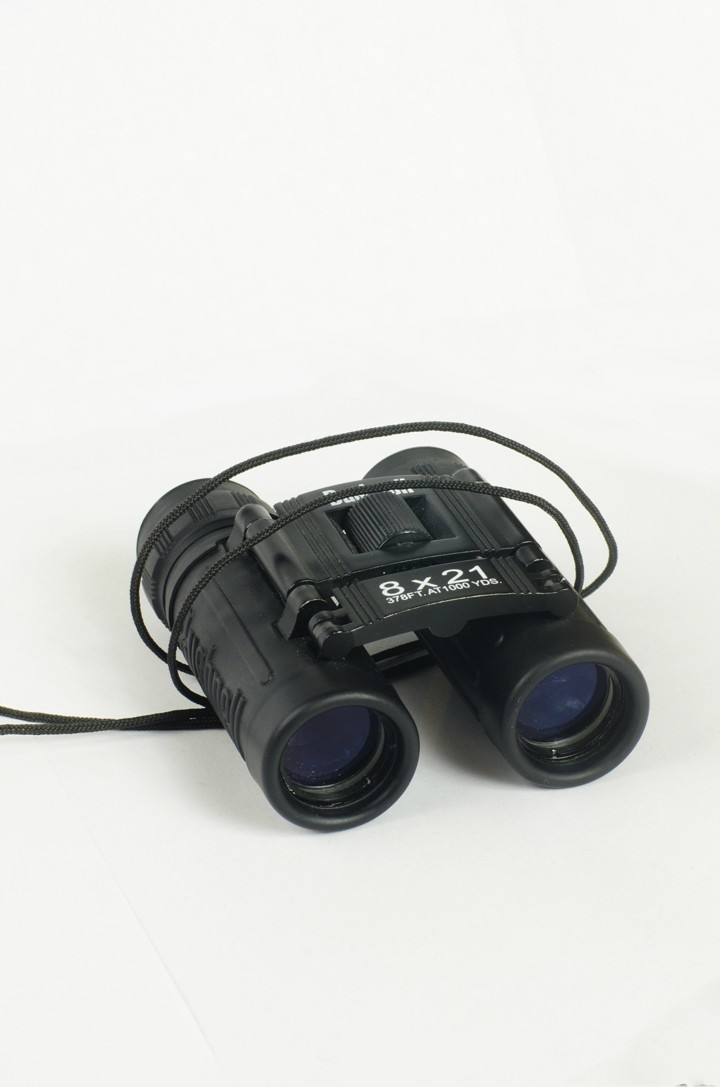
#5) You want to include the strap into the photo. You might also use the strap to create some sort of framing.
#6) I literally need to turn my head like sideway to see what that is. The reflection makes it distracting. A circular polarizing filter might be good.
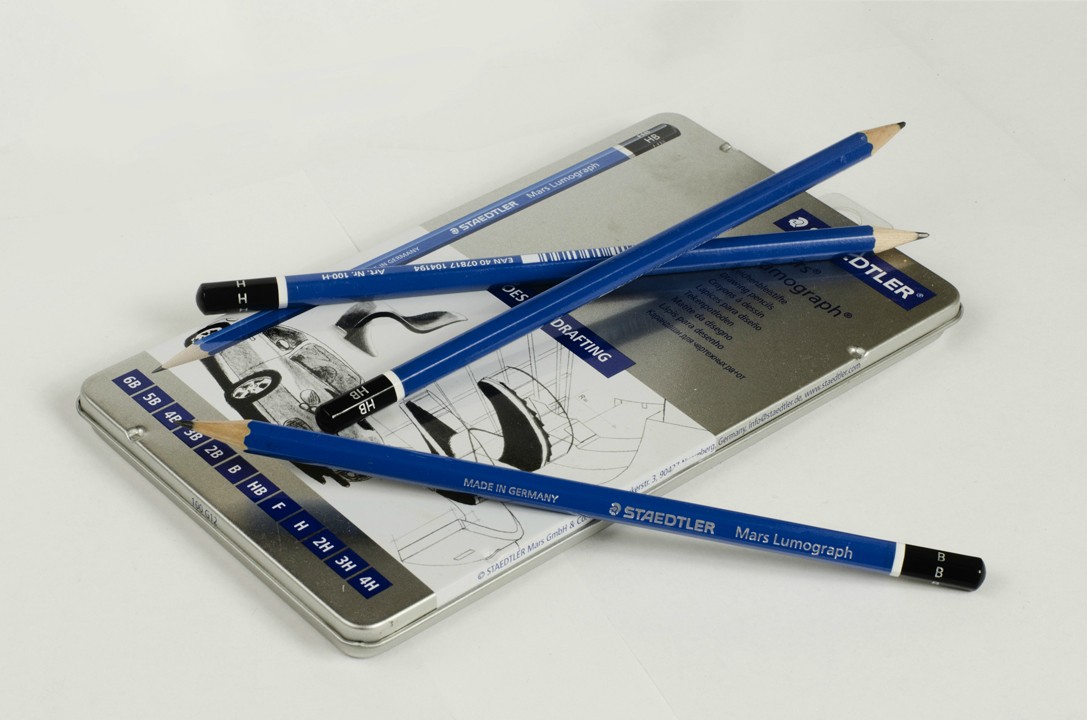
#7) You might want to open the tin case (or whatever it is called) and show all the pencils because the pencils are literally blocking the tin cover and the tin cover contains information about the product.
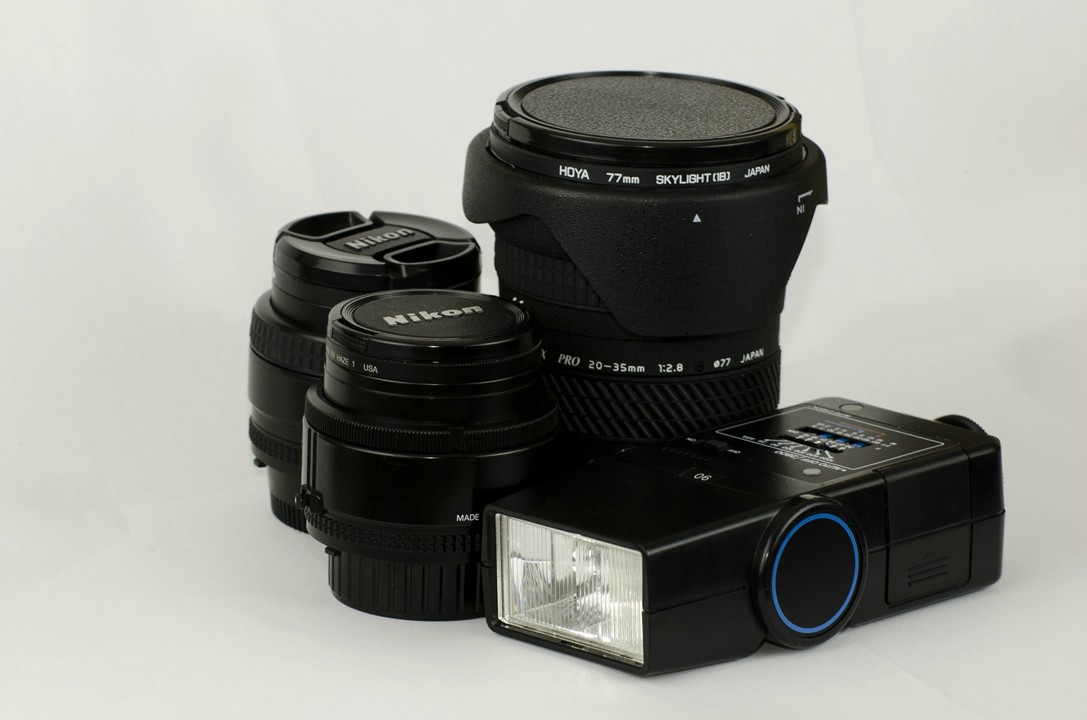
#8) Still slightly tilted, I would rotate all the lens and so we can see the name of your lens. I would also make the flash almost as it is like sitting up straight (if you can rotate the head of the flash).
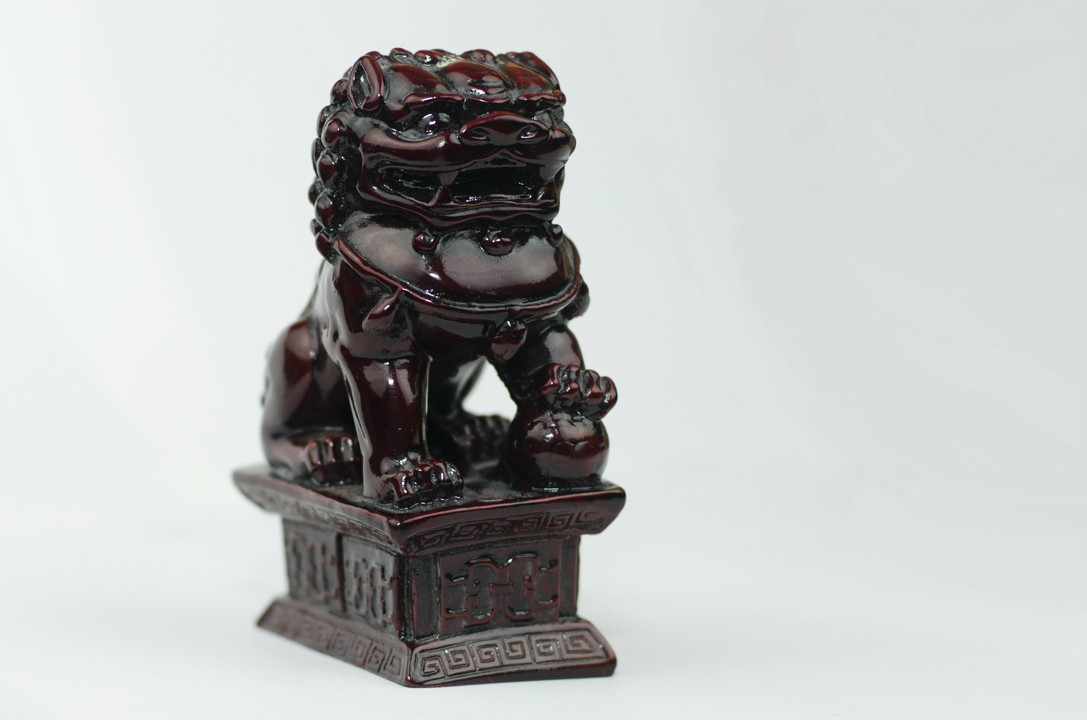
#9) It's better but there are still some reflections. A circular polarizing filter might be good.
 
I would suggest to take one object and work with it only. Try different light positions, settings (camera and flash) to try and achieve different lighting effects. A bunch of different objects light similarly will not teach you too much.
 
What do you want to achieve from these photos?

IMO
You desperately need a tighter crop for these photos.

#5) You want to include the strap into the photo. You might also use the strap to create some sort of framing.
#6) I literally need to turn my head like sideway to see what that is. The reflection makes it distracting. A circular polarizing filter might be good.
#7) You might want to open the tin case (or whatever it is called) and show all the pencils because the pencils are literally blocking the tin cover and the tin cover contains information about the product.
#8) Still slightly tilted, I would rotate all the lens and so we can see the name of your lens. I would also make the flash almost as it is like sitting up straight (if you can rotate the head of the flash).
#9) It's better but there are still some reflections. A circular polarizing filter might be good.

Okay, so I don't have a polarizing filter, anything alternatives to this problem? And I'll work on the cropping.

I would suggest to take one object and work with it only. Try different light positions, settings (camera and flash) to try and achieve different lighting effects. A bunch of different objects light similarly will not teach you too much.

Okay, so great, I have an object in mind. What different types of lighting should I try?
 
I started with a stuffed monkey, Wilson is his name. :)


I'm assuming that eventually you'll want to be shooting people rather than objects. Here's some basic lighting patterns to start with that can be applied to that end. If not applicable to your object, it still can give you a goal rather than just lighting something up.

Tutorial: Basic Light Patterns
 
You don't need a polarizing filter you just need to know how light works, you need to shoot and light from an angle where you will not see reflections
 
So I decided on some of the pieces from my room mate's Battle of Bannockburn chess set.

10) Butterfly
4L4yI.jpg


11) Loop
7UPIu.jpg

12) Rembrandt
4v81O.jpg


13) Split
EuG8B.jpg


14) Broad
1bayO.jpg


15) Short
2W4Na.jpg


It's kinda hard to tell if I did it right for some because the tutorial mostly defined the lighting patterns with how shadows are cast on a face.
 
It's kinda hard to tell if I did it right for some because the tutorial mostly defined the lighting patterns with how shadows are cast on a face.

Yeah, a live model to test is much easier.... or a mannequin.
 

Create an account or login to comment

You must be a member in order to leave a comment

Create account

Create an account on our community. It's easy!

Log in

Already have an account? Log in here.

Back
Top Bottom