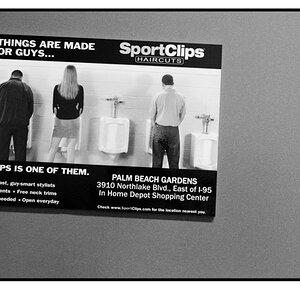
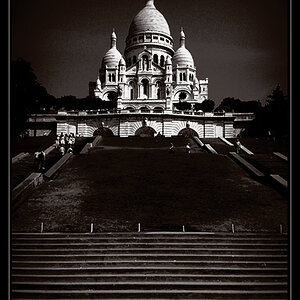
Say I'm trying to put white text over a grey background. No other color seems to work. How can I make the white "stand out" a bit more, so it's more readable, shall I say?
Double click the text layer and open up the Layer Style thing with all the effects you can use. Go down to stroke, make sure it is checked, and set it somewhat like this. (Play around with the opacity)
This should make it stick out a little more. You could also try black text with a white stroke. If it still doesn't look right play around with the settings and see if you can get something that looks good.








![[No title]](/data/xfmg/thumbnail/35/35870-e324e80cd11d99176357e12cd2ba3b8a.jpg?1734167596)

![[No title]](/data/xfmg/thumbnail/35/35871-d9de705fa64b06051419be6d3739d6ac.jpg?1734167599)