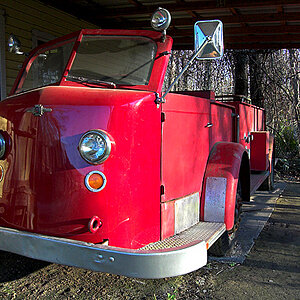
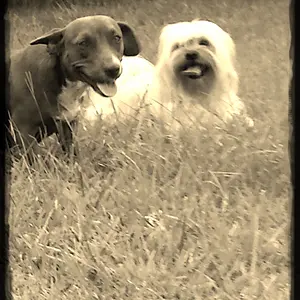
For every day "snap shots" I do have a "default" profile setup that I automatically apply if I'm doing bulk processing. I slightly bump up the highlights and slightly drop down the shadows on the tone curve, I apply a little shapening, bump up the contrast and add a little color boost. I just select all, and put it into the processing queue and they are all given the same processing.
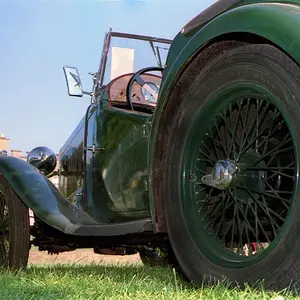
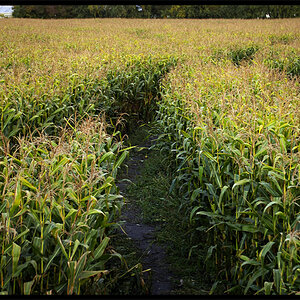
If I'm doing anything other than every day snap shots, each shot usually gets processed seperatly. I still apply the same "default" profile, but depending on the shot, there is no telling what I would do with it from there. Two of the more common adjustments are adjusting the white balance and applying noise reduction.




![[No title]](/data/xfmg/thumbnail/39/39475-7aec9114feceb7b698bcdbe5c9574f94.jpg?1734173569)


![[No title]](/data/xfmg/thumbnail/31/31033-d583468208439e9103b8a87a7eccb965.jpg?1734159132)
![[No title]](/data/xfmg/thumbnail/35/35597-714b74cc48992e5353856abfe325df68.jpg?1734167220)