Sorry, my terminology was overboard there. Here's what I meant:
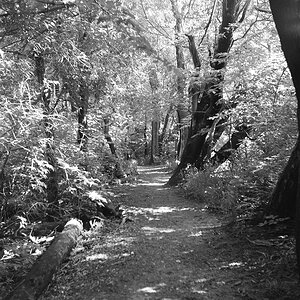
Dodging (and its complementary idea, Burning) are photo modifications where you lighten or darken a specific part of a photo, to emphasize or de-emphasize it. Photoshop, Gimp, and most other decent photo editors have dodge and burn tools. You select the tool, select how much to lighten or darken, and paint over the part you want to change. (Here's a random example:
dancing tree, in which I dodged the central tree to make it stand out more, instead of getting lost in the background). However, if you're new to postprocessing, perhaps you shouldn't start with these tools just yet!
Second, "vignette" is the name for that slight darkening that you get around the edges of photos sometimes. It appears when the edge of the lens starts to encroach on the photo (for example, if you're shooting at an ultrawide angle, or if you have too many filters on your lens). It's often used intentionally to give your photo a "vintage" appearance, and also to focus attention on the center of the photo. There are a lot of tutorials online about how do to this in Photoshop and Gimp -- google will be your friend.
Good luck!



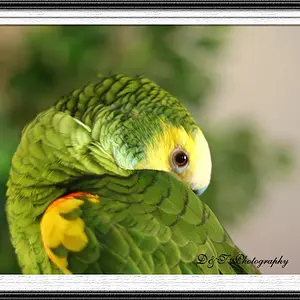
 But I have never got this close to one before ... C&C welcome ...


 i like it, makes me happy


![[No title]](/data/xfmg/thumbnail/37/37602-1ef8dbb1c2d0e4ff347ee65d328c3603.jpg?1734170730)


![[No title]](/data/xfmg/thumbnail/32/32935-452d7573a35ee2f5d0b9ad6463de680e.jpg?1734162731)