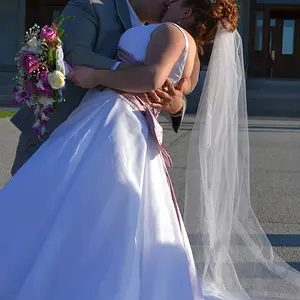
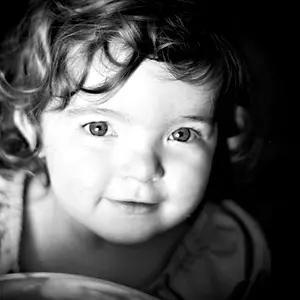
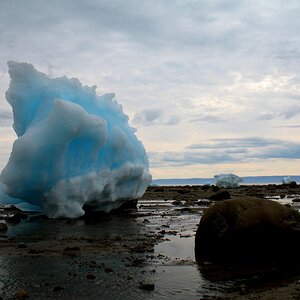
Histograms with a lot of darks are going to exhibit left loaded curves, and those with alot of light areas will load right. Clipping or complete loss of detail occurs when they extend past the left or right side. When they extend above the top it means detail has maxed out. Based on your comment about the image on import, my first guess would be underexposed shot, but not in a general sense. Dynamic range limitation of your camera is a fact of life. The only way to bring the exposure up in the shadow "in camera" is move light into them (reflectors or lights). Likewise the only way to stop the highlights from blowing is to decrease light (lower power, flags, etc). The act of balancing them is the difficult part sometimes, that's where a good light meter is essential. However be aware that histograms are guides to help you as the photographer record the scene according to your vision. Here's a good read on them.
Understanding Histograms in Photography - Photography Life
I'm not sure how you are setting white/black, raising exposure, adjusting color etc, but on the image you posted I didn't see a curves layer. The curves adjustment is IMO the fastest, most powerful and flexible adjustment in the toolbox. Here's a good read on it.
How to do Quick and Easy Curves Adjustments in Photoshop In particular pay attention to the part about setting white point and black points. Also remember you can uses the RGB CHANNELS in curves to adjust color. By using the target adjustment tool in curves you adjust specific parts of the image. Viewing the histogram while doing so helps to understand the extent and nature of your adjustment.



![[No title]](/data/xfmg/thumbnail/35/35878-753a9d58c095f0e1aaa96d03c025f6ce.jpg?1734167627)
![[No title]](/data/xfmg/thumbnail/35/35880-9a6926237907ab72b42781d9a09698a6.jpg?1734167640)
![[No title]](/data/xfmg/thumbnail/32/32937-a884897f1671b4bfa4a955c9e4b7e574.jpg?1734162741)
![[No title]](/data/xfmg/thumbnail/35/35876-de9861d35b5abad8ad1cf7c32772c9fb.jpg?1734167615)