What's new

Selling Prints

dumpweed

TPF Noob!
Joined
Sep 19, 2010
Messages
44
Reaction score
3
Location
Long Island
Can others edit my Photos
Photos OK to edit
Someone just contacted me about buying some prints. I've never sold prints before and I've only had prints made up once for a friend. What do I charge them? Is getting prints made up at costco good enough quality to sell or do I need to go to a more professional establishment. help please.

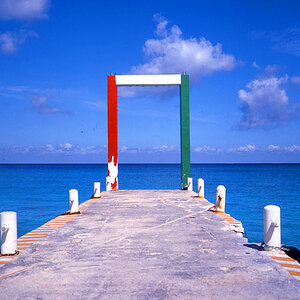
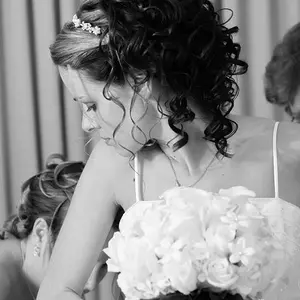
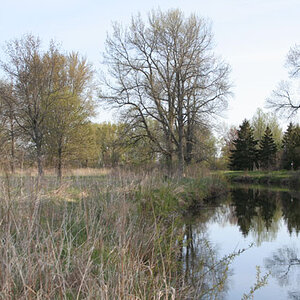
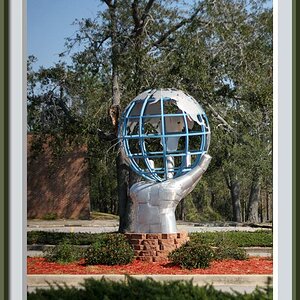
These are the pictures they want.

194000.jpg

186182.jpg

186181.jpg

186179.jpg

186180.jpg
 
Costco will work if you adjust the pics for their printer profiles available on their site. You can find better paper selections and quality online though ( bayphoto, mpix ). Also make sure your pics arent being printed larger than their resolution will allow without severe problems.
 
also try to size at 200-300dpi. use as little of compression as possible (preferrably a tiff file) and be sure to be in sRGB colorspace.
 
the black and white images are going to be tricky, Do you want inkjet prints or chemical prints. Inkjet prints should last longer if handled properly, they will also be more expensive.

I have heard lots of good things about Mpix
 
Charge them enough to cover your costs (costs of goods sold) plus enough to cover the overhead and enough for a profit.
As examples of things to think about;
How much time did you spend shooting these, working on these, getting them printed etc?
How much did your camera & gear cost?
How did you travel to that location and what costs were involved?
Did you use a computer and software to edit the photos?
Is your computer in a building (house)? Does it require heat, electricity, water etc?
How much time & money have you spent learning about photography?
How much income tax are you going to pay from this sale?

The lab you use to print the photos is up to you. Do you want to deliver the best product possible, or do you want to save a couple bucks and deliver something that may not be the best it can be?
Further to that, do you want to deliver a flimsy paper print, or would you rather sell something more substantial...like a mounted print, maybe framed, maybe printed on canvas etc?

Some people simplify it and just charge based on their cost. For example, take what it cost you and double that...or triple it, or quadruple it etc.
 
None of those images look to be a standard print size. You will likely need to get custom sized prints made.

When I need a custom sized print, I use my image editing software and center the image on a white background (or canvas) sized to a standard print paper size.

As an example, your top image is set at 10.7"x4.7" so I put the image on a canvas sized at 11"x 8.5", a standard print size. Like so:
Untitled-1.jpg

You may even be able to put multiple images on a single sheet of standard size print paper. I recently put 4 images on a single large sheet and my lab trimmed them all for me.

A rough rule of thumb is to charge 2.5x the amount of $$'s you have invested a print. That is not just what you paid for the print but your time, travel expenses if any, a portion of the depreciation of your camera gear, and any other costs.

The size prints are made also has a bearing on what you charge.

It is my understanding the quality of prints made at Costco varies by store.

A popular online consumer print lab is Mpix, www.mpix.com, and if you click on this link - Mpix.com - Help - to one of their support pages, you'll find a wealth of info about how to prepare images for printing including How To Order Custom Sized Prints.

 
Last edited:
also try to size at 200-300dpi. use as little of compression as possible (preferrably a tiff file) and be sure to be in sRGB colorspace.
Digital images are in ppi, not dpi. Dpi and ppi are not the same thing, and are not interchangeable.

Many print labs will not accept TIFF files because they are huge compared to JPEGs. The quality of prints made from JPEGs is virtually invisible to the human eye, compared to prints made from TIFFs.
 

Create an account or login to comment

You must be a member in order to leave a comment

Create account

Create an account on our community. It's easy!

Log in

Already have an account? Log in here.

Back
Top Bottom