What's new

Smooth Seas

Hello Jeff,
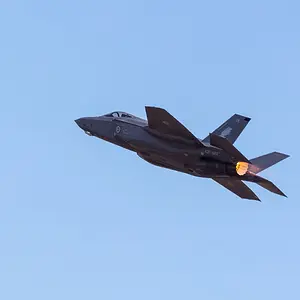
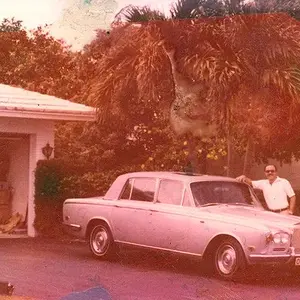
I use Affinity Photo with a little selected area, liquefy, and motion blur to achieve that effect. I am including an over done example of what I am talking about below. It certainly isn't something you would want to use all the time but in certain instances it can really add to a photo, for example blowing hair or side view automobile images.
Ron
Blur Example 1.webp Blur Example 2.webp
 
Last edited:
Hello Jeff,
I use Affinity Photo with a little selected area, liquefy, and motion blur to achieve that effect. I am including an over example of what I am talking about below. It certainly isn't something you would want to use all the time but in certain instances it can really add to a photo, for example blowing hair or side view automobile images.
Ron
View attachment 173544 View attachment 173545
Hi Ron,

Thanks very much for your explanation as to how this effect is achieved and also the photos. Always good to see the end result. I am not really familiar with Affinity Photo but I assume you can do a similar thing in Photoshop/Lightroom?

I really should spend a bit more time learning some more advanced image processing techniques but then I would be stuck in front of the monitor for to long lol.

Geoff

Sent from my SM-G965F using Tapatalk
 
Hello Geoff,

Sorry for changing your name (Jeff - Geoff) like all effects less is more. As far as Lightroom I don't know but Photoshop for sure does. The real power of these programs lies in their ability to apply masks to certain areas of the photo to add selective effect. A really good example of their use is on YouTube @ Again the final effect to the photo is a little over the top but is demonstrates some of the techniques used.
 

Create an account or login to comment

You must be a member in order to leave a comment

Create account

Create an account on our community. It's easy!

Log in

Already have an account? Log in here.

New Topics

Back
Top Bottom