Martusia
TPF Noob!
- Joined
- Feb 20, 2011
- Messages
- 49
- Reaction score
- 1
- Location
- USA
- Can others edit my Photos
- Photos OK to edit
Hello
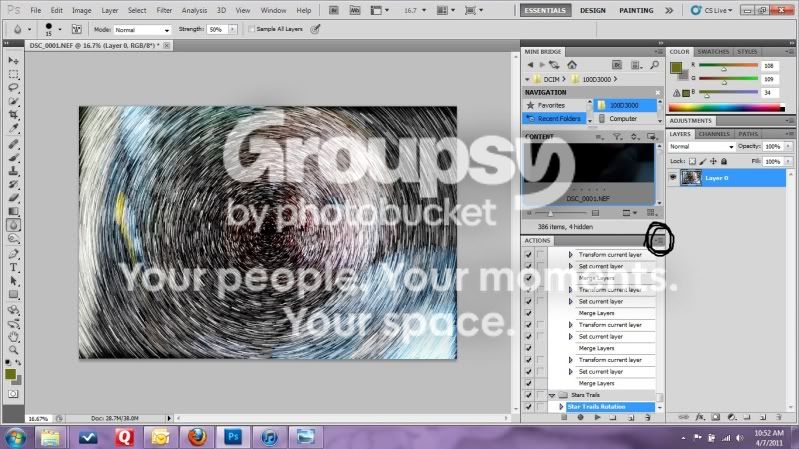
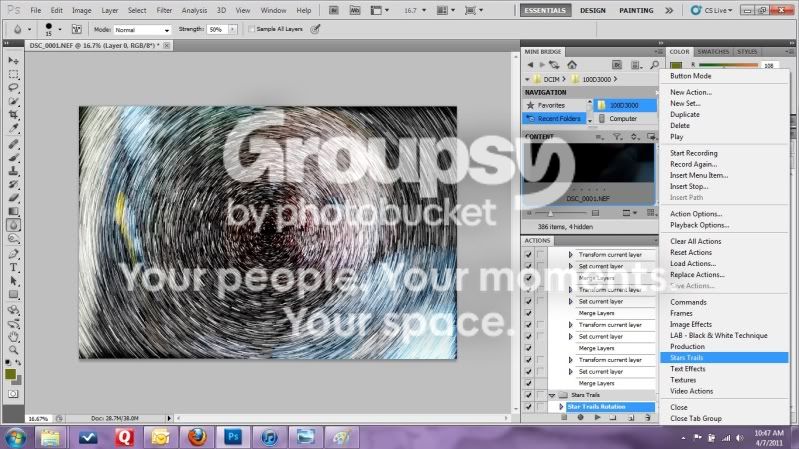
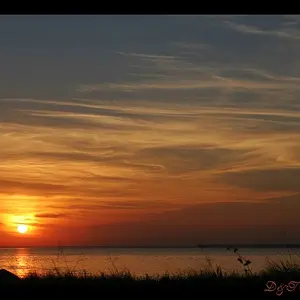
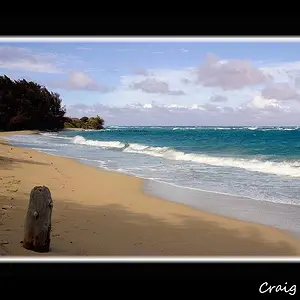
I got really awesome shot which I'd like to edit using star rotation action in cs5. I saw tutorial on you tube how you supposed to do it. The only issue is tutorial says that this effect goes w cs 5. I cannot find it in my action in my cs5. I'm using cs5 for Mac tutorial was for cs5 for pc . Where I can find this effect in my cs5 for Mac ??? Because it's not in my actions I'm sure . Thank you for any help
I'm really looking fwd to edit this picture but this action just stops me to do my vision lol
I got really awesome shot which I'd like to edit using star rotation action in cs5. I saw tutorial on you tube how you supposed to do it. The only issue is tutorial says that this effect goes w cs 5. I cannot find it in my action in my cs5. I'm using cs5 for Mac tutorial was for cs5 for pc . Where I can find this effect in my cs5 for Mac ??? Because it's not in my actions I'm sure . Thank you for any help
I'm really looking fwd to edit this picture but this action just stops me to do my vision lol




![[No title]](/data/xfmg/thumbnail/40/40288-4d5d7a8aa74ddfceb5fb82062d9b21be.jpg?1734174702)
![[No title]](/data/xfmg/thumbnail/40/40286-86401b94de8b01bea8bb4ea154aaea0a.jpg?1734174701)