What's new

Sunrise, please C&C

Well, to be very nitpicky

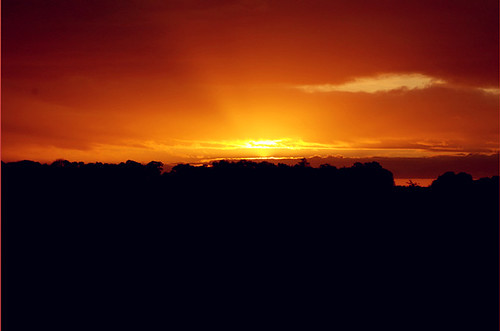
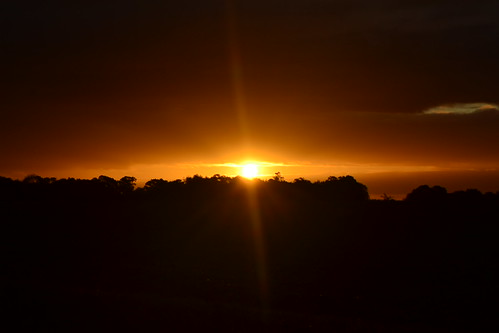
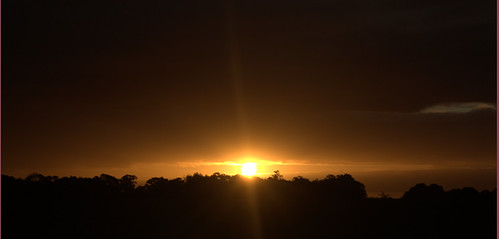
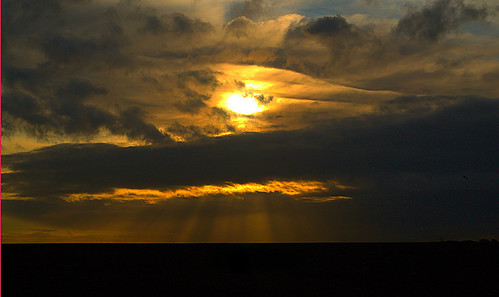
#1 The sky is absolutely awesome, however there is no detail in the foreground. #1 especially needs something there. Cropping the bottom to where it's not as dominate as the last one is might work, and the second one has the partial star effect happening so it's not quite as lacking though I see some 'dust' or something going on with #2.

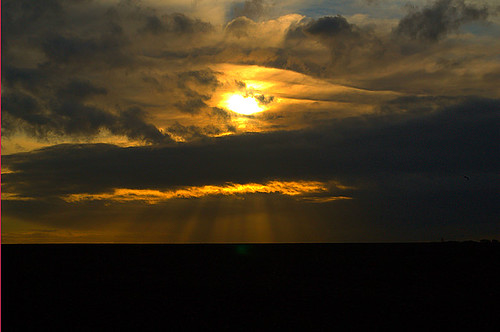
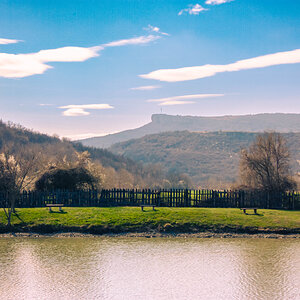
Overall I like #3 the best but the lens flare does kinda bug me
 
#1 and #2 I would start by cropping most of the bottom, it is just wasted space taking away from the sunrise and the clouds

#3 I think would also benefit from a crop as well
 
  • Thread Starter 🔹
  • Banned
  • #6
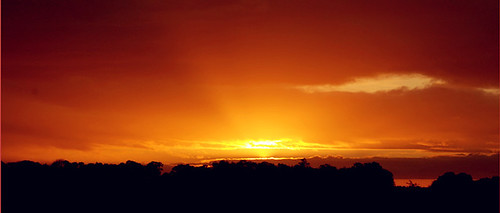
Okay, cropped. Now #1 and #2 looks tilted.

1)


2)
6220496037_89c8ba1b11.jpg


3)
 
No problem, just level them. #1 and #2 are very similar shots, I really like the colors in #1 not so much in #2. #3 looks like it needs to be leveled a tad too.
 
I would try to run them through single image HDR, did you take them in Raw format? I personally am not a big fan of sunset pictures because you can't really capture what it's like to be there unless you do some HDR work, IMO.
 
3 is your best because of the clouds. The otherones dont do much for me. Its hard to take a really compelling sunset/sunrise photo. It helps to have a secondary (or primary) subject other than the sun and a silhouette (unless the silhouette is a person). Think foreground, mid ground, back ground to pull the viewer in. Also to recover more detail try HDR
 
Those were taken in RAW + JPEG formats, so HDR may be the solution.

But how am I going to do HDR when the sun is rising rapidly? Wouldn't there be ghosting?
 
The lack of detail in the bottom really detracts from the picture. I would definitely HDR them with a lighter version to bring back some detail. What editing software do you have?
 
Those were taken in RAW + JPEG formats, so HDR may be the solution.

But how am I going to do HDR when the sun is rising rapidly? Wouldn't there be ghosting?

You can do a faux hdr... take your original image, do a save as, and then adjust brightness levels. It's not a TRUE hdr, but sometimes that's the only way. Also software like Photomatix has features that allow it to take ghosting out (when it can) automatically. I would recommend looking into it. If you do decide to buy photomatix, then let me know because I know a few coupon codes that can get you 10-20% off.. depending on which ones are still active.
 
Those were taken in RAW + JPEG formats, so HDR may be the solution.

But how am I going to do HDR when the sun is rising rapidly? Wouldn't there be ghosting?

IMO For an HDR done properly you need at least 3 images of various exposures which you do not have. Sun rising should be slow enough were you wouldnt notice any ghosting. I have done an hdr of waves crashing on the beach without noticing ghosting. I dont think hdr would make #1 or #2 a better photo. There isnt enough detail in them to justify hdr. I like #1 once it has been cropped.
 

Create an account or login to comment

You must be a member in order to leave a comment

Create account

Create an account on our community. It's easy!

Log in

Already have an account? Log in here.

Back
Top Bottom