What's new

the rest of the pictures of my sister

Abby Rose

TPF Noob!
Joined
Feb 17, 2010
Messages
642
Reaction score
2
Location
Michigan!
Can others edit my Photos
Photos OK to edit
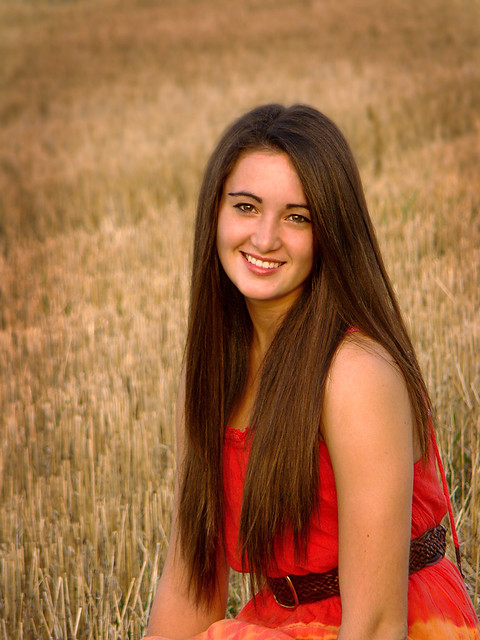
Here are the rest of the pictures of my sister. Not too many, but hopefully she'll like them. CC if you wish.

the one I already put on here, but it's part of the set


I think I went overboard with the smoothing the background on this one. I'm considering redoing it, because otherwise it's probably my favorite.


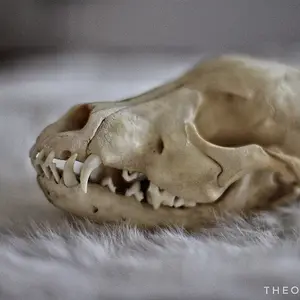
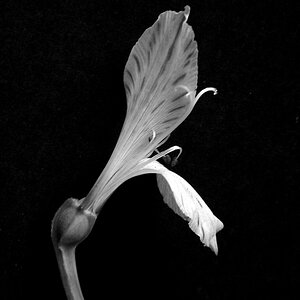
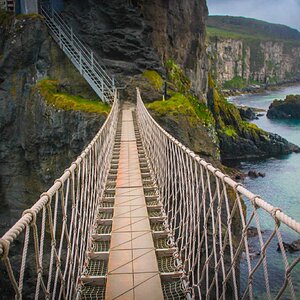
Then these last two are very similar. I think if I could combine them then I'd have a better picture. Oh well. I'll just see which one she likes better. :)


Not bad, these are nice. I agree about the oversmoothing on the second one though. Oh, also, I just noticed that on the very last picture, her neck looks yellowish for some reason...do you see it or am I off?
 
Nice shots. The fake bokeh......looks....well fake. The first one has too crisp of an edge where it looks like you cut out her picture and pasted it on the background. ;) Colors are nice on the last 3, but the white balance on the first is different and I think the warmer cast works better with the setting and everything.
 
Nice shots. The fake bokeh......looks....well fake. The first one has too crisp of an edge where it looks like you cut out her picture and pasted it on the background. ;) Colors are nice on the last 3, but the white balance on the first is different and I think the warmer cast works better with the setting and everything.

All of this.

If you're going to generate the bokeh yourself, you need to find a way to blend it into the background so it looks realistic. Think about depth in the picture and generate the blur based on distance (I.E. anything around the same plane as your subject would be in focus...and the further away from the subject the more out of the focus it would be).
 
Jacki said:
her neck looks yellowish for some reason...do you see it or am I off?

I do see it now, thanks for pointing it out. I wonder how that showed up?

And on the first photo, I am confused... The first time I put it on here I got comments saying the background was pretty decent, and now I put it on here again to show the whole batch together and I get comments saying it looks really fake. :scratch: Which is it? (I'm not offended, I promise! I just want to know - maybe it can be fixed)
 
I just wanted to say, I don't think I would have guessed these were taken with a point and shoot if you hadn't put it in your signature. =)
 
Ok considering the camera you used. I find there is too much of a yellow cast for me and the composition/cropping is not to my liking in no 3 & 4. No 2 is not showing at present. But a good effort.
 
I didn't see it the first time you posted , but I am telling you, its obvious in that shot more so than the others ( no offense ). To me it stands out most around her head. It looks sort of like a halo-ish effect going on. I also failed to mention that for a point and shoot camera these are definately good. There are people on here taking worse shots with cameras probably atleast 5 times as expensive.
 
Last edited:
I think these are a bit oversaturated as a whole.
 

Create an account or login to comment

You must be a member in order to leave a comment

Create account

Create an account on our community. It's easy!

Log in

Already have an account? Log in here.

New Topics

Back
Top Bottom