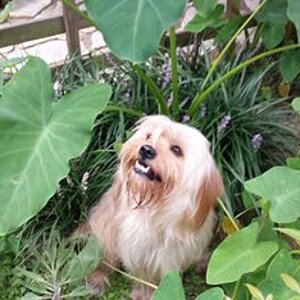
Like Mike said there are many ways to do it. You can also use Camera Raw which has it built in. This is the method I use and it was taught to me by the nice people in this forum just as I am telling you. "First, select all (ctrl+a). Then Select menu, modify, border, 200 pixels. (These settings are for a full res photo from 6-8mp). Select, modify, border, 200 pixels again. Then select, feather, 250 pixels. Now your selection should just be 4 small semi circles in each corner. Next create a levels adjustment layer. Grab the very bottom right triangle, which is white. This allows you to change where the maximum white point is on the histogram. Drag this triangle to the left, and you'll see the effect." I think it looks best to drag the white triangle all the way to the left, that is what I usually do. That is the method that was taught to me and that is the method I prefer, but again in photoshop there are so many ways to achieve the same goal. I hope this helps.



![[No title]](/data/xfmg/thumbnail/39/39440-bc17565eb7adee7f9859c53933e8543c.jpg?1734173530)