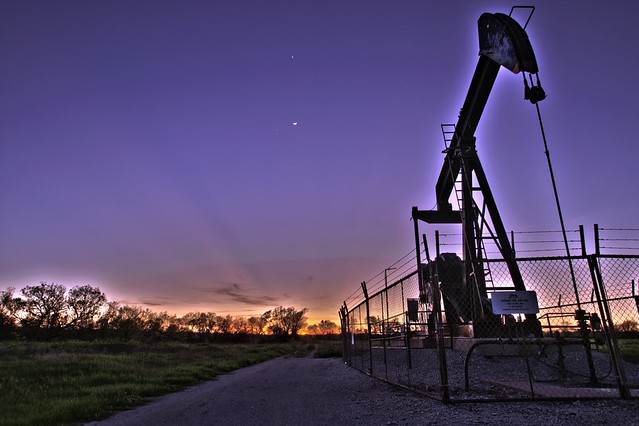
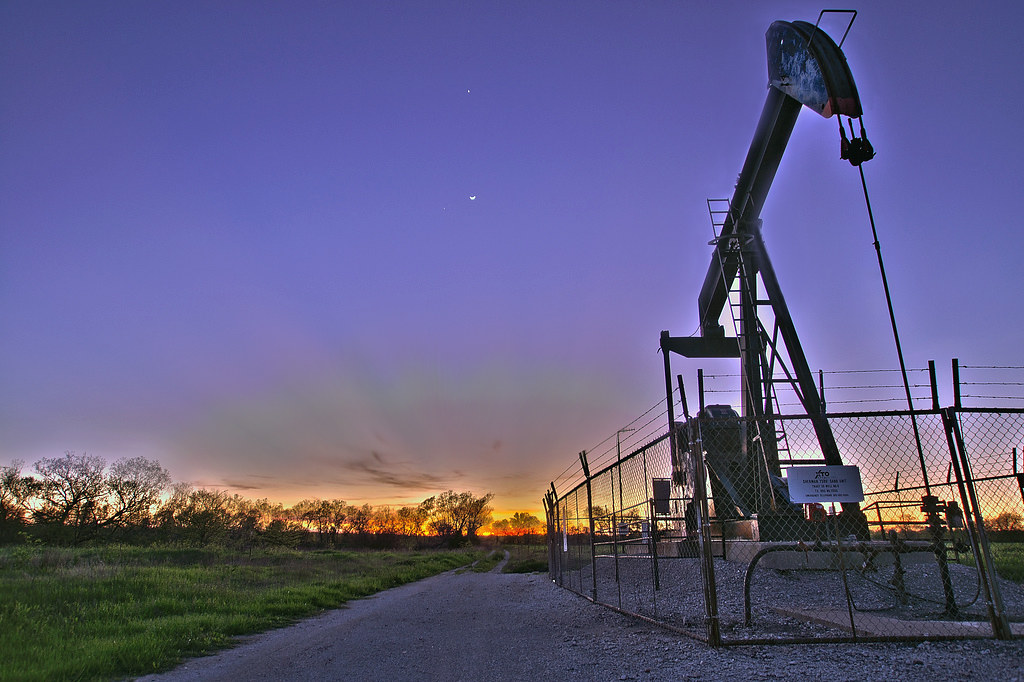
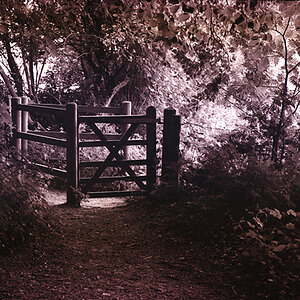
WAY to much edge glow.. holy... it looks like everything has neon on it!
comp isn't bad.... slightly underexposed. and its pretty unbalanced; big pump on the right and nothing on the left.. draws the eye to the right and then there isn't anything to draw it back........ except maybe the glowing tree
Good effort, just work on your PP a little bit and look for scenes that have a bit MORE range to begin with! This scene looks pretty flat, which doesn't usually equal very good HDR photos.
If I'm honest, other than the edge glow, this doesn't even look very HDR to me!
Definitely. And when you try it again just try different lighting or just longer exposures.
Subject matter is a big part of hdr as well. Maybe get a closer view of the pump; as rusty metal tends to look really nice. Wood also looks nice. It takes a lot of practice to get good landscapes in general and even more to get good HDR landscapes. So maybe just try some individual things (like the pump) instead of such an open area!
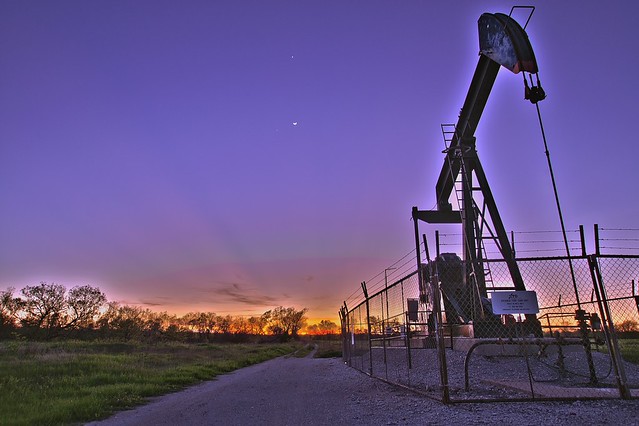
Doesn't look a whole lot different? Its lighter, which is nice. Honestly though, you'll probably need a new photo to really implement a lot of improvement.
I Worked on it a little bit... only a quick job though. But you see the way the glow isn't as extreme? Without the original photos its not as easy to get rid of the glow. Just make the "Glow radius" setting lower in photoshop, so it doesn't extend out so far.
I also adjusted the lighting and color a little bit...










![[No title]](/data/xfmg/thumbnail/37/37609-a1984365804384f841d8245ae7e3b9a7.jpg?1734170735)

![[No title]](/data/xfmg/thumbnail/37/37612-989c0c475619355f32a5941a187cfa74.jpg?1734170738)