What's new

1st photo session for a newbie! cc please..

shay

TPF Noob!
Joined
Jun 27, 2010
Messages
11
Reaction score
0
Location
Mason Texas
Can others edit my Photos
Photos OK to edit
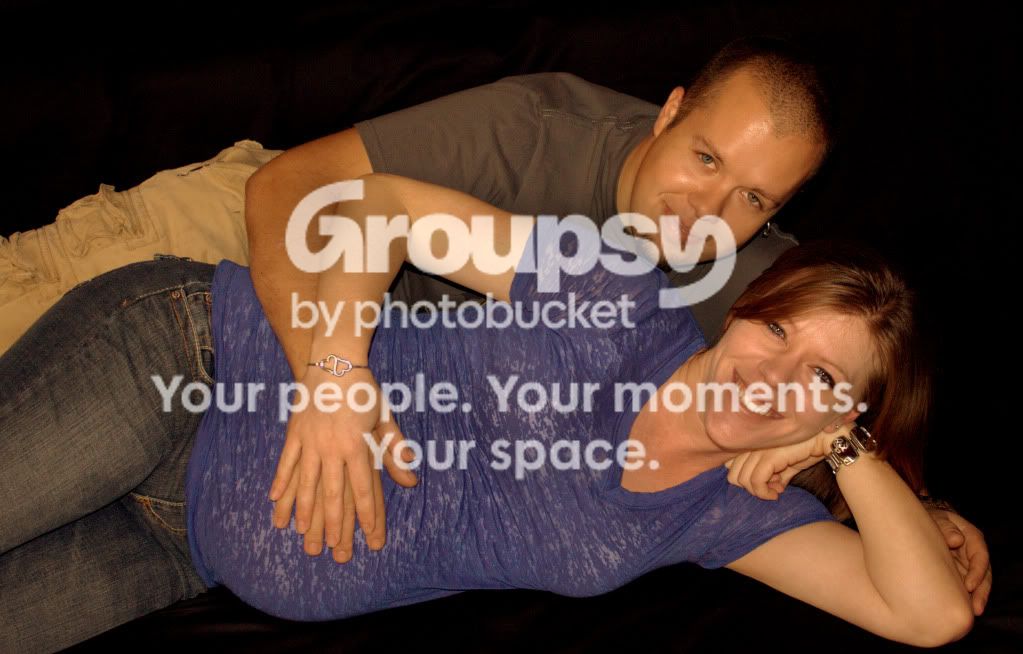
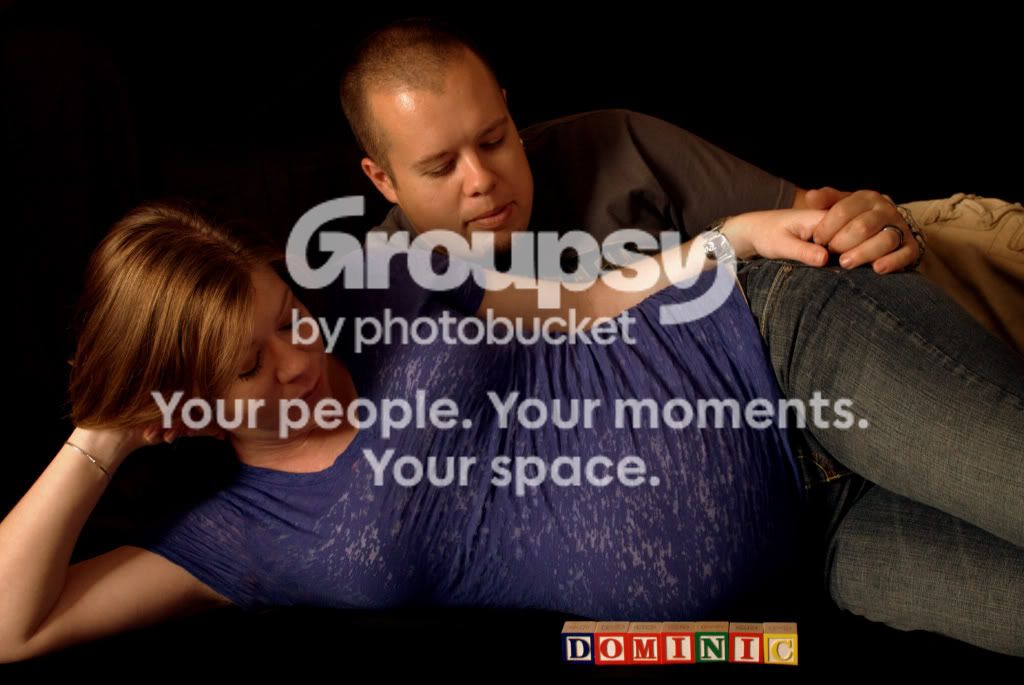
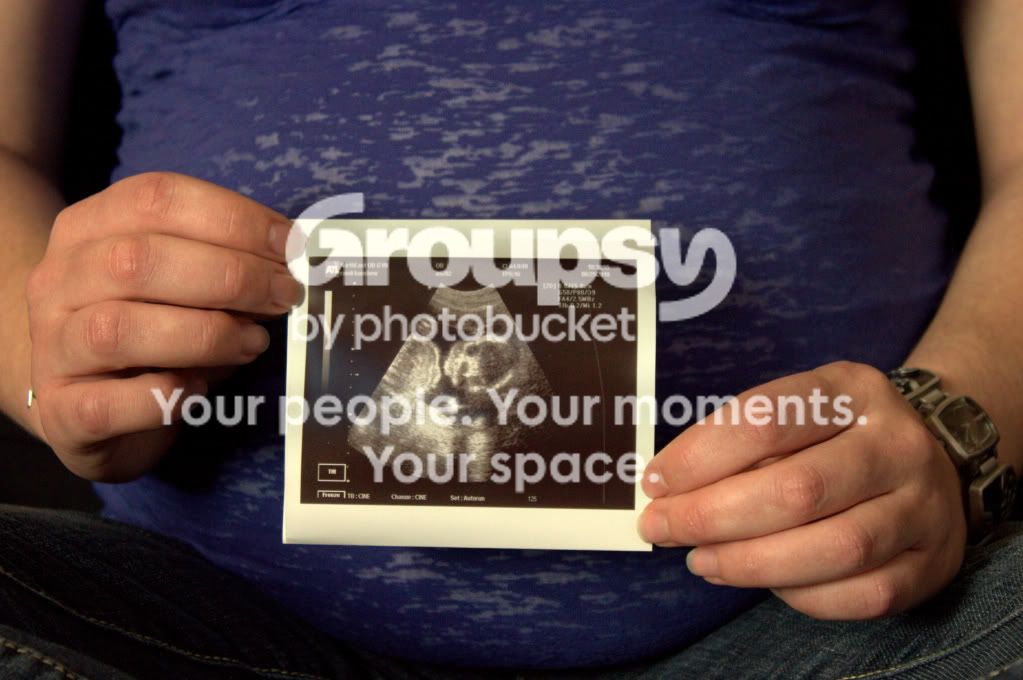
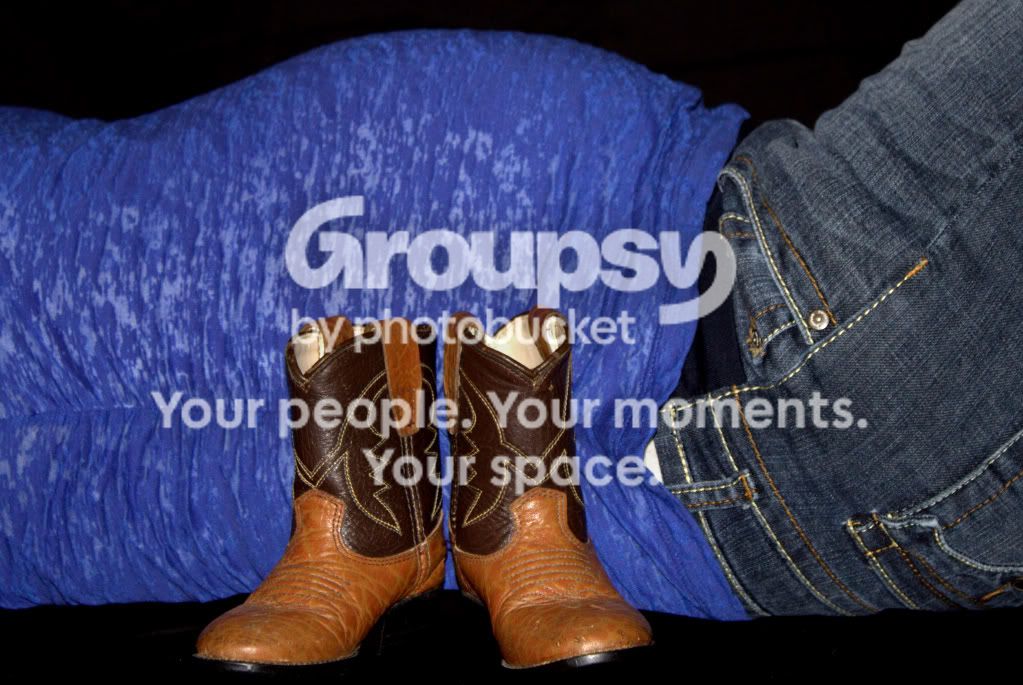
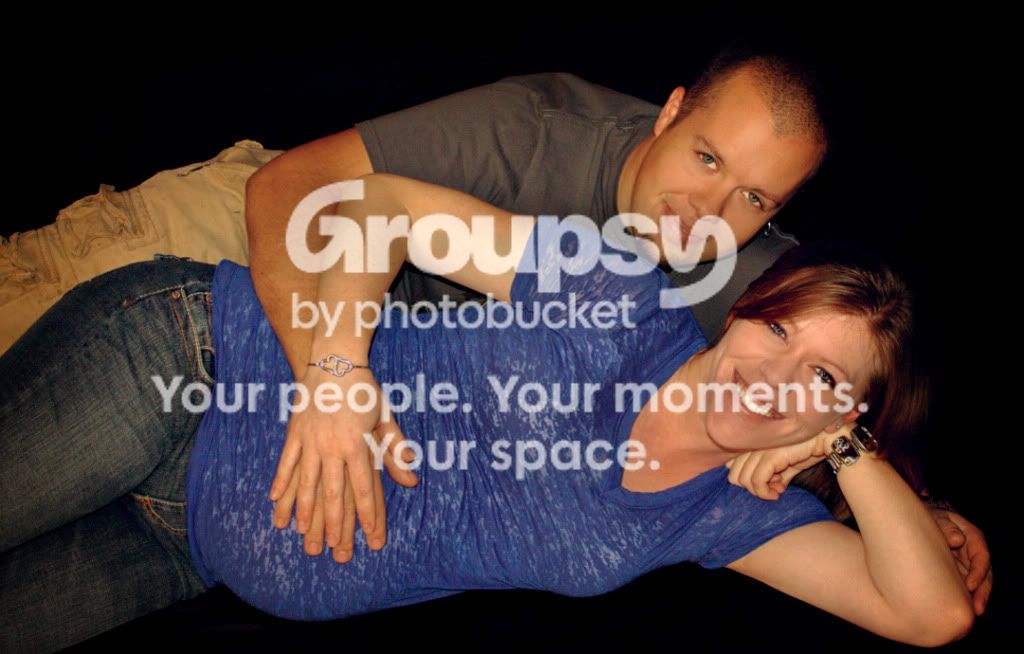
Hey guys! I recently did a maternity shoot for my boyfriends sister. She is very happy with the pics but I am looking for some good advice on what to do differently or better here! I look at these and see all the things I should have done differently, but we all have to start somewhere right? I am very new to photography so any and all help is welcomed! I do not have a good photoshop program yet and had a very hard time with some of the edits. I also had limited area/backgrounds to work with as she did not want to leave her home! Thank you in advance :D

1.
IMG_0567CR2.jpg


2.
IMG_0589CR2-1.jpg


3.
IMG_0597CR2.jpg


4.
IMG_0616CR2.jpg


5.
IMG_0639CR2.jpg


6.
IMG_0768CR2.jpg
 
I know you said you had limited backgrounds, but did you have to pick black? It really does a pic no justice, as is the case here. I think your pics would have been better if you had colored backgrounds. Not too bad though, keep trying of course!
 
You're almost there. I think there is just a little lighting issue, but nothing you can't fix.

I'd try the shoot again (if you can) and take them into a park, or on a beach, or in a location with lots of light. Try the morning sun for the best light.

Also try different camera angles, such as stand above her, look down and shoot. Have her tummy in the shot but out of focus, and still have her smiling face looking up at you.

Mainly think about about your light.
 
The skin tones aren't quite right in the first two images.
 
I agree with Duke--the black background wasn't really the best choice, but you have to make due with what you have! I have a feeling the background would make less of a difference if there was better lighting in these shots. What was your setup?
 
The white balance, focus on some, colors, crops etc are not working, sorry.Its a very dark sitting for what should be a bright jubilant time for this couple.
I would ask them for another go at it, this time, have fun, get some light on the people, get them in bright clothing ie: solid color complementary shirts.
Lost the black BG.

You did get some great smiles..get them again!:D
 
Sorry it took me so long to reply...Thanks for the great tips! I cant redo this shoot because she had her baby early! But I am going to go do newborn pics for her this weekend, and I will definitely work on the lighting issue. It will be a little difficult though because we are doing all shots inside...they have a large window that I plan to place the baby in front of, but I don't have any kind of lighting setup quite yet. As I said I am just starting :) Do you have any suggestions for making the lighting better inside with no equipment??

I am shooting with a Canon Rebel T1i, with kit lenses: 18-55mm, and 55-250mm 1:4-5.6.
 
Last edited:
Just a personal point of view but i hate these pics apart from the Black and White at the bottom. They're too dark and just far to cheesey and cliche imho. The Mono one is nice. Nice smile nice background and the bump is prominant. Just my opinion.
 
they have a large window that I plan to place the baby in front of, but I don't have any kind of lighting setup quite yet. As I said I am just starting :) Do you have any suggestions for making the lighting better inside with no equipment??
I am shooting with a Canon Rebel T1i, with kit lenses: 18-55mm, and 55-250mm 1:4-5.6.

Be careful if you're only using the window. Keep a constant check on where your own shadow is. Using a window as your light source is always a bugger, it never looks as light and professional as you want it to due to a pane of glass being in the way - make sure there are no marks on the window or curtains in the way as this will all cause odd little shadow marks.

Try using a lamp as a main light and the window as your fill, change the colour temp on your camera to 3200k or so to compensate for the tungsten light coming from the lamp or use a blue filter if you can get one.
 
I think you're off to a good start. It looks like you need to do more post work on your white balance. The expressions and "feeling" in number one are really nice and there are no really bad limb or head chops. I took it into photoshop and played with the levels and got rid of some of the face shine, brightened the teeth a tad and toned down the jewelry as well as softened the skin a bit. I also added a very slight vignette to help with the oh-so-dark background. Here's what I came up with. Let me know if you'd like me to take it down.
maternity.jpg
 

Create an account or login to comment

You must be a member in order to leave a comment

Create account

Create an account on our community. It's easy!

Log in

Already have an account? Log in here.

Back
Top Bottom