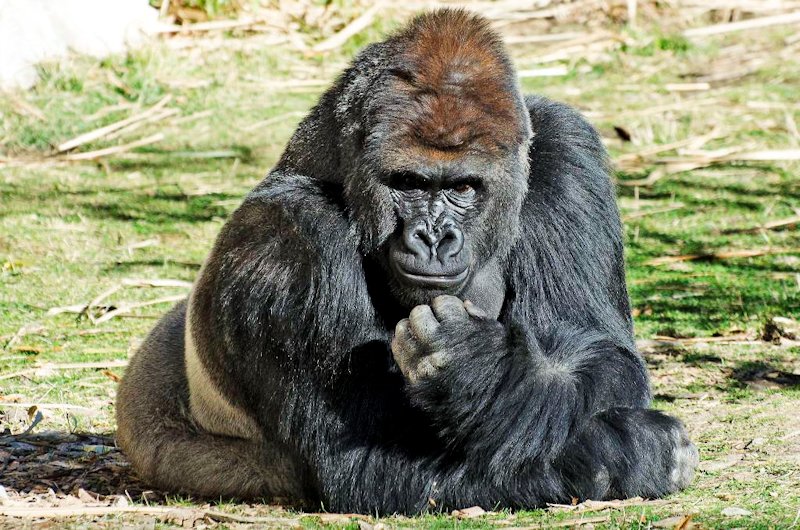
I love taking pictures of gorillas. I hate post processing them. I might not be using the right technique, but if I start lowering the levels on shots like the first one I end up losing all the details in the face long before the fur/background gets dark enough. I've also tried brightness contrast levels with little success there, pretty much same effect. So if anyone has any thoughts, tips or tricks there I'd be eternally grateful.
1 & 2 look over exposed too me . The white spot in #1 top left pulls my eye . #3 is a nice photo but a bit busy .4 and 5 I personally would have deleted ,because there is no eye contact and heading away but that is just me ..I guess ?
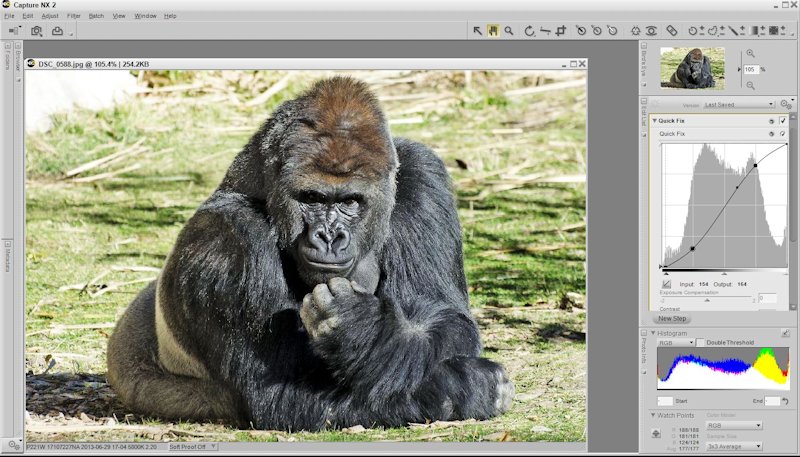
Brightness and contrast normally affect things evenly across the dynamic range whereas in situations like this you only need to change parts of the image. Changing the contrast will either spread or narrow the histogram when what you really want to do is change the mid-tones and leave the ends alone. The easiest way to do that is with a curve adjustment.
Here is a very quick edit. It basically left the white and black points alone and darkened the mid-tones. Admittedly I did close up the shadows a bit under his left arm, but it was a quick edit. You can see the curve I used on the right side of the editor view.
I love taking pictures of gorillas. I hate post processing them. I might not be using the right technique, but if I start lowering the levels on shots like the first one I end up losing all the details in the face long before the fur/background gets dark enough. I've also tried brightness contrast levels with little success there, pretty much same effect. So if anyone has any thoughts, tips or tricks there I'd be eternally grateful.
There's no trick, just learn how to select various areas and edit them.
I don't know what software you are using but anything from PS Elements on up will allow this.
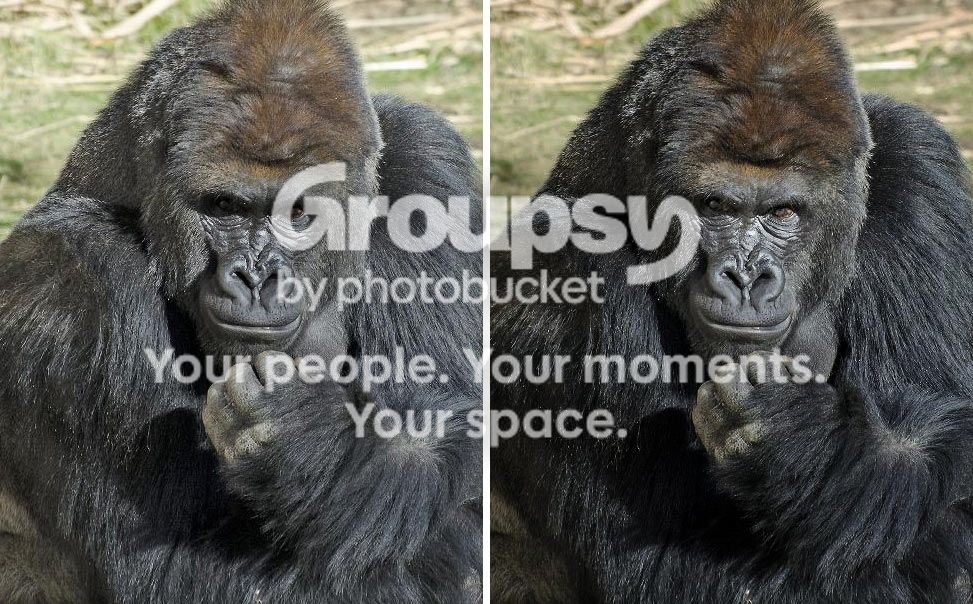
The dynamic range is so great and the sun high so the eyes are dark, thus losing most of the impact.
Sure, the gorilla looks better but look at the composition. He sits in the middle, lot's of empty bright space around him.
Make this a composed picture and not a better exposed snapshot.