What's new

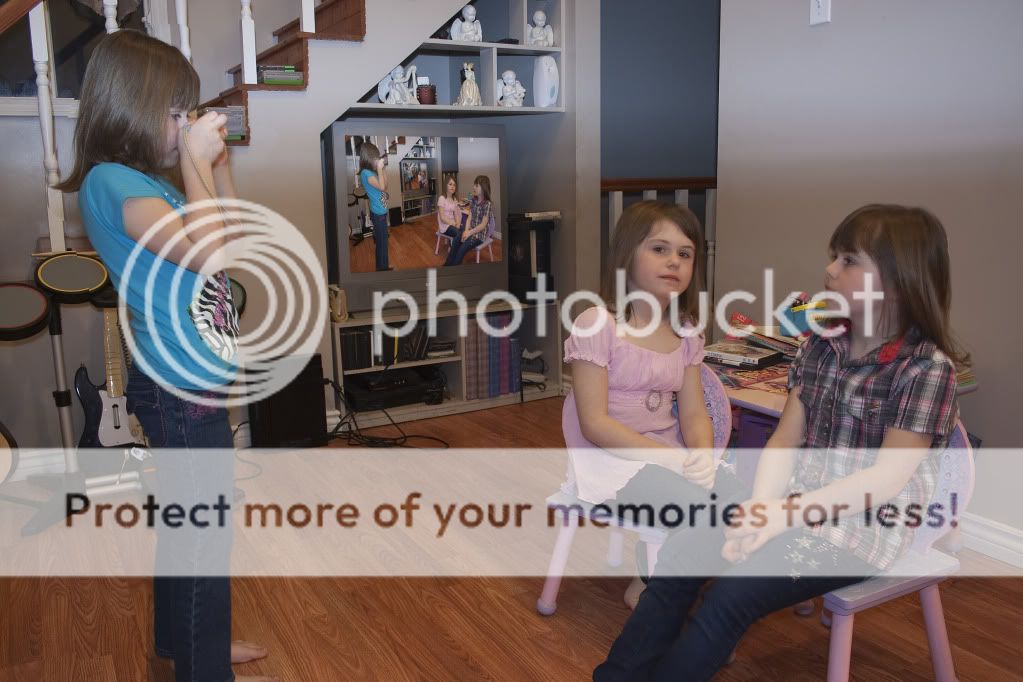
A photo inside a photo...?

I didnt read the whole thing but if i were to do it, just open it on photoshop, copy merge, paste, shrink to frame, copy merge, paste, shrink... After 2 or 3 times the smaller photos will be small enough.
 
Oh, I thought you meant something like THIS.


haha....i've done that!!

5385907609_bbf0baa663.jpg
[/url]
_-10 by rockstarrphotography, on Flickr[/IMG]


How do you achieve such an effect? That's kick butt awesome!
 
Oh, I thought you meant something like THIS.


haha....i've done that!!

5385907609_bbf0baa663.jpg
[/url]
_-10 by rockstarrphotography, on Flickr[/IMG]


How do you achieve such an effect? That's kick butt awesome!

I learned in from matt kloskowski. basically you make a selection of the image you want to pop from the photo, put it on a layer, then make a selection with the rectangular marquee tool, free transform it so its angled and pop that onto a new layer when finished you can delete the background. A google search should net you a few tutorials
 
Last edited:
Still not having very much luck with the tutorials.. The Droste effect is not exactly what i was looking for. It is infinite.. and swirls in. Shwetty, i tried a quick ( sloppy) edit... using your advice. I kind of struggled with the copy merge and lining all that up. I dont know why.

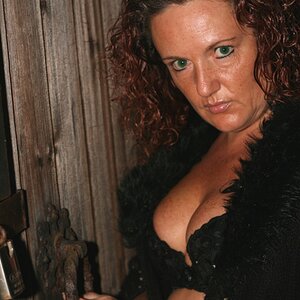
Heres what i tried just playing around. Not quite what i was going for.

5419111207_81af2a21cf_z.jpg


Like i said. Sloppy... But i was just trying to get the picture *IN* there correctly. And I Failed horribly. The frame is screwed up ( obviously)... I need to find a better stock frame image. Doesnt help that I dont know a ton about PS. Its going to be a bumpy ride.

5417530235_fdfa205d71_t.jpg
 
Oh, I thought you meant something like THIS.


haha....i've done that!!

5385907609_bbf0baa663.jpg
[/url]
_-10 by rockstarrphotography, on Flickr[/IMG]

haha....i've done that!!

5385907609_bbf0baa663.jpg
[/url]
_-10 by rockstarrphotography, on Flickr[/IMG]


How do you achieve such an effect? That's kick butt awesome!

I learned in from matt kloskowski. basically you make a selection of the image you want to pop from the photo, put it on a layer, then make a selection with the rectangular marquee tool, free transform it so its angled and pop that onto a new layer when finished you can delete the background. A google search should net you a few tutorials

I have PS Elements, but not PS. I need to get my hands on a copy of PS. Where's your friends from back home when you need a copy of something you know that they own cause you're too dog on poor to purchase it yourself, lol!
 
.....I need to get my hands on a copy of PS. Where's your friends from back home when you need a copy of something you know that they own cause you're too dog on poor to purchase it yourself, lol!
People generally refrain from doing that, because it's stealing.

Photographers become concerned about people making copies of their photos without permission (copyright infringement), which is the same thing.
 
.....I need to get my hands on a copy of PS. Where's your friends from back home when you need a copy of something you know that they own cause you're too dog on poor to purchase it yourself, lol!
People generally refrain from doing that, because it's stealing.

Photographers become concerned about people making copies of their photos without permission (copyright infringement), which is the same thing.

Yea, I know. Didn't say I was going to do it.. just said where are they :).
 
Still not having very much luck with the tutorials.. The Droste effect is not exactly what i was looking for. It is infinite.. and swirls in. Shwetty, i tried a quick ( sloppy) edit... using your advice. I kind of struggled with the copy merge and lining all that up. I dont know why.

Heres what i tried just playing around. Not quite what i was going for.

5419111207_81af2a21cf_z.jpg


Like i said. Sloppy... But i was just trying to get the picture *IN* there correctly. And I Failed horribly. The frame is screwed up ( obviously)... I need to find a better stock frame image. Doesnt help that I dont know a ton about PS. Its going to be a bumpy ride.
5417530235_fdfa205d71_t.jpg

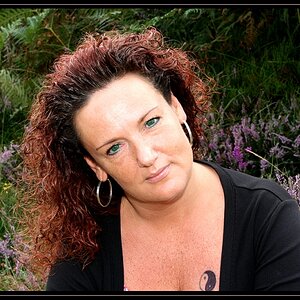
She does not look happy at all! I like this idea though, it's cute.
 
Me takikng a picture of my granddaughter taking a picture of herself and also my picture that i took is on tv...
RebeccasInTv.jpg
 
This is a pretty neat technique. Definatly going to try this sometime this week!!
 

Create an account or login to comment

You must be a member in order to leave a comment

Create account

Create an account on our community. It's easy!

Log in

Already have an account? Log in here.

Back
Top Bottom