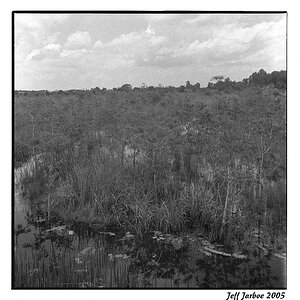
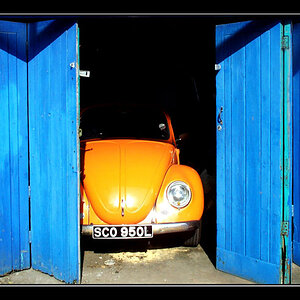
Your camera settings are auto WB, Auto exposure (with the camera settinging being: Iso 100, 1/200 sec, f/10, flash fired). You're using the 50mm f/1.8. What probably happened is that since the camera was in auto mode, the camera decided that it was too dark for a strictly ambient light shot and popped up the flash. The scene looks like it was taken in middle-to-heavy overcast, which would require an exposure of f/8, 1/60sec at ISO 100, without flash. With flash, the camera probably defaulted to the maximum sync setting of 1/200, but I am not sure why it chose f/10 (f/3.5 would have been my guess for an appropriate f/stop).
Maybe you intended to take a ambient light shot (which some call "natural light"), but your camera settings appear to have conspired against you. You may want to go through your menus and make a few adjustments - take the flash off Auto-flash, change the flash sync speed to 1/60-1/200 instead of limited to 1/200 sec. only, change the WB to manual, change the shooting mode to something like Av where you choose the aperture (for depth of field) and the camera chooses the shutter speed. Keep your ISO at 100, unless the shutter speed drops below 1/60 sec with the 50mm lens, in which case you adjust the ISo up to get to a minimum shutter speed of 1/60 sec. Set your WP to whatever the ambient light source is (I prefer cloudy for 90% of my outdoor shots - that warms them up a bit). Shoot in RAW, and convert your images to JPG on the computer using DPP or Camera-RAW if you have lightroom - that way if you made exposure errors, you have some leeway in correcting them during post-processing.